Want to import TSV to Excel?
Try Withdata Data File Converter, a desktop TSV to Excel converter for Windows, MacOS, and Linux, Import TSV into Excel, Easy and Fast.
- Can run in GUI mode, Step by Step, just a few mouse clicks.
- Can run in Command line, for Scheduled Tasks and Streams.
- Convert files locally and privately, avoid uploading large TSV file(s) to online services.

Import TSV into Excel without MS Excel installed
Choose TSV file -> Set Excel file -> Excel import TSV
Click “Start a New Convert” at task dialog.

Select From “File” “TSV” To “File” “Excel”.
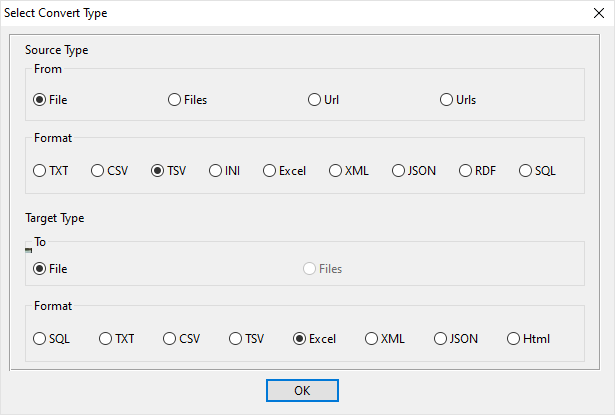
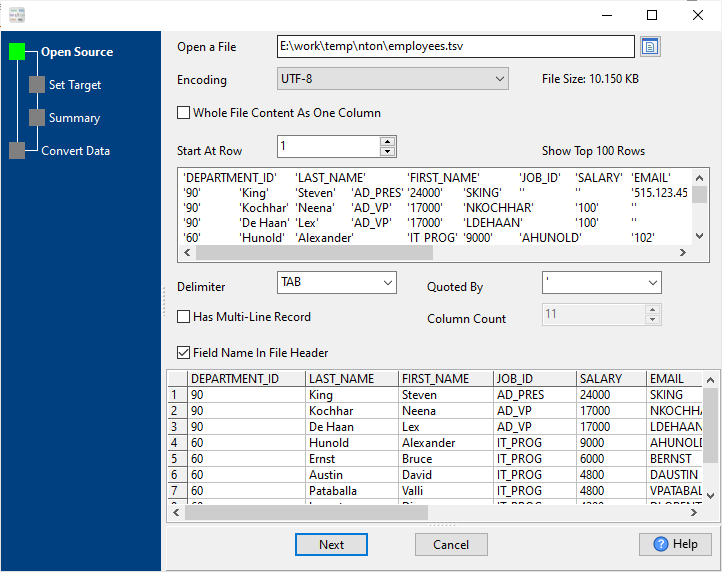
1. Open source TSV file.
Support large TSV file (big than 4GB).
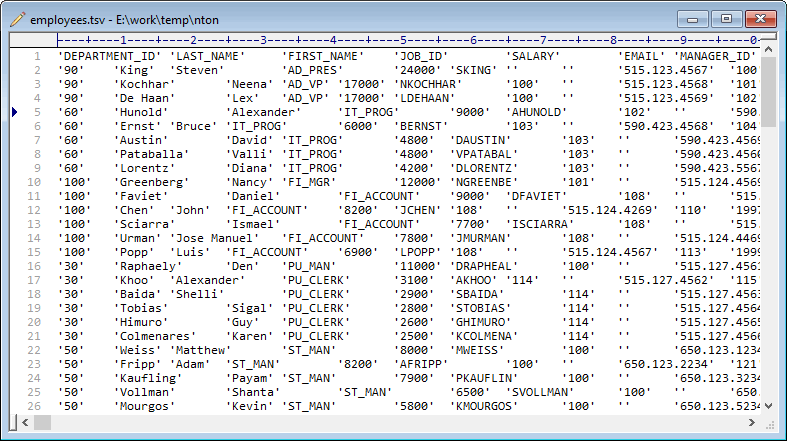
Source TSV file’s content is like this:
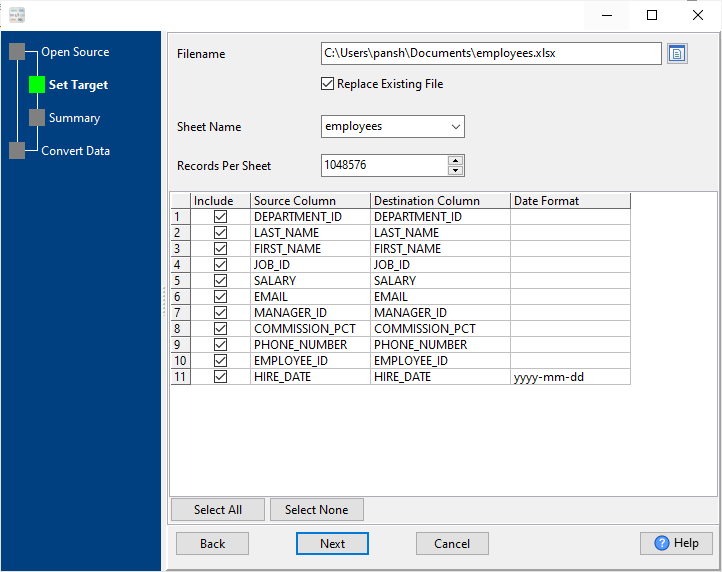
2. Config target Excel file.
3. Set rows options.
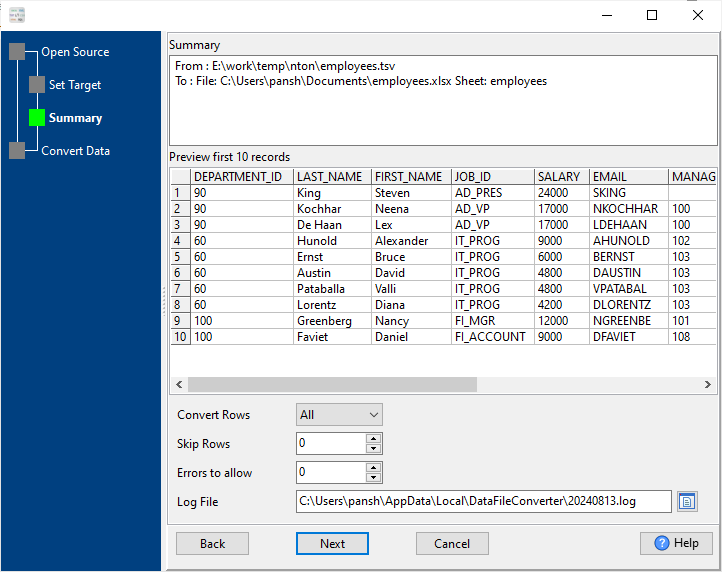
4. Import TSV into Excel.
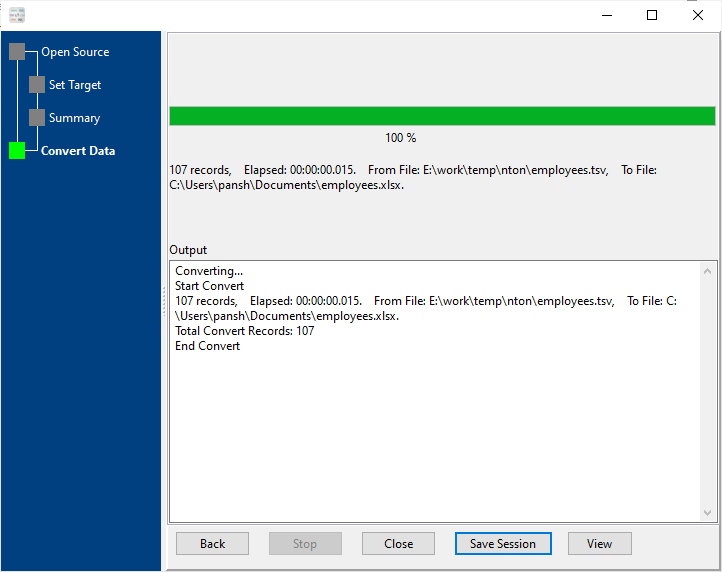
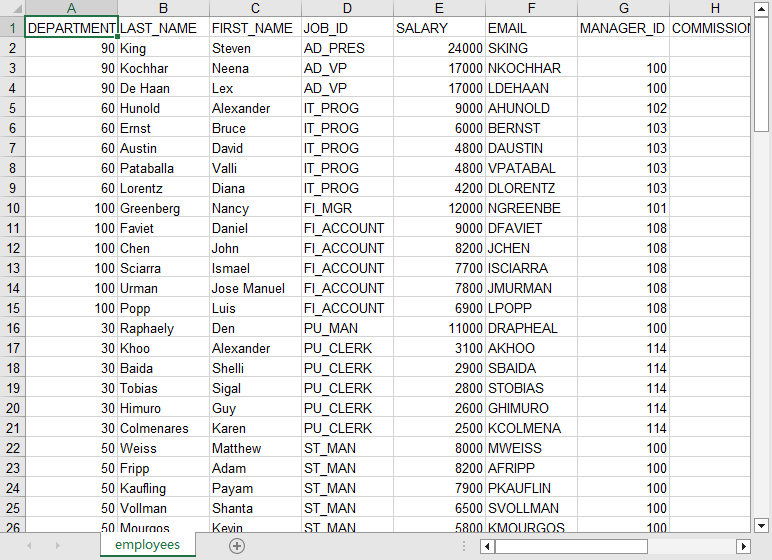
After converting, you can view the output Excel file.
Import TSV to Excel in command line
Save “Excel import TSV” session, then you can:
- Excel import TSV in Windows command line.
- Excel import TSV in Linux command line.
- Excel import TSV in macOS command line.
Save session, and then create .bat file for Windows command line, or .sh file for Linux / macOS.
Set scheduled tasks for importing TSV to Excel
You can schedule and automate this “TSV to Excel” conversion task by:
- Save session and create .bat (Windows) or .sh (Linux/macOS) file for “TSV to Excel” conversion.
- Set scheduled task for “TSV to Excel” conversion.
FAQ for Importing TSV to Excel
How long does it take to import TSV to Excel?
Is it safe to import TSV to Excel using DataFileConverter?
Can I import TSV to Excel on Linux, Mac OS?
Can I import TSV to Excel in command line?
More about Withdata DataFileConverter – TSV to Excel converter
Download Withdata DataFileConverter

