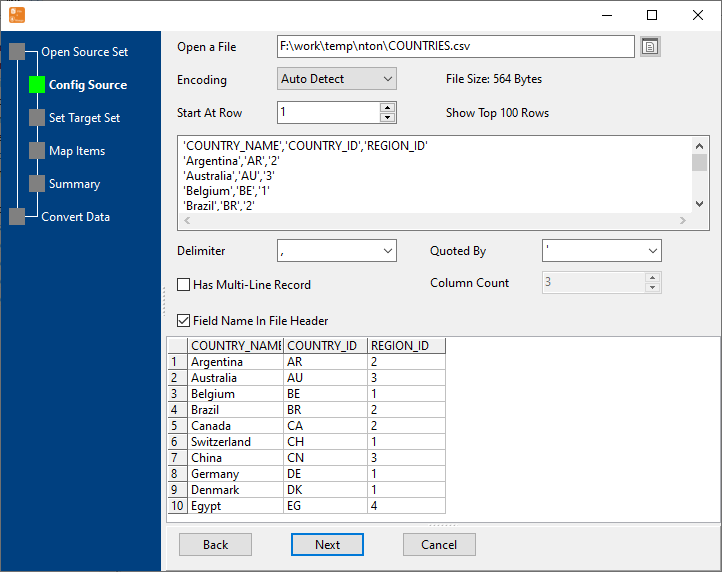
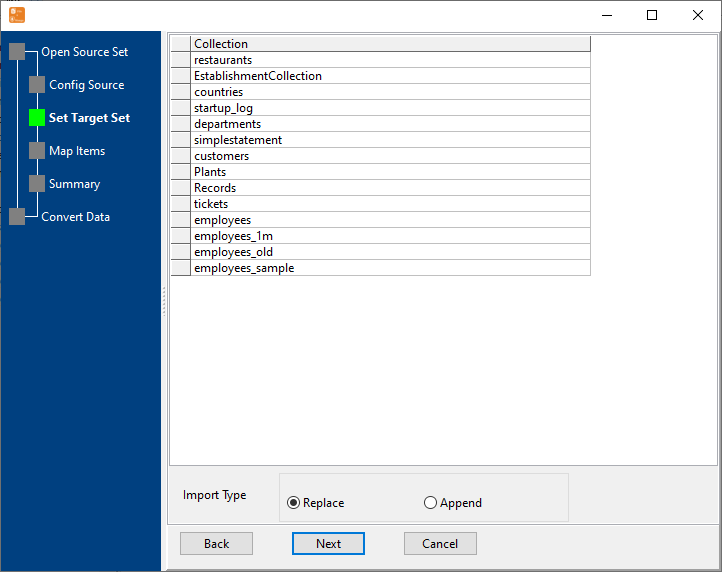
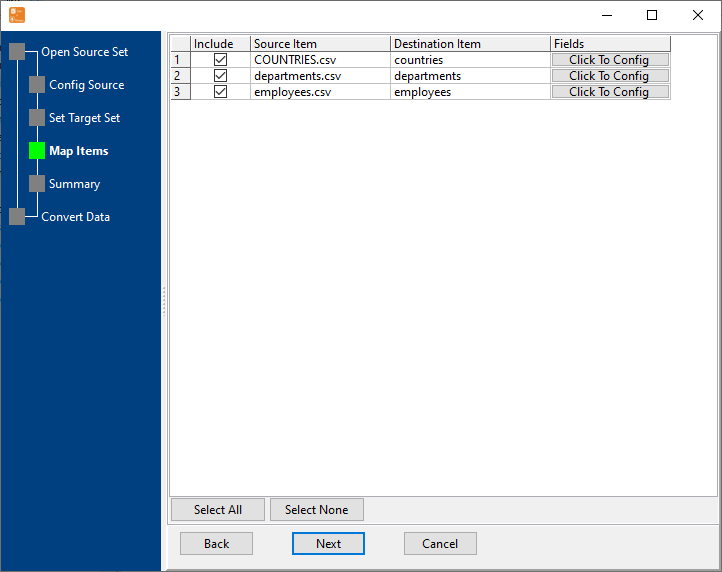
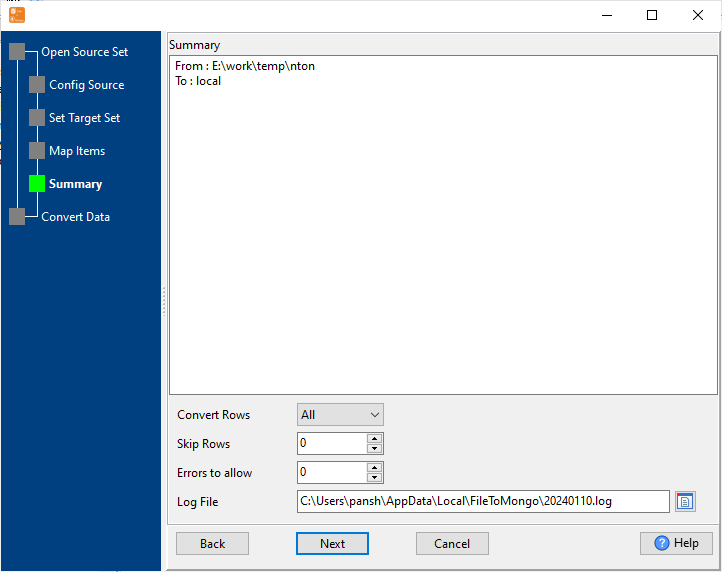
4 Simple Steps to Import CSV to MongoDB Database
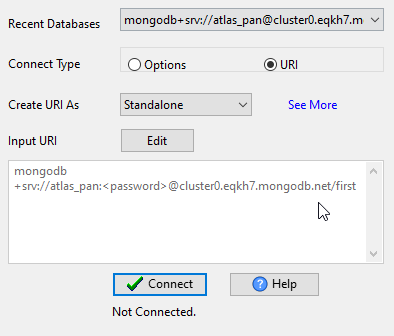
Connect MongoDB
Configure MongoDB connection (URI/host:port, authentication) — for MongoDB Atlas or self-hosted MongoDB.
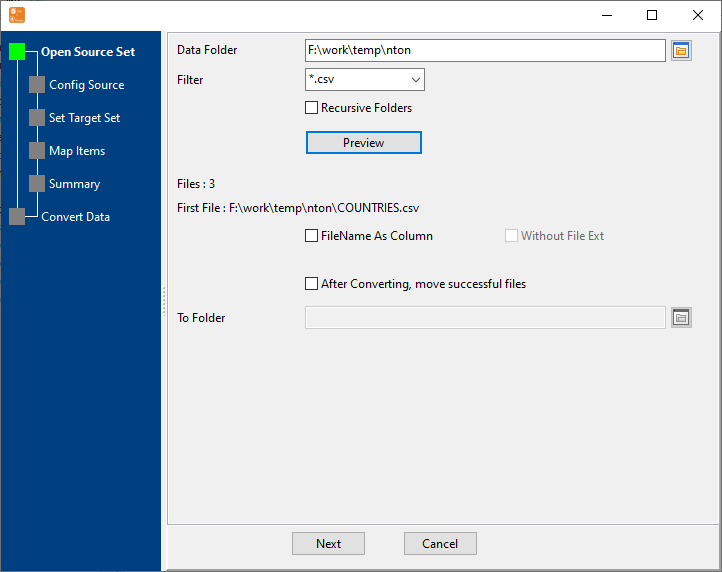
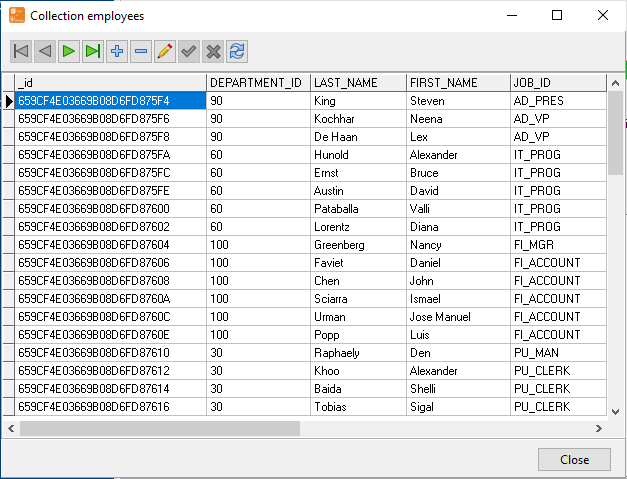
Map CSV Headers to MongoDB Collection
Auto-detect CSV headers and match with MongoDB collection fields — preview data before import, rename columns or skip unwanted fields easily..
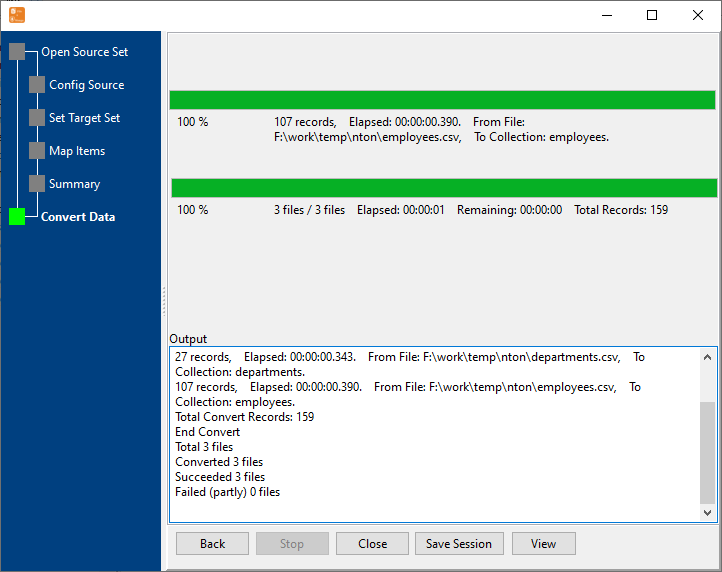
Start CSV Import & View Real-Time Progress
Real-time display of import speed, success/failure count, and remaining time.
Key Features of CSV to MongoDB Importer
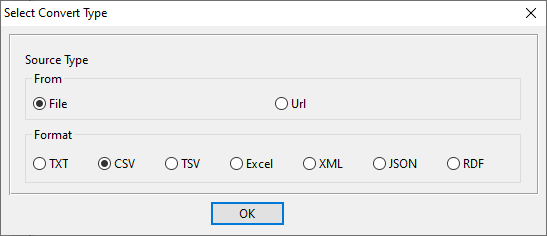
Multiple CSV Formats
Support standard CSV, TSV, custom delimiters (semicolon, pipe, tab) and various encodings (UTF-8, GBK, Latin-1) — auto-detect format for hassle-free import.
10GB+ Large File Support
Stream processing technology avoids memory overflow — handle massive CSV files without performance issues, limited only by your disk space.
CSV Column Mapping
Auto-detect CSV headers and map to MongoDB collection fields — preview data before import, rename columns or skip unwanted fields easily.
MongoDB Compatibility
Works with MongoDB 3.x/4.x/5.x/6.x, MongoDB Atlas, and Azure Cosmos DB (MongoDB API) — both cloud and self-hosted deployments.
Batch & Scheduled Import
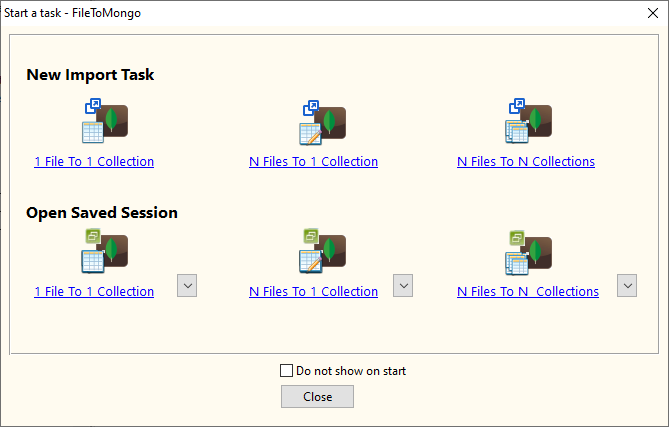
Import multiple CSV files in one task — set daily/weekly/monthly scheduled tasks for automated imports on Windows, macOS, and Linux.
Cross-Platform Support
Consistent experience across Windows (10/11/Server), macOS (10.15+), and Linux (Debian/Ubuntu/Fedora/RHEL/openSUSE).
Common Use Cases for CSV to MongoDB Import
E-Commerce Data Import
Import product, customer, and order data from CSV exports (Shopify, WooCommerce, Magento) to MongoDB for advanced analytics and reporting — support for custom delimiters and large datasets.
Business Intelligence
Import CSV-formatted sales, inventory, and financial data to MongoDB for centralized management and real-time business intelligence — optimized for high-volume CSV files and batch processing.
Legacy System Migration
Migrate data from legacy relational databases (MySQL, PostgreSQL, SQL Server) to MongoDB — export to CSV first, then import with column mapping and encoding conversion.
Excel Data Integration
Convert Excel files to CSV and import to MongoDB — support multi-sheet Excel files, batch processing of hundreds of CSV files, and automated scheduled imports.
Frequently Asked Questions About CSV to MongoDB Import
Q: Does it support custom CSV delimiters like semicolon or pipe?
A: Yes! The importer fully supports custom delimiters including comma, semicolon, pipe, tab, and space. It can auto-detect the delimiter or you can manually configure it for precise parsing of any CSV format.
Q: Can I import CSV files to MongoDB Atlas (cloud)?
A: Absolutely! As long as your MongoDB Atlas cluster is accessible (whitelist your IP address in Atlas), you can import CSV files directly. All data processing happens locally on your machine — no data is uploaded to third-party servers.
Q: What's the maximum CSV file size supported?
A: There's no strict limit. The tool uses stream processing to read files without loading the entire file into memory, so it can handle CSV files larger than 10GB. The only limitations are your local disk space and MongoDB storage capacity.
Q: Can it handle CSV files with different encodings like GBK or Latin-1?
A: Yes! The tool supports UTF-8, GBK, GB2312, Latin-1, and other common encodings. It can auto-detect the file encoding or you can manually select it to ensure correct character display in MongoDB.
Q: Can I schedule automatic CSV imports?
A: Yes! The built-in task scheduler allows you to set up daily, weekly, or monthly scheduled imports. This works on all supported operating systems (Windows, macOS, Linux) and supports batch processing of multiple CSV files.
Ready to Import CSV to MongoDB Effortlessly?
Free trial of CSV to MongoDB Importer available — no credit card required, full features for 30 days. Support Windows/Linux/macOS for CSV import to MongoDB.
Download FileToMongo Free Trial Buy FileToMongo - Starting at $75