Export MongoDB to HTML
Sometimes you need to export MongoDB to HTML, you can use Withdata MongoToFile as MongoDB to HTML Exporter (Unloader / Extractor / Dumper).
"MongoDB to HTML" tool - MongoToFile
Works GREAT in 2026.
Support Windows, Linux, and macOS.
Support all MongoDB deployment types: standalone, replica set, sharded cluster, and MongoDB Atlas.
Can run in GUI mode, Step by Step, just a few mouse clicks.
- Find Result to File - Export MongoDB query to HTML file
- 1 to 1 - Export MongoDB collection to HTML file
- n to 1 - Export multiple MongoDB collections to a single HTML file
- n to n - Batch export MongoDB collections to HTML files
Can run in CLI (Command Line Interface), for Scheduled Tasks and Streams, for Automation.
Download Withdata MongoToFile
Export MongoDB to HTML in GUI
- Find Result to File - Export MongoDB query to HTML file
- 1 to 1 - Export MongoDB collection to HTML file
- n to 1 - Export multiple MongoDB collections to a single HTML file
- n to n - Batch export MongoDB collections to HTML files
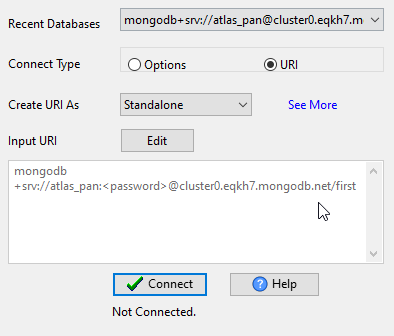
Start Withdata MongoToFile, connect to MongoDB.
Query Result to HTML
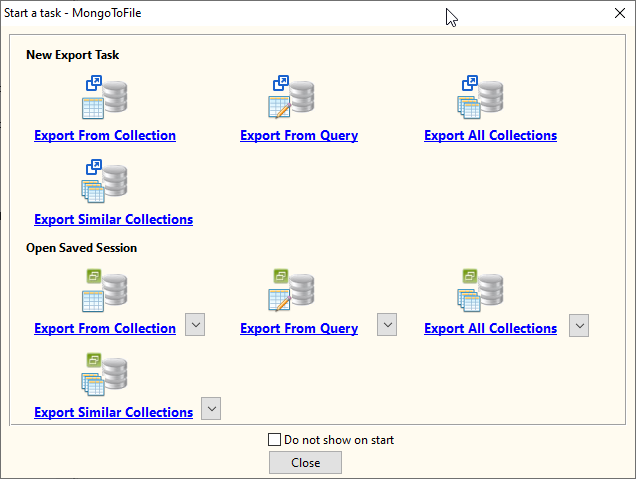
Click "Export From Query" at task dialog.
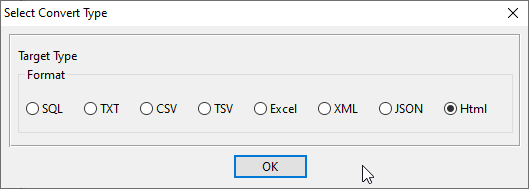
Select "HTML" file type.
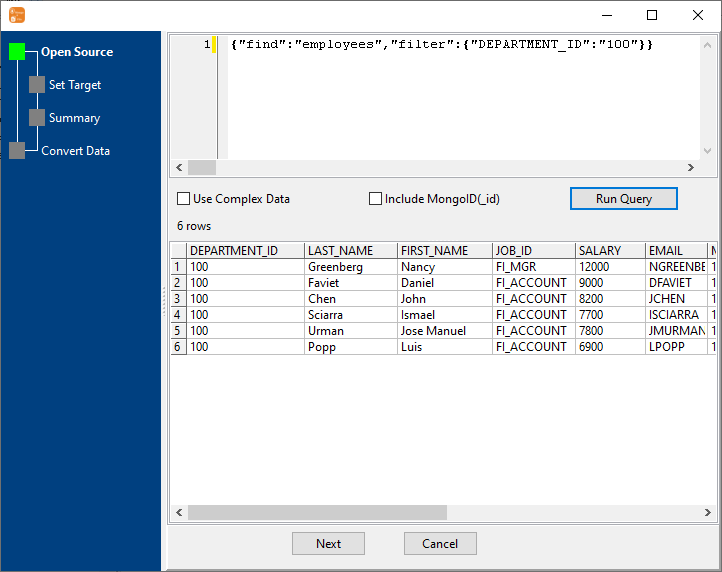
1. Run a MongoDB query.
2. Set HTML options.
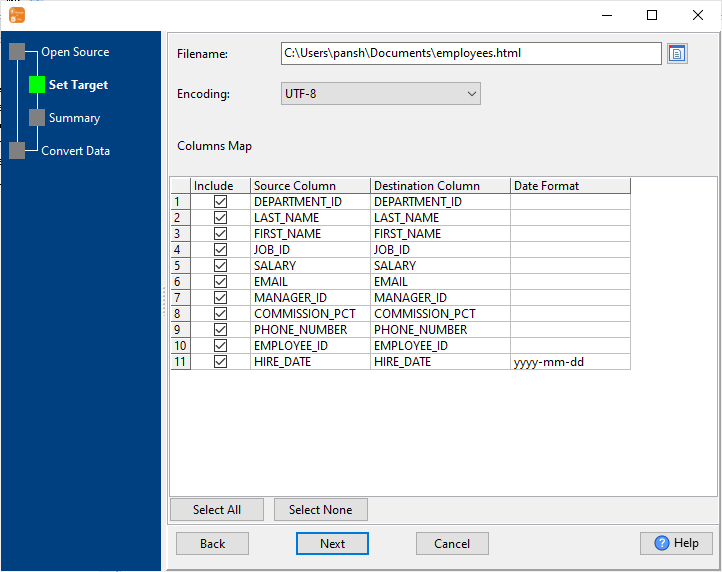
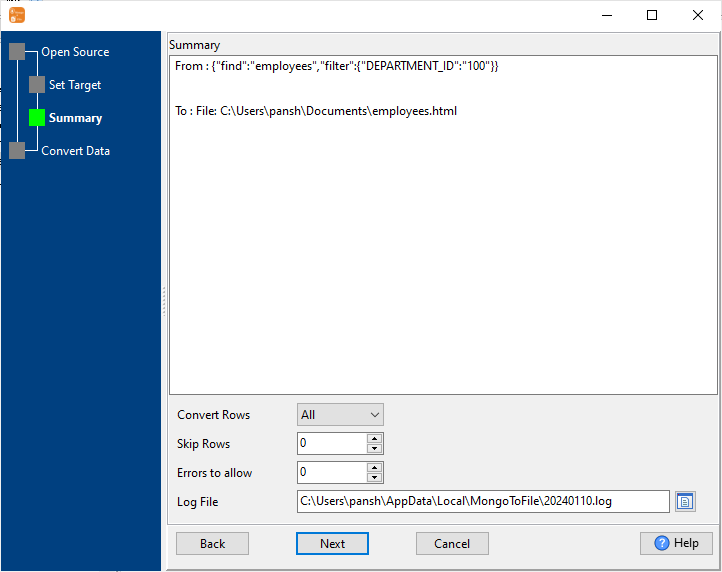
3. Set rows options.
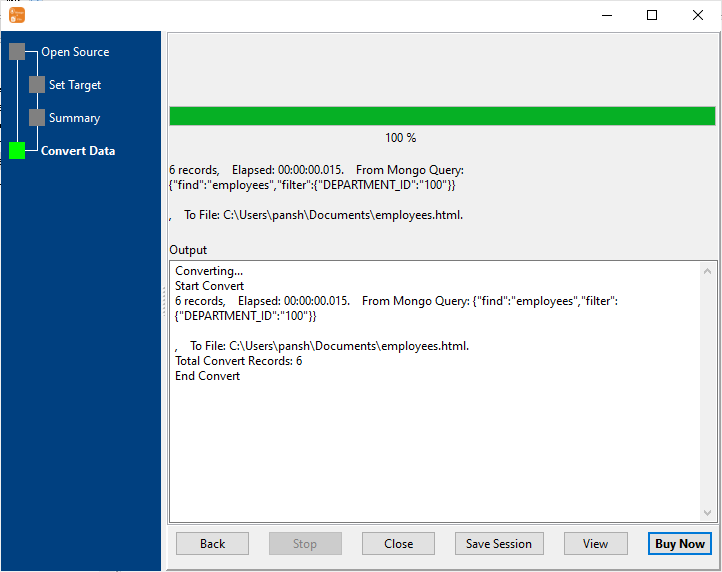
4. Export MongoDB find result to HTML file.
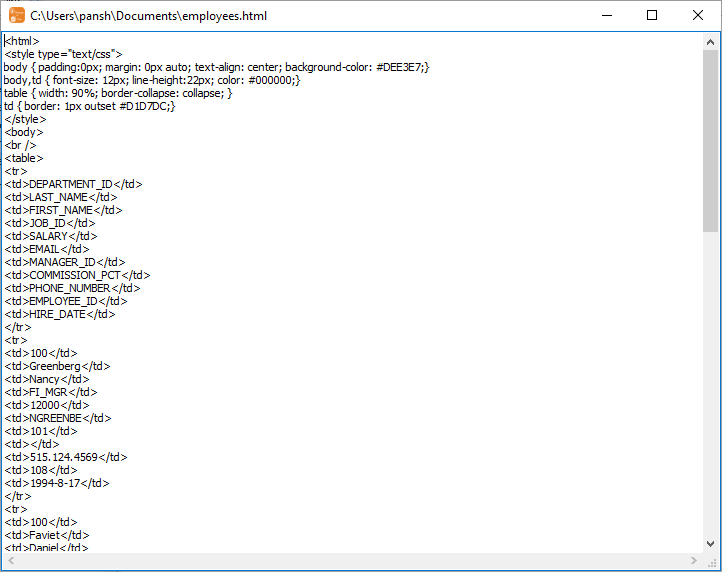
After exporting, you can view output HTML file.
1 Collection to 1 HTML
Click "Export From Collection" at task dialog.
Select "HTML" file type.
1. Choose a MongoDB collection to export.
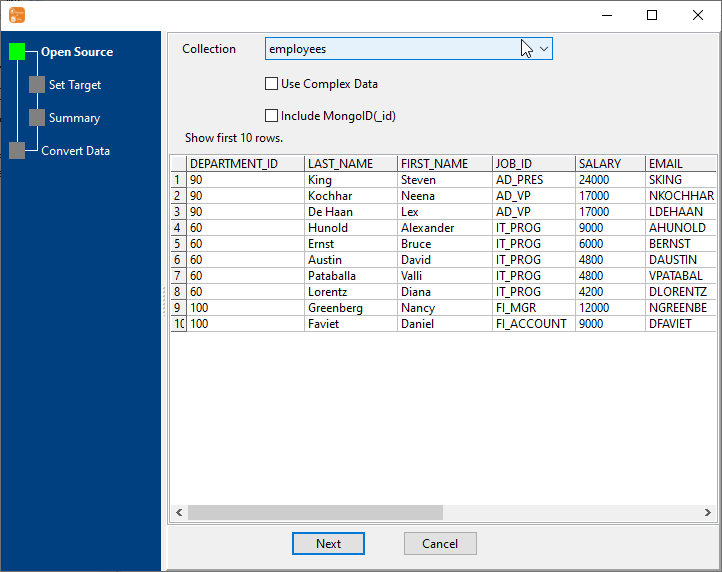
2. Set HTML options.
You can export all mongodb collection columns, or select specific required columns by check/uncheck "Include" box.
3. Set rows options.
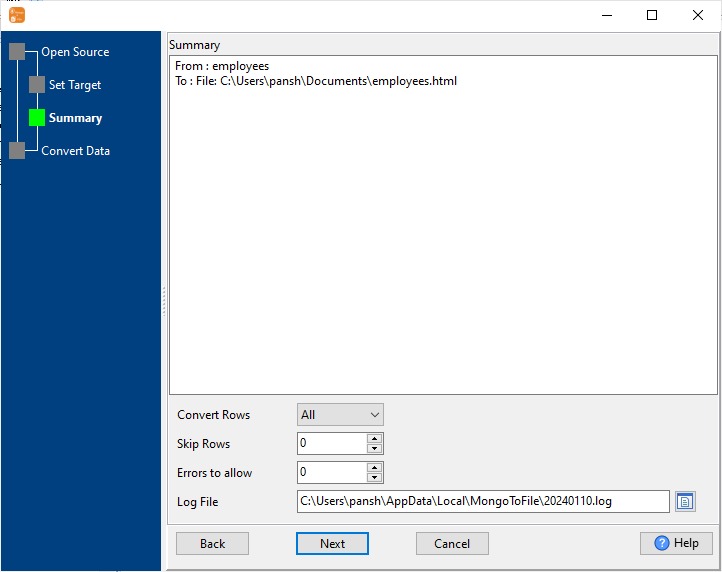
4. Export MongoDB collection to HTML file.
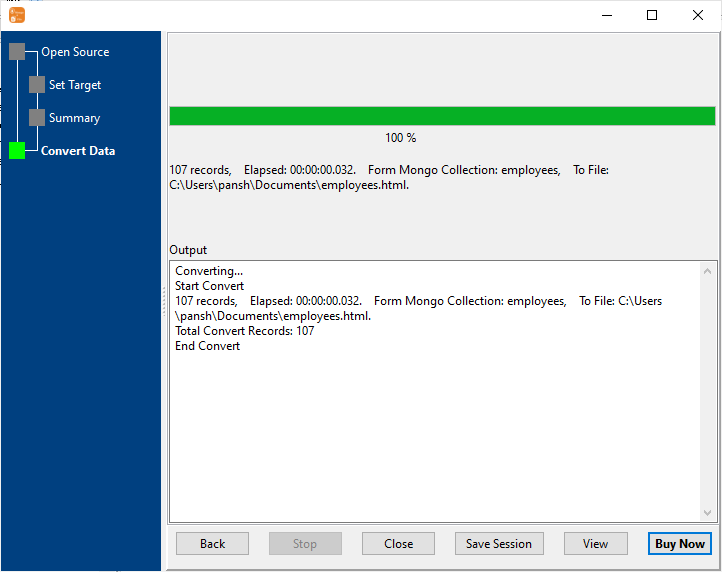
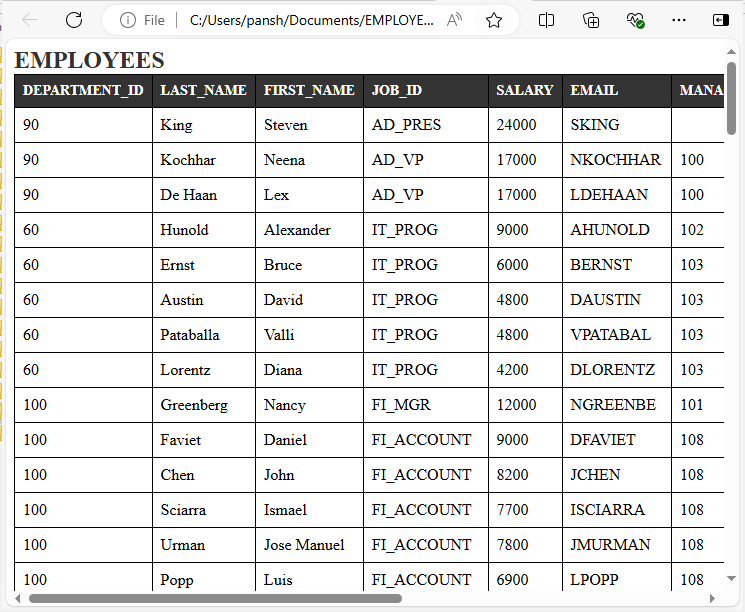
After exporting, you can view output HTML file.
N Collections to 1 HTML
Click "Export Similar Collections" at task dialog.
Select "HTML" file type.
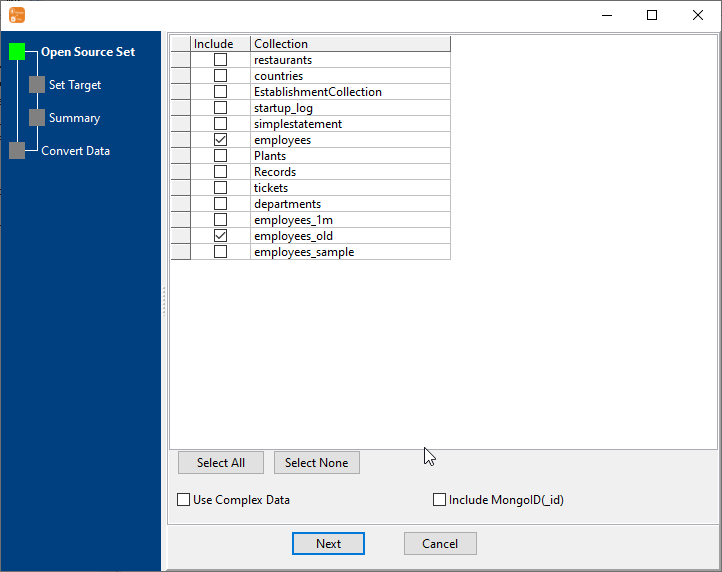
1. Select MongoDB collections to export.
2. Set HTML options.
3. Set rows options.
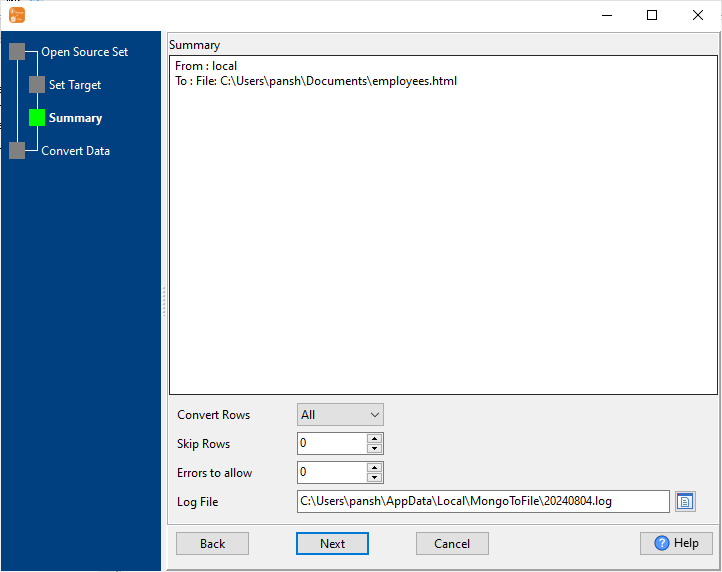
4. Export multiple MongoDB collections to one HTML file.
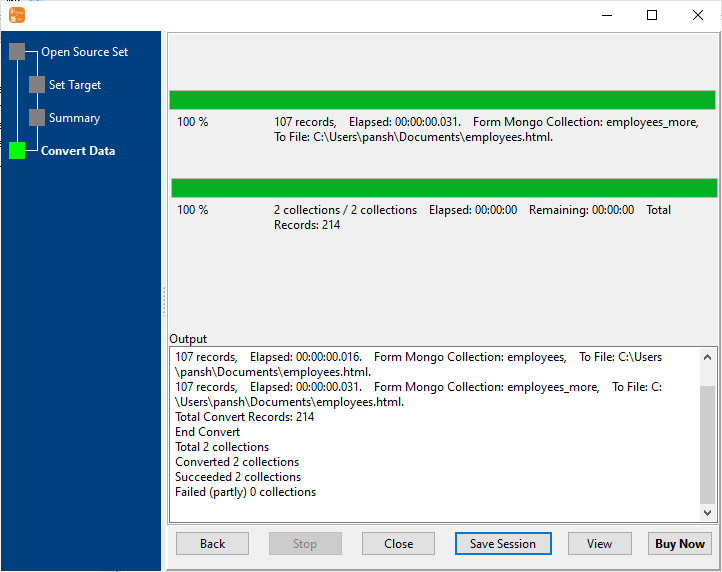
After exporting, you can view output HTML file.
N Collections to N HTML
Click "Export All Collections" at task dialog.
Select "HTML" file type.
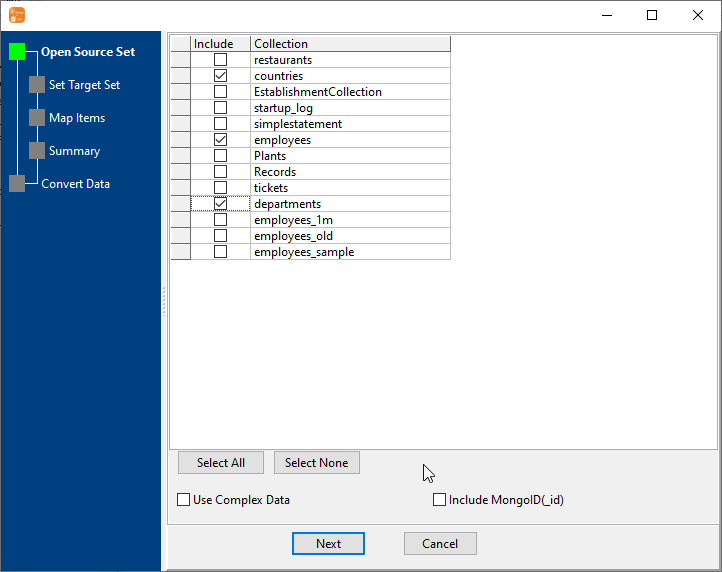
1. Select MongoDB collections to export.
2. Set HTML options.
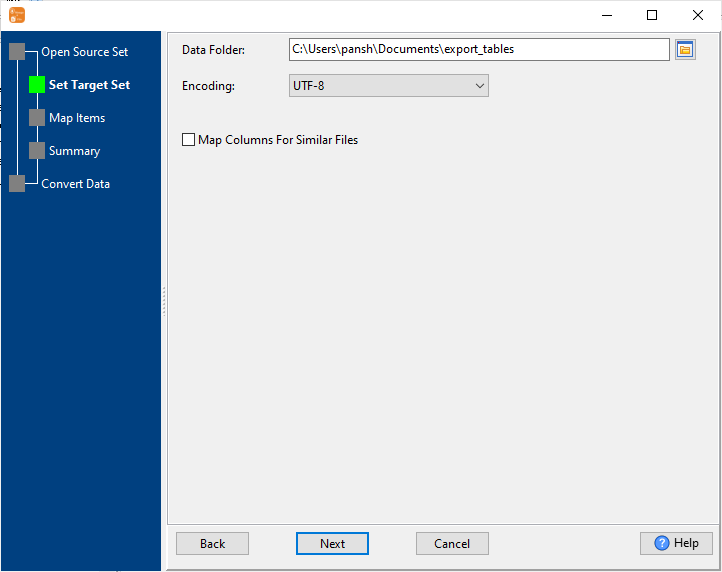
3. List collections to be exported.
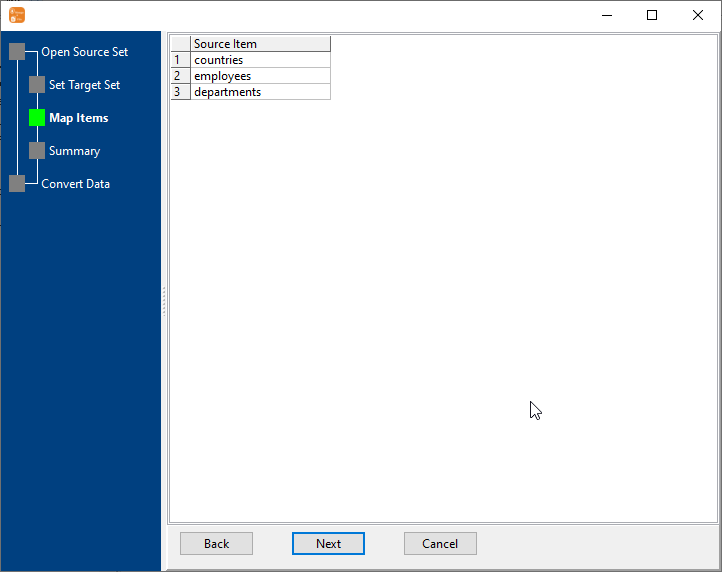
4. Summary.
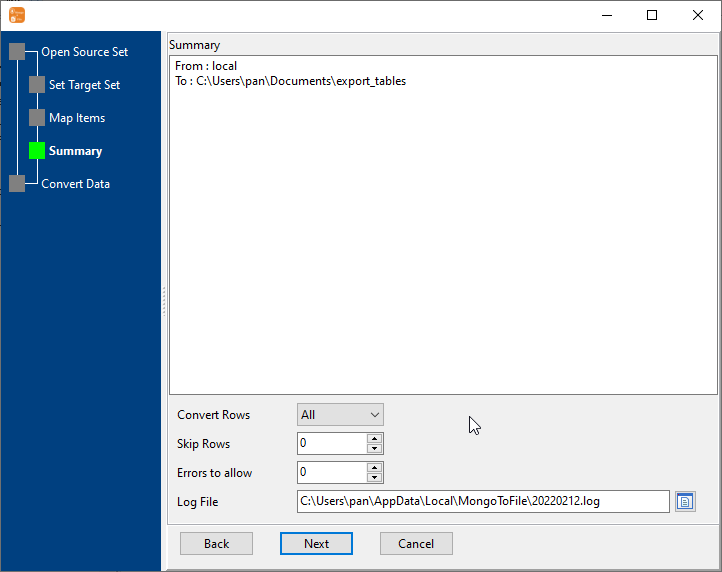
5. Batch export MongoDB collections to HTML files.
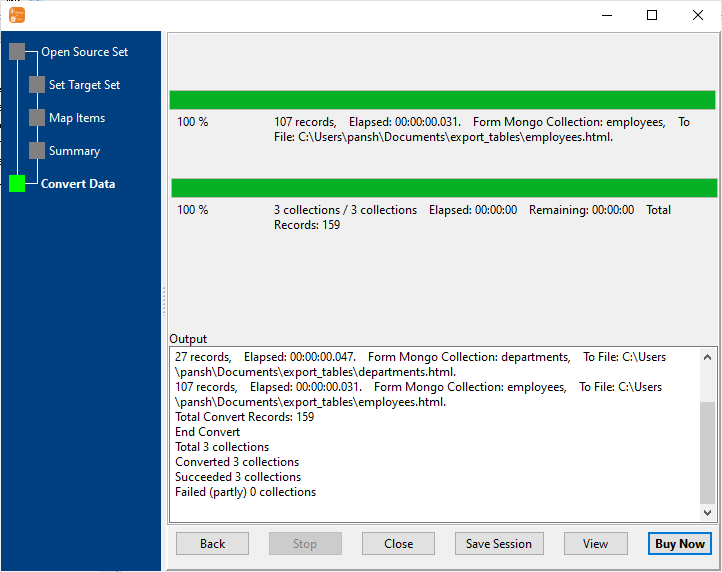
After exporting, you can view output HTML files.
Repeat "MongoDB to HTML" in Command Line
After exporting MongoDB to HTML in GUI, and Saving "MongoDB to HTML" session, then you can:
- Repeat "MongoDB to HTML" in Windows command line.
- Repeat "MongoDB to HTML" in Linux command line.
- Repeat "MongoDB to HTML" in macOS command line.
Schedule task for "MongoDB to HTML"
After exporting MongoDB to HTML in Command Line, then you can schedule and automate "MongoDB to HTML" conversion task by:
- Save session and create .bat (Windows) or .sh (Linux/macOS) file for "MongoDB to HTML" conversion.
- Set scheduled task: On Linux/macOS, use Crontab. On Windows, use scheduled task.
FAQ
How long does it take to export MongoDB to HTML?
Is it safe to export MongoDB to HTML using MongoToFile?
Can I export MongoDB to HTML on Linux, Mac OS?
Can I export MongoDB to HTML in command line?
Can I batch export MongoDB collections to HTML files?
Download Withdata MongoToFile