Want to transfer data from MySQL table to MariaDB?
Try Withdata DBCopier, a MySQL to MariaDB converter for Windows, Mac, and Linux, Copy MySQL data to MariaDB, Easy and Fast.
- Can run in GUI mode, Step by Step, just a few mouse clicks.
- Can run in Command line, for Scheduled Tasks and Streams.
- Support Windows, Linux, and macOS.

Transfer data from MySQL table To MariaDB table
Login to MySQL and MariaDB -> Choose source MySQL table -> Set target MariaDB table -> Copy MySQL data to MariaDB
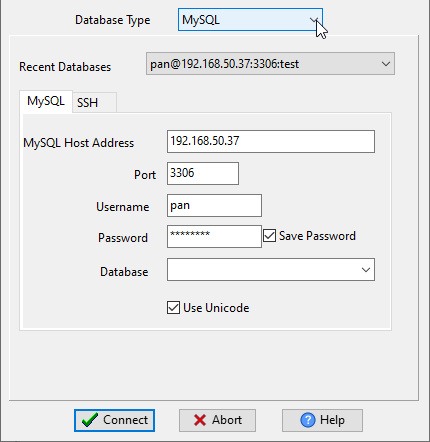
Choose source MySQL database and logon.
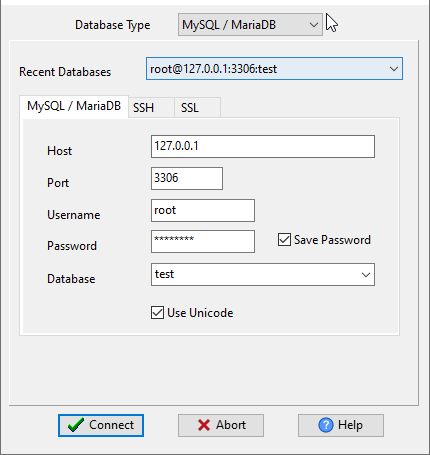
Choose target MariaDB database and logon.
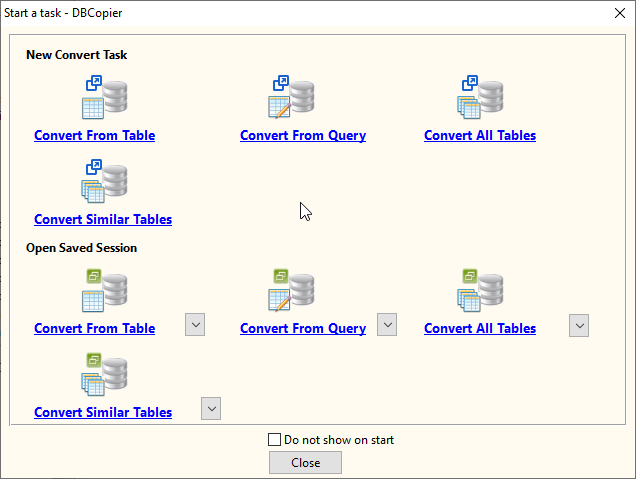
Click “Convert From Table” at task dialog.
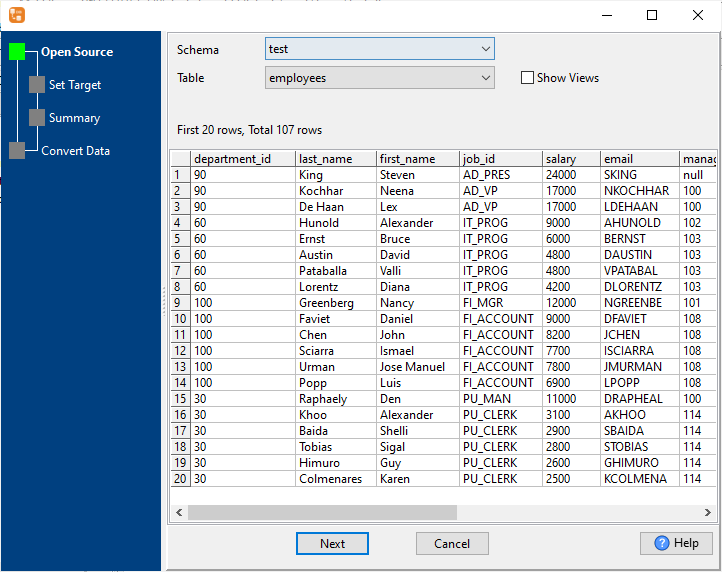
then show the wizard.
1. Open a source MySQL table.
2. Select a destination MariaDB table and config fields.
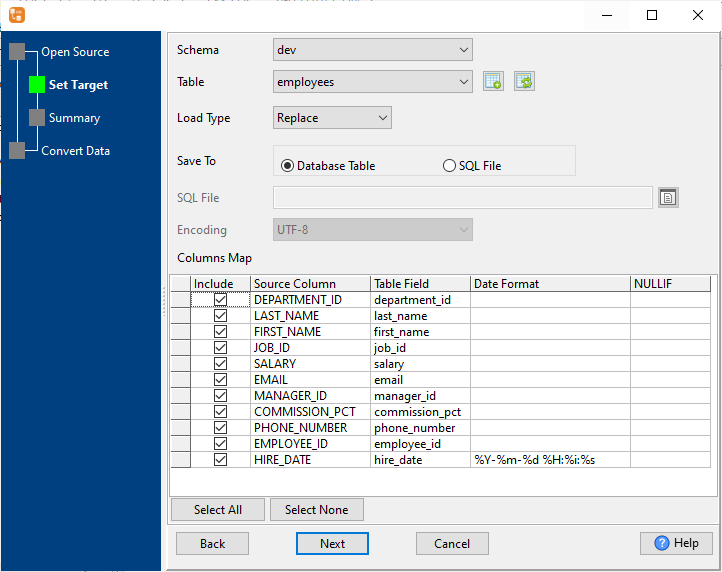
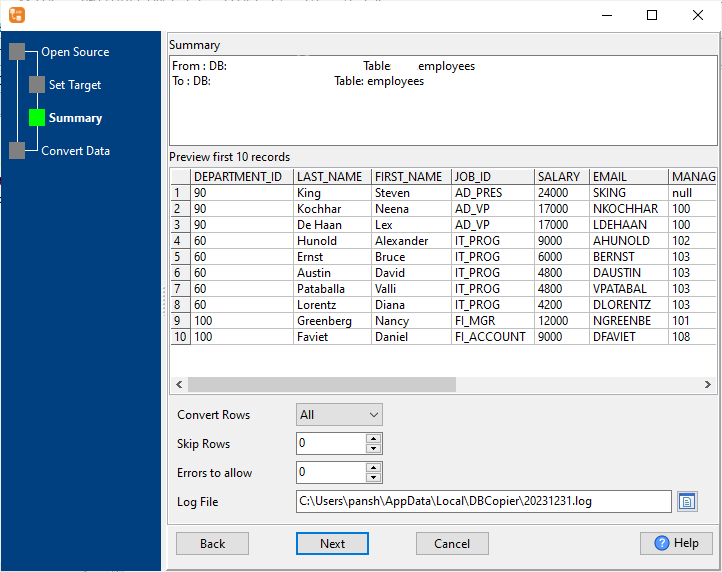
3. Preview data.
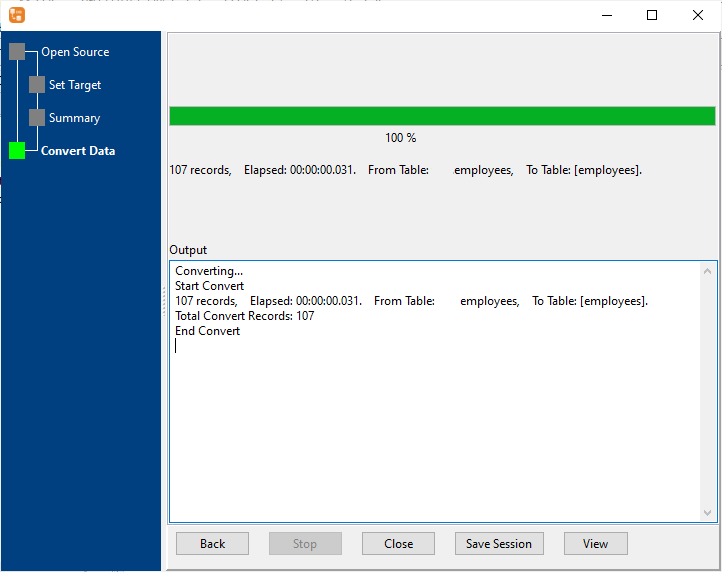
4. Import MySQL data to MariaDB.
More about MySQL to MariaDB converter
Download Withdata DBCopier
See also:
- Copy MySQL query results to MariaDB table
- Merge multiple similar MySQL tables to 1 MariaDB table
- Batch copy MySQL tables to MariaDB
MySQL → MariaDB reference
Command line
| Side | Command |
|---|---|
| MySQL | mysqldump, or mysql -e "SELECT ..." > out.csv |
| MariaDB | mariadb-dump |
| MariaDB (load) | mariadb-import, or LOAD DATA INFILE |
| MySQL (load) | mysqlimport, or LOAD DATA INFILE |
Convert your data online, free
Free in-browser converters for CSV, Excel, JSON, XML and SQL: Withdata Online Data Conversion. Large files, batch conversion or scheduling? See the offline desktop apps, or browse all data conversion tools.


