A 6 GB log, a 40 GB dump, a book-length TXT — split by line count, by size, into N files, or on a keyword. It streams, so the file never has to fit in memory, and nothing is uploaded.
Download BigTextFileSplitter Free Trial » Buy BigTextFileSplitter Now »
Four splitting modes
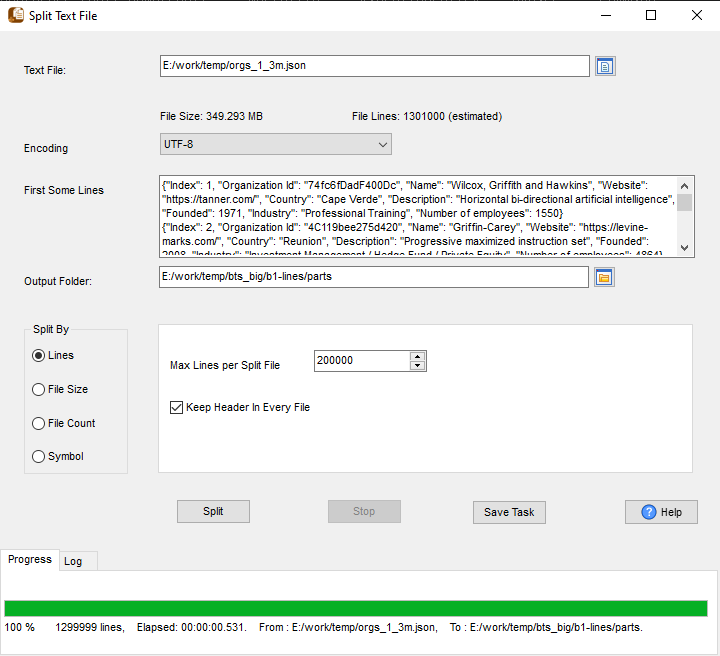
By line count
The usual choice for logs and CSV exports, where a record must not be cut mid-row: set lines per file and every output starts on a record boundary.
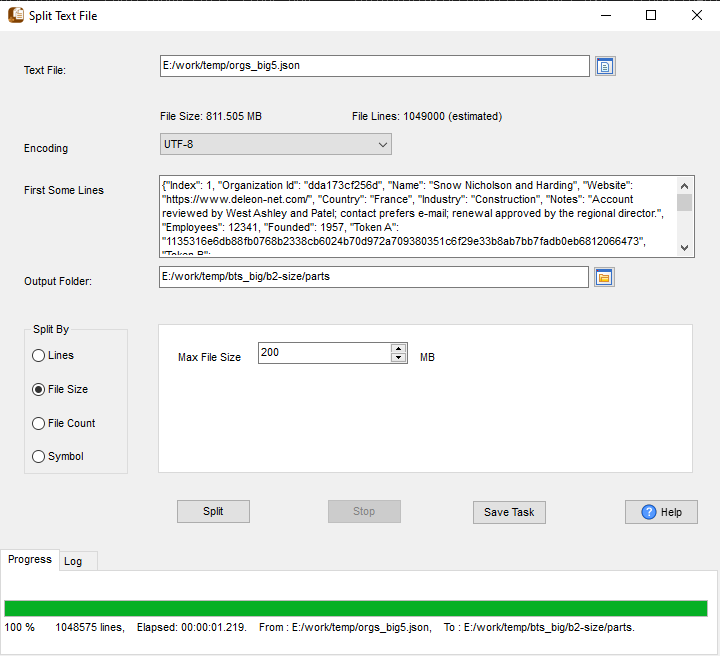
By size — KB, MB or GB
When the next system has a hard file-size limit, split on the size instead: the splitter closes a part as soon as it reaches the threshold.
- Any threshold in KB, MB or GB
- Streaming — no full-file read
- GB-level inputs, not just small logs
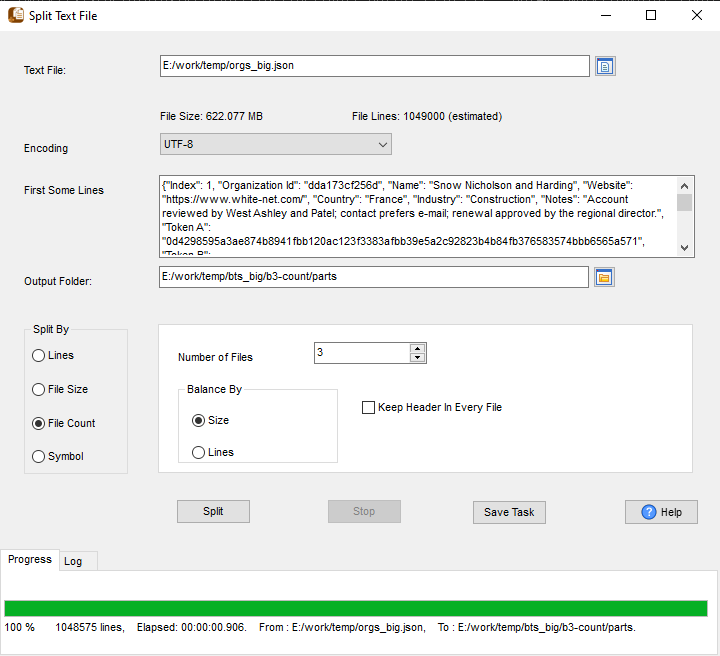
Into N files
Ask for the number of parts and it works out the size: a 1 GB file becomes two 500 MB files, or ten of 100 MB. No arithmetic, no trial runs.
- Equal parts, by size or by lines
split -n 2equivalent, without the shell- Works on the same huge inputs as the other modes
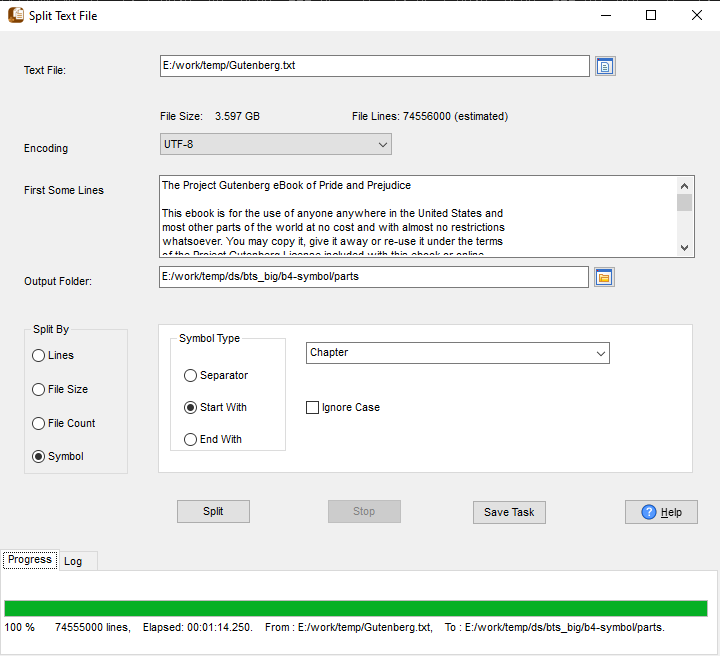
By keyword
Cut wherever a marker appears — a chapter heading, a session start, a delimiter string — so each output holds one logical section.
- Custom keyword or string
- One output per occurrence
- Good for books, exports and event logs
How it runs
Click New Task on the start screen, choose the text file, pick one of the modes above and an output
folder, then run it. The same task can be exported as a .bat (Windows) or .sh script and
scheduled, so a nightly 20 GB export splits itself.
