Want to copy data from database query to database table?
Using DBCopier, a native GUI tool, you can copy data from database query to database table easily and fast, just a few mouse clicks!
Support multiple types of RDBMS, such as Access, DB2, DBF, MySQL, Oracle, PostgreSQL, SQL Server, SQLite, Amazon Redshift, Azure SQL, etc.
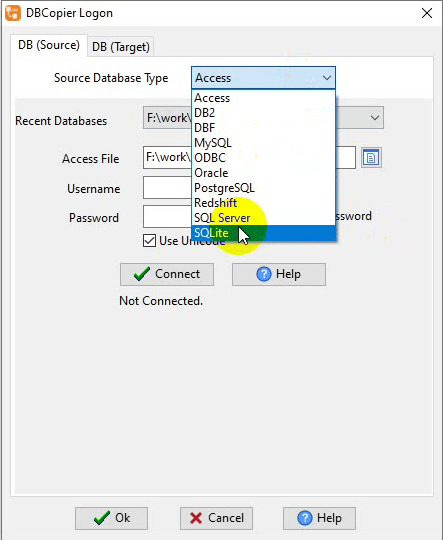
Here you can download and install DBCopier.
Transfer data from database query to database table
Click “Convert From Query” at task dialog.
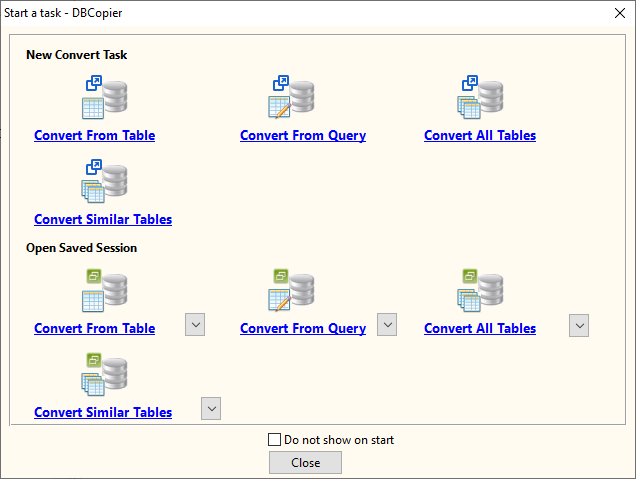
then show the Convert From Query form.
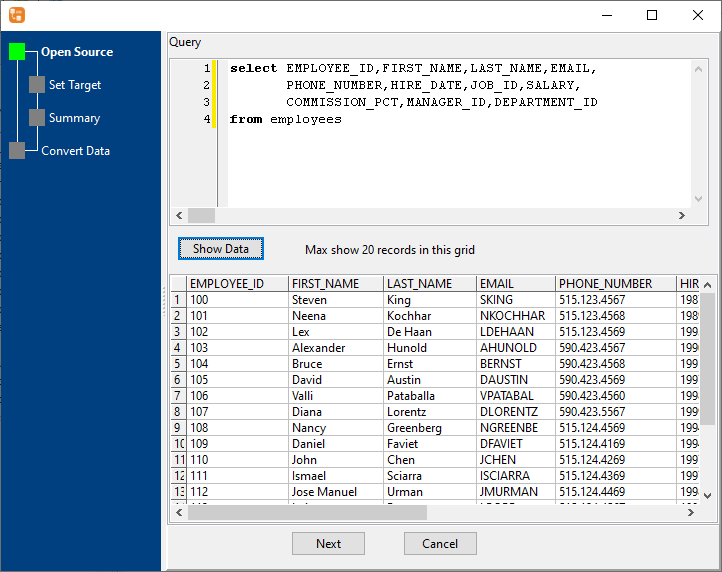
1. Enter Source Query.
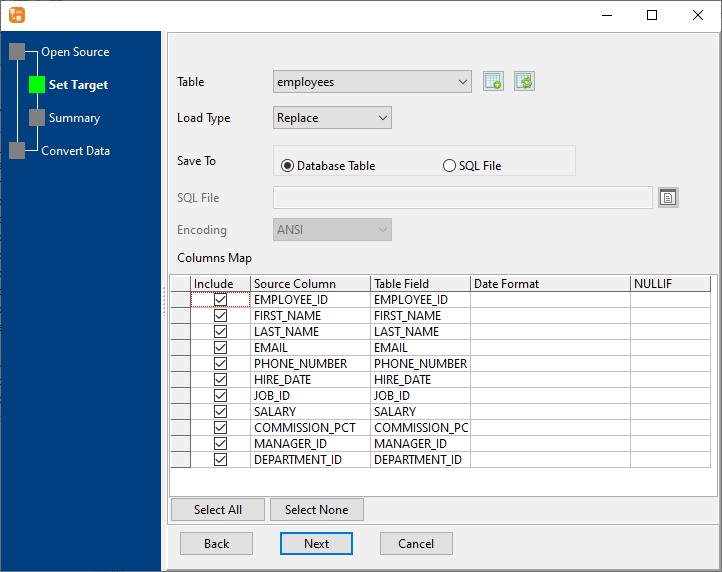
2. Select Target Table
3. Summary.
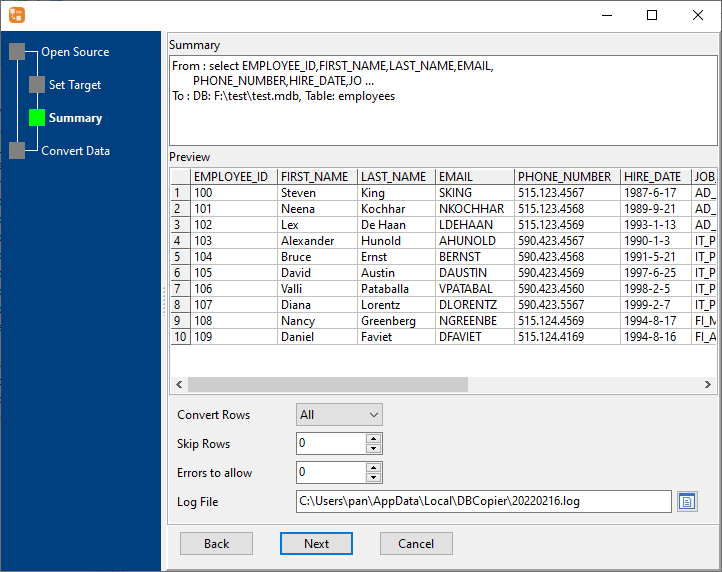
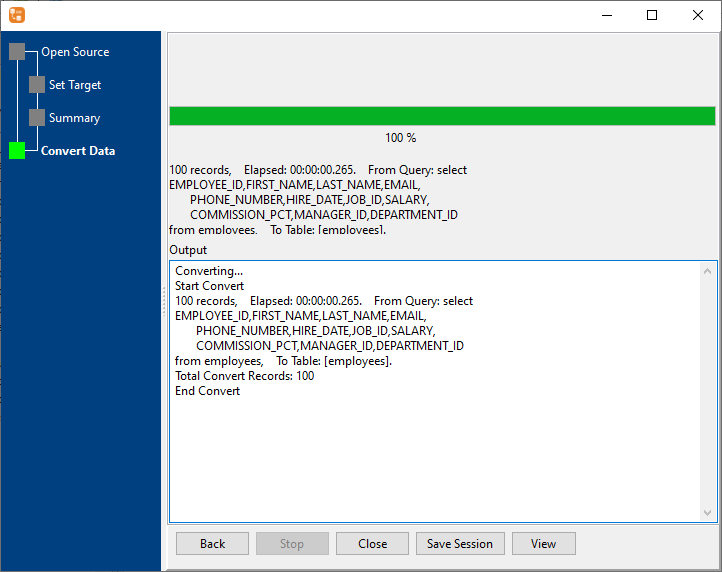
4. Convert.
More about DBCopier – the tool to copy data from database query to database table
30-day free trial  US$129.0

DBCopier without the manual work
For batch jobs, large files and scheduling use the DBCopier converter — an offline desktop app for Windows, Linux and macOS. Free trial.