Want to update data from Excel file to DB2 ?
Try Withdata FileToDB, a desktop Excel to DB2 converter for Windows, MacOS, and Linux, Update Excel data to DB2, Easy and Fast.
- Can run in GUI mode, Step by Step, just a few mouse clicks.
- Can run in Command line, for Scheduled Tasks and Streams.
- Import Excel to DB2 locally and privately, avoid uploading Excel file(s) to online services.
- Support Windows, Linux, and macOS.

Update data from Excel file to DB2
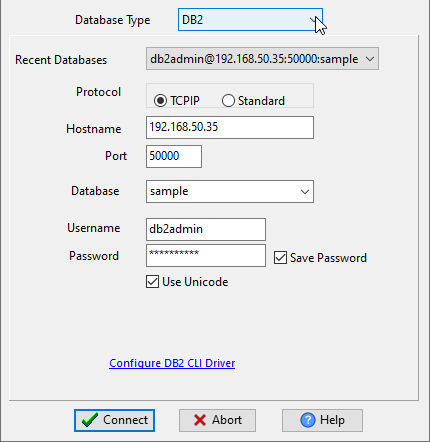
Choose DB2 and logon.
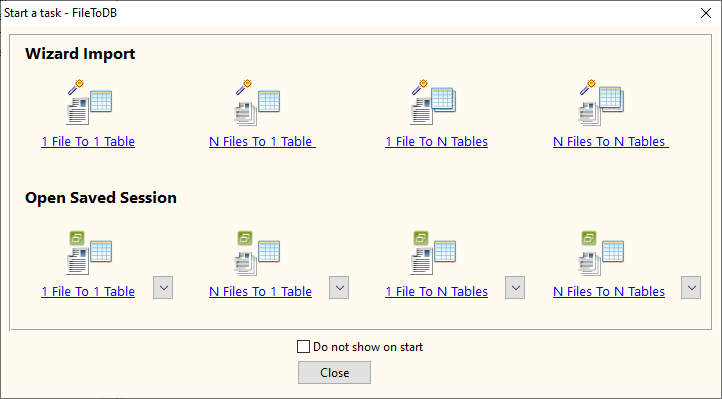
Click “Wizard – 1 File To 1 Table” at task dialog.
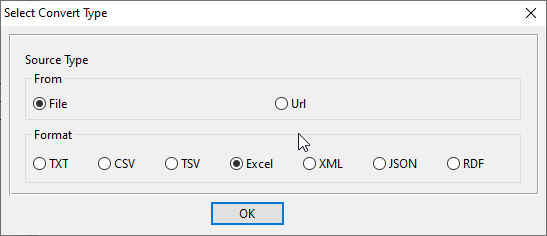
Select the “Excel” file type.
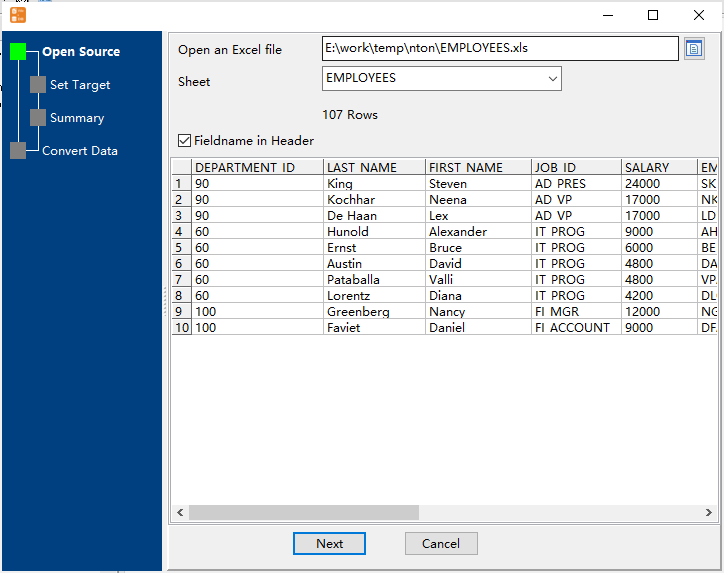
then show the wizard.
1. Open an Excel file.
2. Select a table and config fields.
Set “Load Type” to “Update”, choice “By Key”.

3. Preview data.
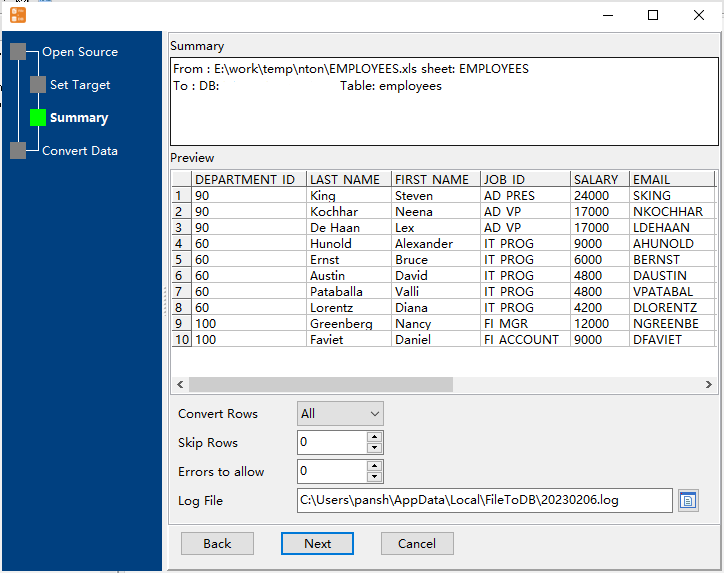
4. Update Excel data to DB2.

More about Excel to DB2 converter
Download Withdata FileToDB
Convert your data online, free
Free in-browser converters for CSV, Excel, JSON, XML and SQL: Withdata Online Data Conversion. Large files, batch conversion or scheduling? See the offline desktop apps, or browse all data conversion tools.

