Want to export data from SQLite table to TXT (“|” pipe delimited text) file?
Try Withdata DBToFile, a SQLite to TXT converter for Windows, Linux, and macOS, Export SQLite data to TXT, Easy and Fast.
- Can run in GUI mode, Step by Step, just a few mouse clicks.
- Can run in Command line, for Scheduled Tasks and Streams.
- Support Windows, Linux, and macOS.

Export data from SQLite table to TXT (“|” pipe delimited text) file
Connect to SQLite -> Choose SQLite table -> Set TXT (“|” pipe delimited text) file options -> Export SQLite to TXT
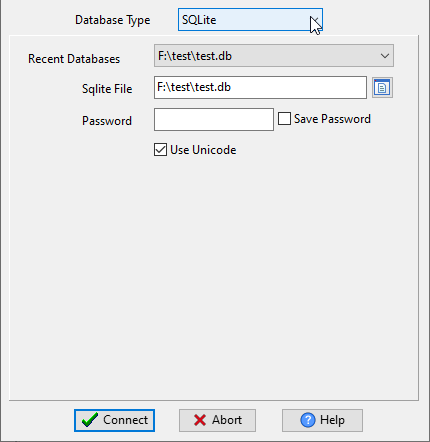
Choose SQLite and connect.
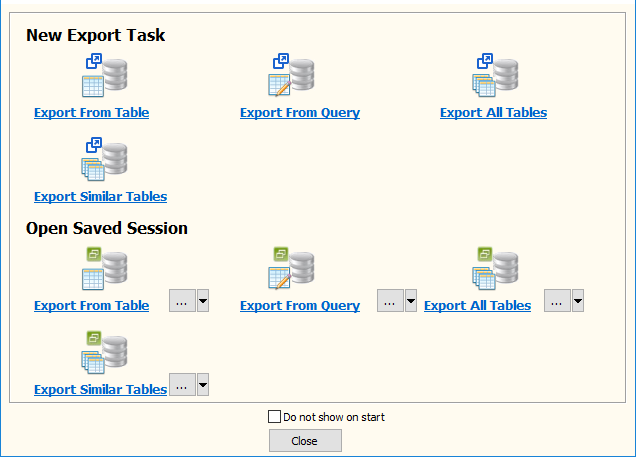
“Export From Table” for “SQLite to TXT”.
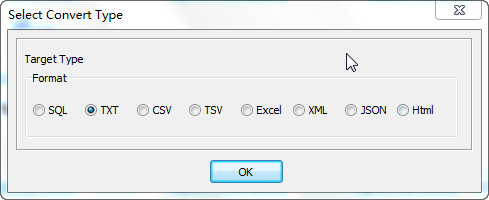
Select TXT file type.
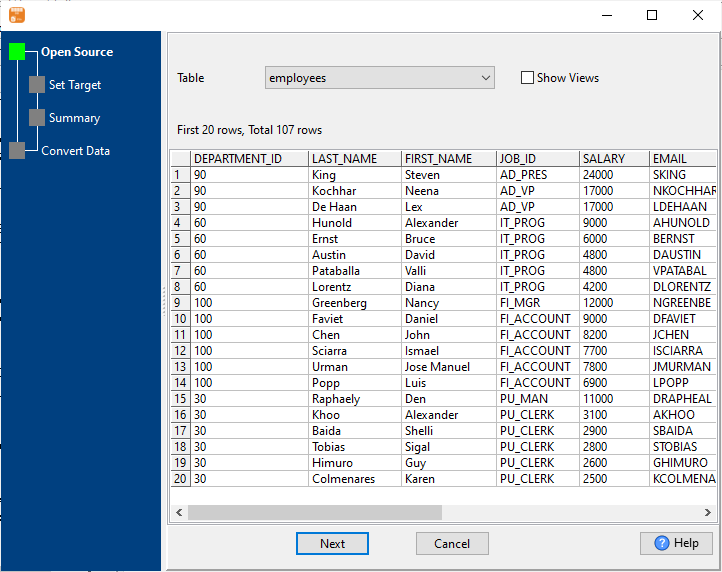
1. Choose SQLite table.
2. Set TXT (“|” pipe delimited text) file options.
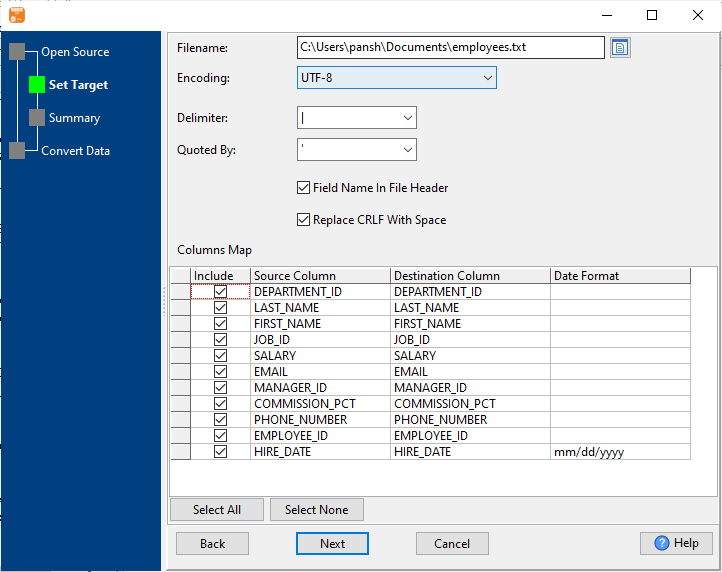
3. Set rows options.
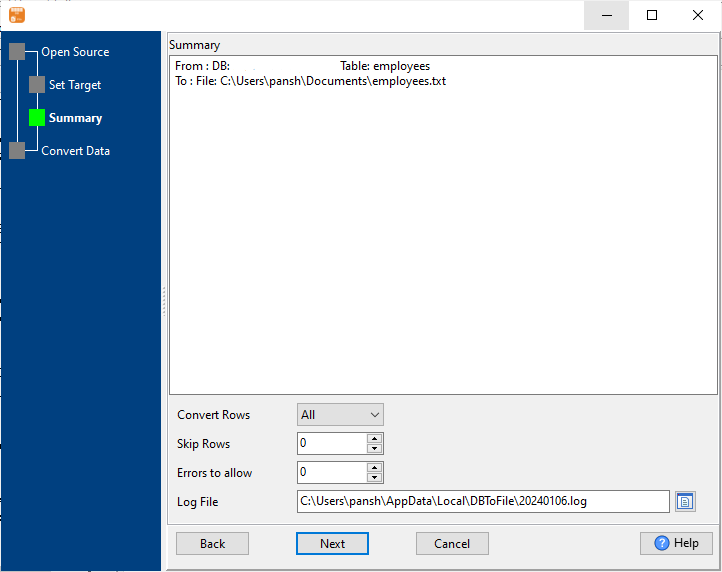
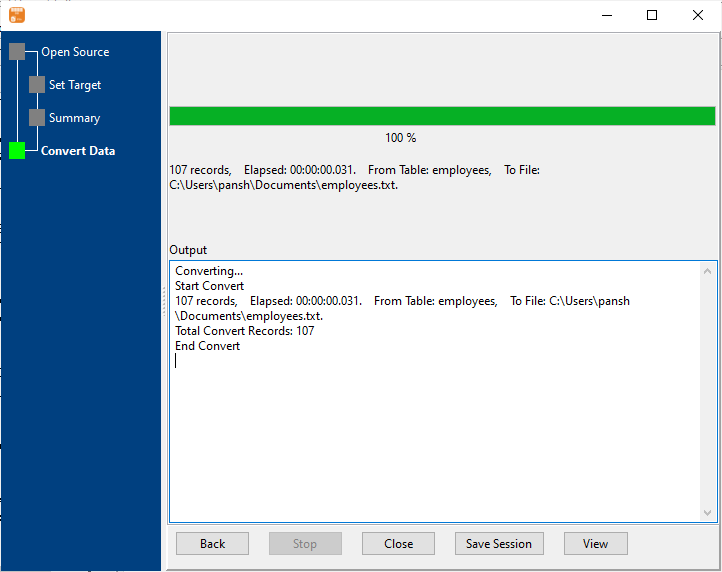
4. Export SQLite data to TXT (“|” pipe delimited text) file.
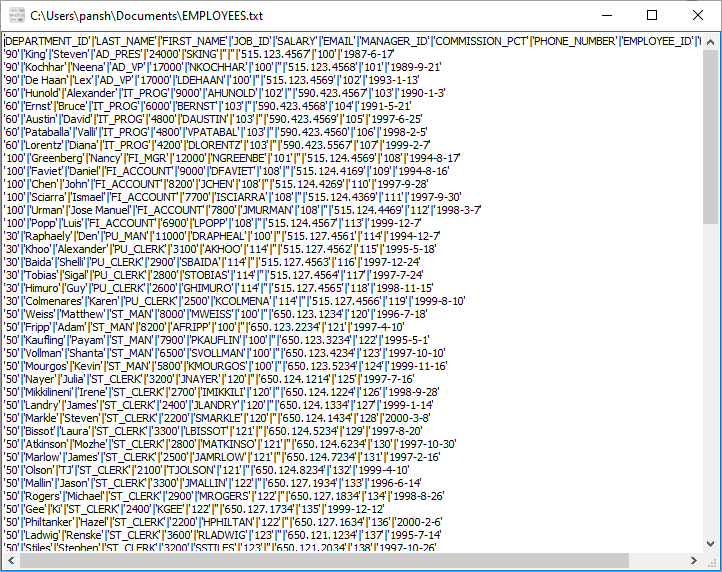
After exporting, you can view output TXT (“|” pipe delimited text) files.
More about SQLite to TXT converter
Download Withdata DBToFile
See also:
- Export SQLite query results to TXT (pipe delimited text)
- Export multiple similar SQLite tables to one TXT (pipe delimited text) file
- Batch export SQLite tables to TXT (pipe delimited text) files

