Want to split large TXT (“|” pipe delimited text) file to smaller files?
Try Withdata Big Text File Splitter, a desktop TXT splitter for Windows, MacOS, and Linux, Split large TXT file, East and Fast.
- Can run in GUI mode, Step by Step, just a few mouse clicks.
- Can run in Command line, for Scheduled Tasks and Streams.
- Split TXT file locally and privately, Avoid uploading LARGE TXT file(s) to online services.
Download Withdata BigTextFileSplitter 
Example of splitting large TXT (“|” pipe delimited text) file
An example TXT (“|” pipe delimited text) file, viewed in BigTextFileViewer.

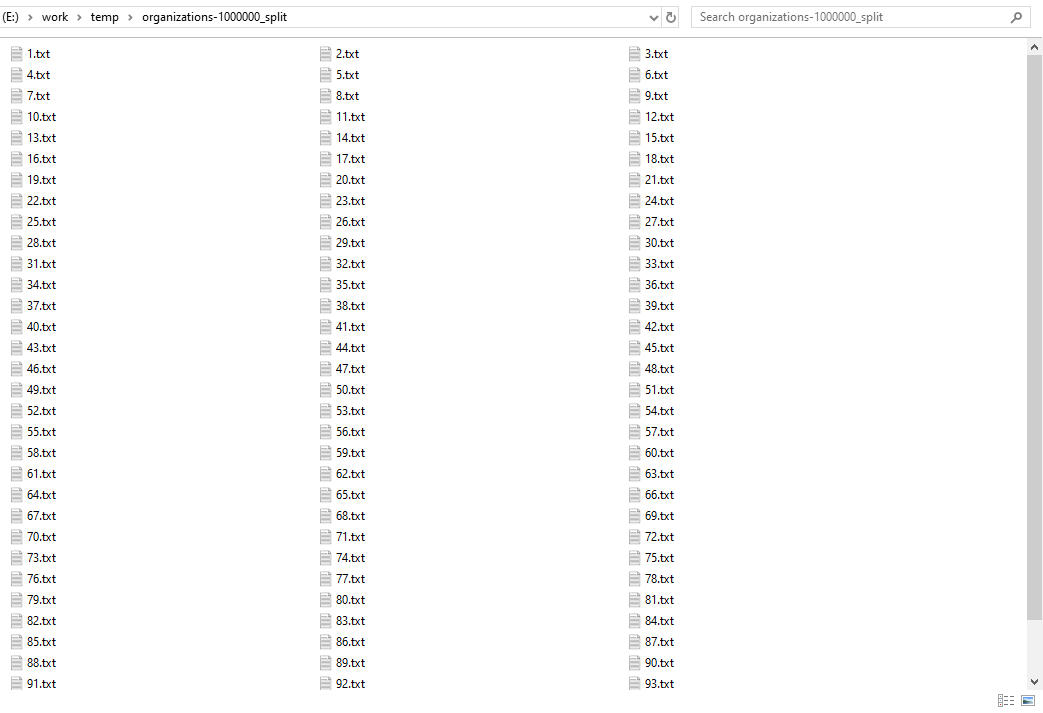
After splitting, got small TXT (“|” pipe delimited text) files
Split large TXT (“|” pipe delimited text) file
Click “New Task” at “Start”.
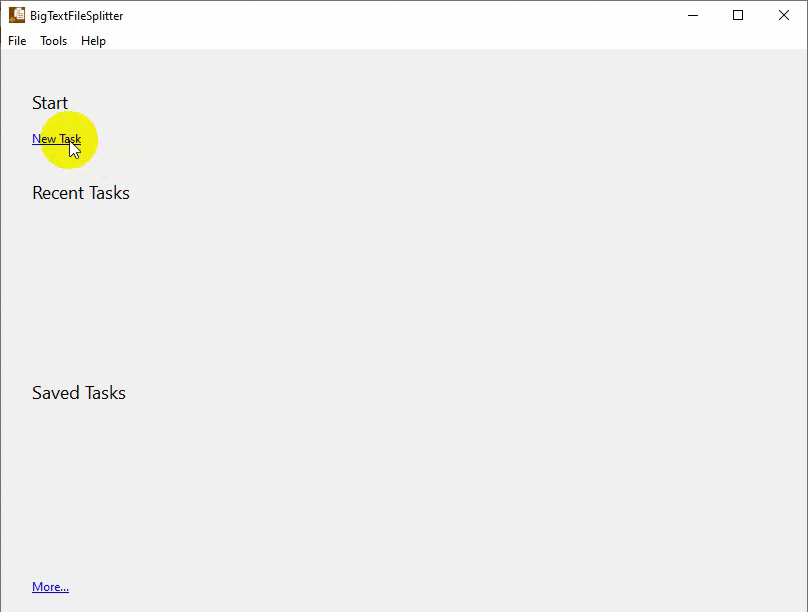
then show the splitting form, choose the TXT (“|” pipe delimited text) file to split.

Split large TXT (“|” pipe delimited text) file in command line
Save “Split large TXT file” session, then you can:
- Split large TXT file in Windows command line.
- Split large TXT file in Linux command line.
- Split large TXT file in macOS command line.
Set scheduled tasks for splitting large TXT (“|” pipe delimited text) file
You can schedule and automate this “Split TXT” task by:
- Save session and create .bat (Windows) or .sh (Linux/macOS) file for “Split TXT” conversion.
- Set scheduled task for “Split TXT” conversion.
FAQ
More about Withdata BigTextFileSplitter – TXT Splitter
Download Withdata BigTextFileSplitter
TXT → Pipe-delimited text reference
Type mapping
| Value kind | in TXT | in Pipe-delimited text |
|---|---|---|
| Int | 1234, or right-aligned in a fixed-width column | 1234 |
| Text | written as-is; padding depends on the chosen layout | quoted only when it contains a pipe or a quote |
| Long text | written as-is | must be quoted; line breaks inside force multi-line records |
| Date | whatever the writer chose | 2026-09-18 |
| Datetime | whatever the writer chose | 2026-09-18 14:30:00 |
| Binary | not representable | not representable - base64 or hex string |
| Boolean | Y / N, or 1 / 0, or TRUE / FALSE | TRUE / FALSE, or 1 / 0 depending on the writer |
| JSON | written as-is | the whole JSON value quoted, with internal quotes doubled |
Dialect differences
Both TXT and Pipe-delimited text are file formats, so what differs below is how each one chooses to represent a value.
| Property | in TXT | in Pipe-delimited text |
|---|---|---|
| identifiers | None by convention | Double quotes; a literal quote is doubled ("" ) |
| dates | Whatever the writer produced; no convention is guaranteed | Conventional text: 2026-09-18 or 2026-09-18 14:30:00 |
| separator | Whatever was chosen - often fixed column widths | Pipe "|" |
| shape | Free form; a parser has to be told the layout | Flat table, optional header row |
| ceiling | No formal limit | No formal limit; row count bounded by memory |
Big Text File Splitter without the manual work
For batch jobs, large files and scheduling use the Big Text File Splitter converter — an offline desktop app for Windows, Linux and macOS. Free trial.