First, you need  and install AccessToFile.
AccessToFile is a tool to export Access query result to flat file (txt, csv, xml, html) and Excel.
Using AccessToFile you can export Access query result to file easily and fast.
Export Access query result
Click “Export From Query” at task dialog.
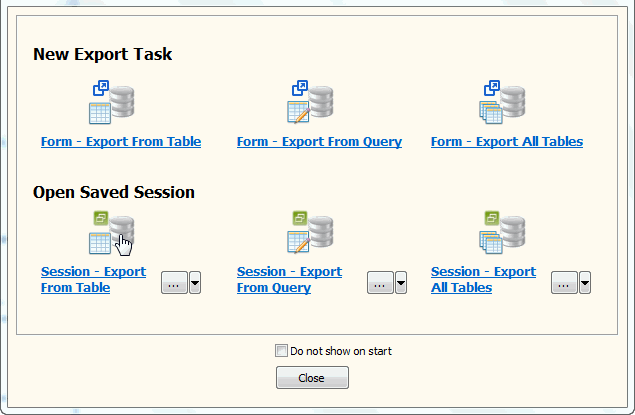
then show the Export Query form.
1. Select file type.
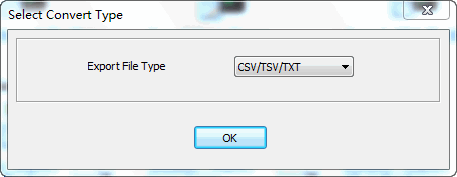
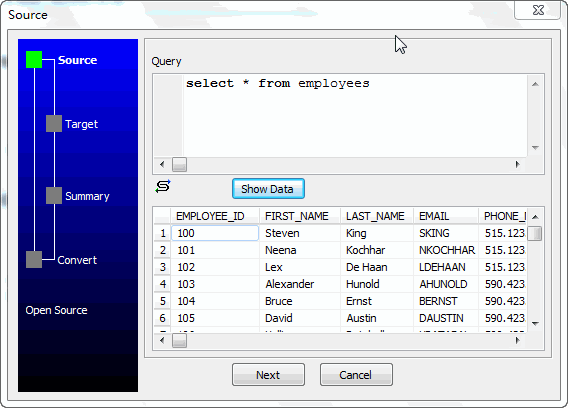
2. Enter query.
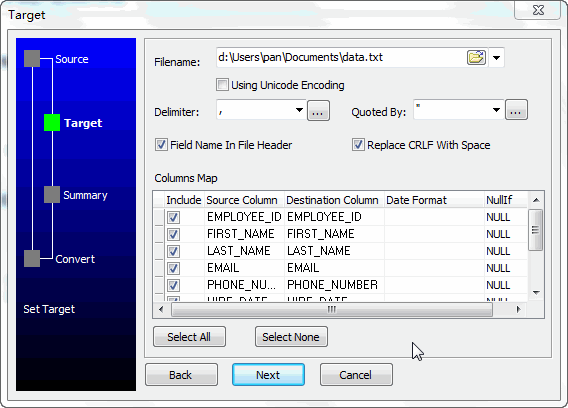
3. Enter data file name.
4. Summary.
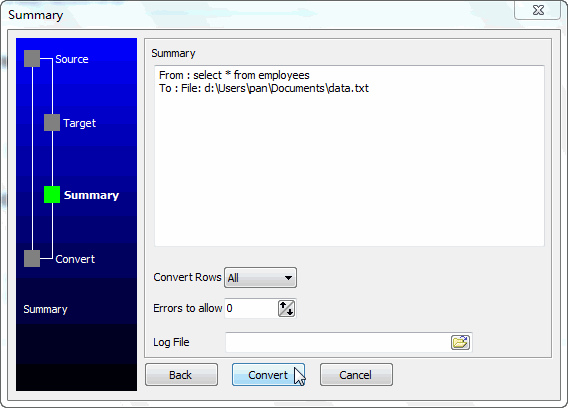
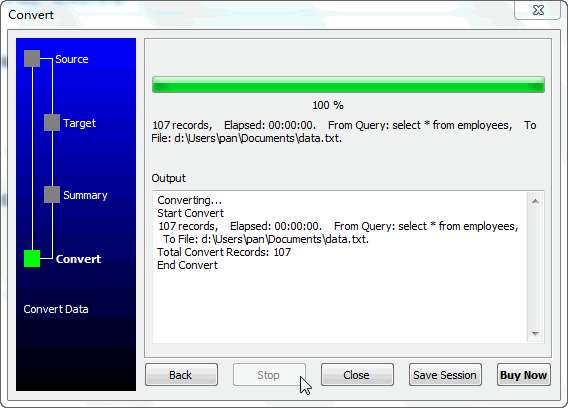
5. Export.
More about AccessTofile – the tool to “Export Access Query Results to File”
30-day free trial US$49.95 
US$49.95
Convert your data online, free
Free in-browser converters for CSV, Excel, JSON, XML and SQL: Withdata Online Data Conversion. Large files, batch conversion or scheduling? See the offline desktop apps, or browse all data conversion tools.


