If you want to split a TXT book info chapters, you can try Big Text File Splitter.
In the splitting form, set “Split By” to “Symbol”.
Since this text book’s chapters are start with “Chapter”, so we set “Start With” to “Chapter”, and “Ignore Case”.
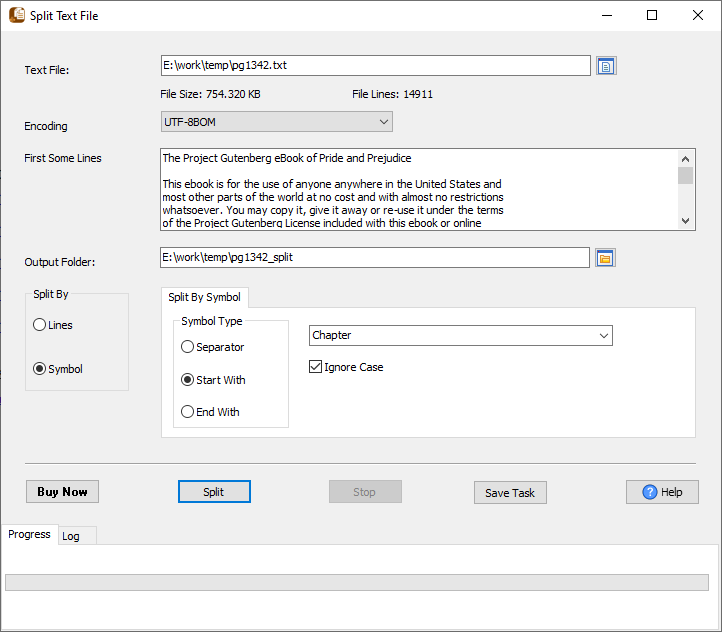
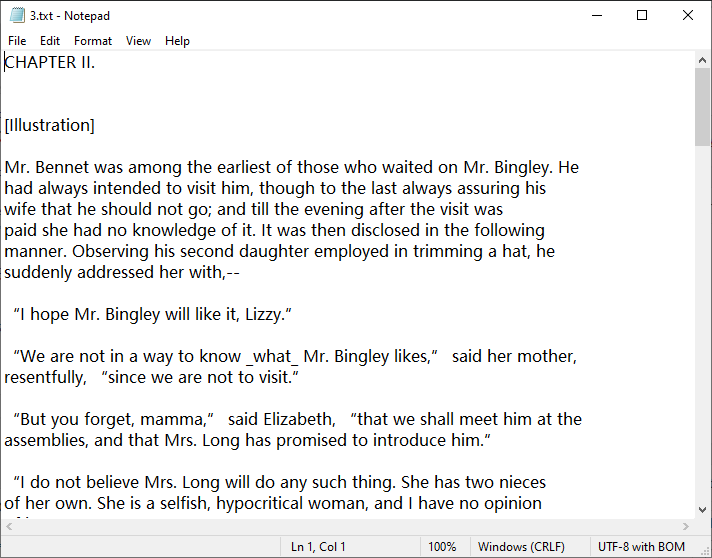
Then click “Split”, and we’ll get text files like this:
Big Text File Splitter without the manual work
For batch jobs, large files and scheduling use the Big Text File Splitter converter — an offline desktop app for Windows, Linux and macOS. Free trial.


