Want to update data from TXT (“|” pipe delimited text) file to Oracle ?
Try Withdata FileToDB, a desktop TXT to Oracle converter for Windows, MacOS, and Linux, Convert TXT to Oracle, Easy and Fast.
- Can run in GUI mode, Step by Step, just a few mouse clicks.
- Can run in Command line, for Scheduled Tasks and Streams.
- Convert locally and securely, avoid uploading large or private TXT file(s) to online services.
- Support Windows, Linux, and macOS.

Update data from TXT (“|” pipe delimited text) file to Oracle
Login to Oracle -> Choose TXT file -> Set Oracle table -> Update TXT to Oracle
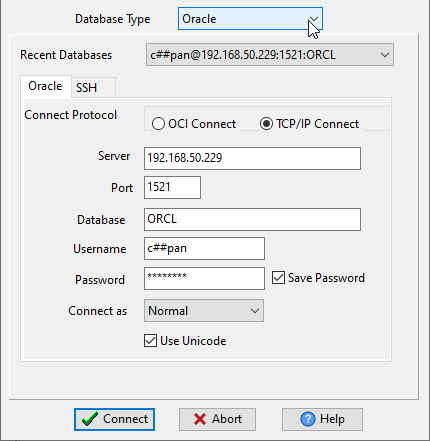
Choose Oracle and logon.
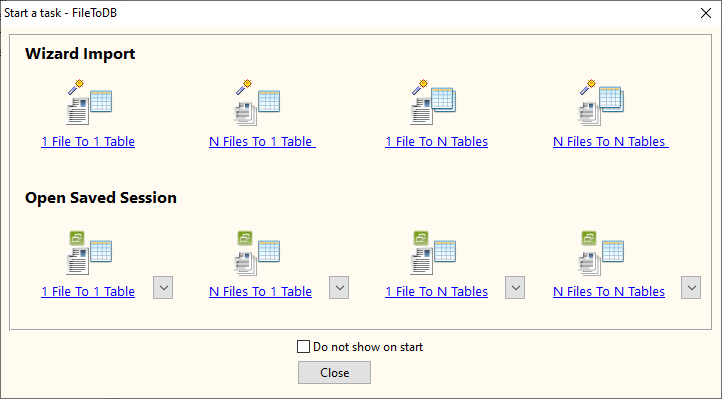
Click “Wizard – 1 File To 1 Table” at task dialog.
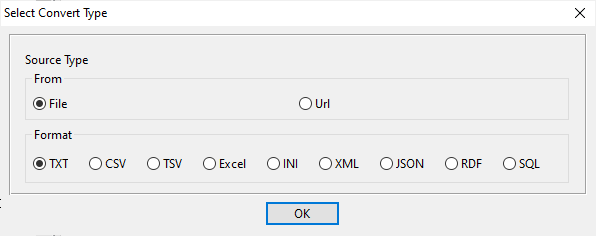
Select the “TXT” file type.
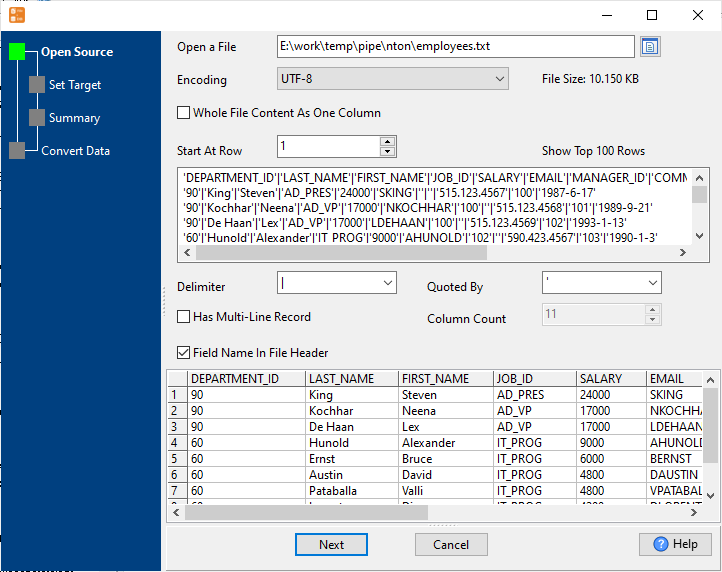
then show the wizard.
1. Open a source TXT (“|” pipe delimited text) file.
2. Select a Oracle table and config fields.
Set “Load Type” to “Update”, choice “By Key”.

3. Preview data.

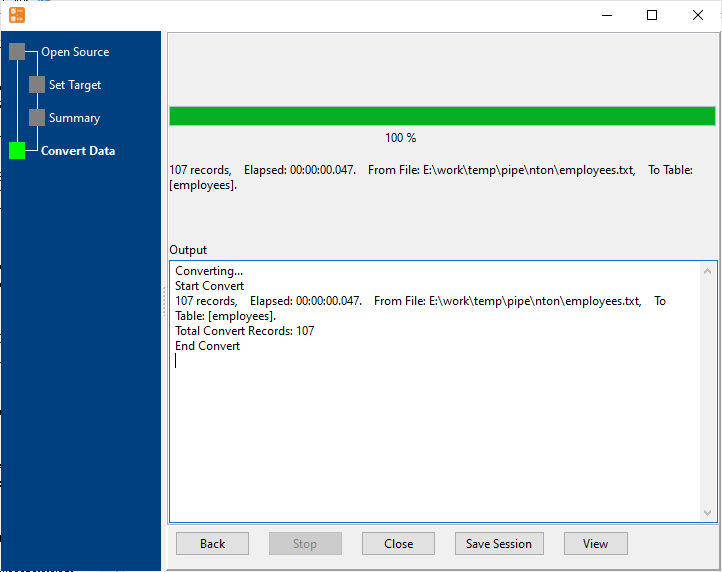
4. Update TXT data to Oracle.
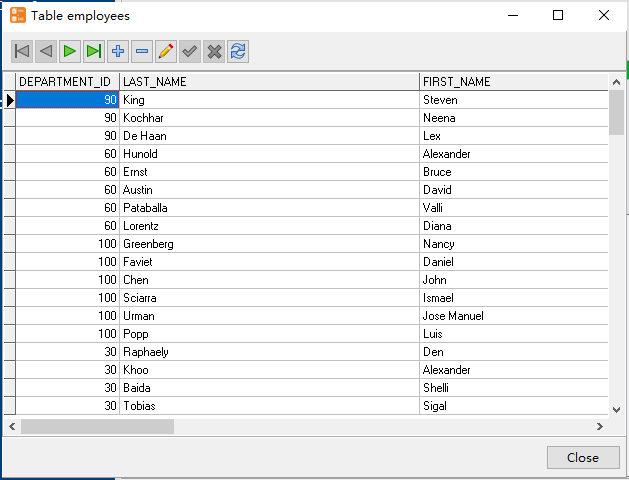
View updated data
Update TXT (“|” pipe delimited text) data to Oracle in command line
Run “TXT to Oracle” from the command line and run it from the Windows, Linux or macOS command line.
Set scheduled tasks for updating TXT (“|” pipe delimited text) data to Oracle
You can schedule and automate this “TXT to Oracle” conversion task by:
- Save session and create .bat (Windows) or .sh (Linux/macOS) file for “TXT to Oracle” conversion.
- Set scheduled task for “TXT to Oracle” conversion.
FAQ
More about Withdata FileToDB – TXT (“|” pipe delimited text) to Oracle converter
Download Withdata FileToDB