Want to export data from dBase query to TXT file?
Try Withdata DBToFile, a dBase to TXT converter for Windows, Linux, and macOS, Export dBase data to TXT, Easy and Fast.
- Can run in GUI mode, Step by Step, just a few mouse clicks.
- Can run in Command line, for Scheduled Tasks and Streams.
- Support Windows, Linux, and macOS.

Export data from dBase query to TXT file
Login to dBase -> Enter dBase query -> Set TXT file options -> Export dBase query to TXT
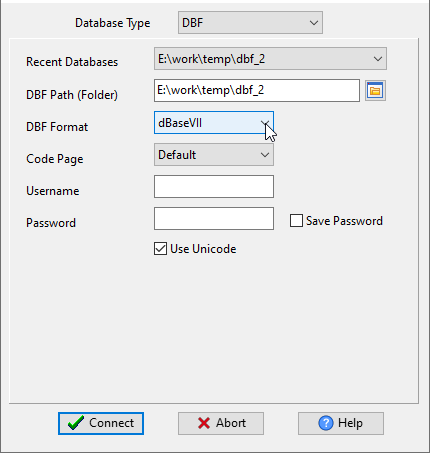
Choose dBase and logon.
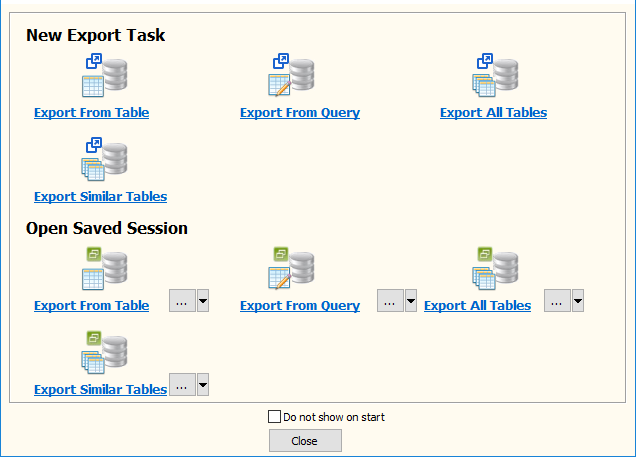
Click “Export From Query” at task dialog.
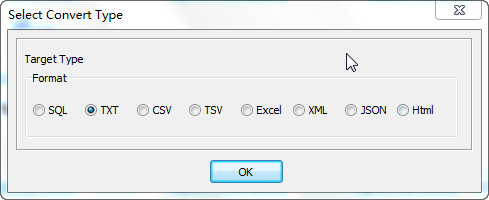
Select TXT file type.
1. Enter dBase query.

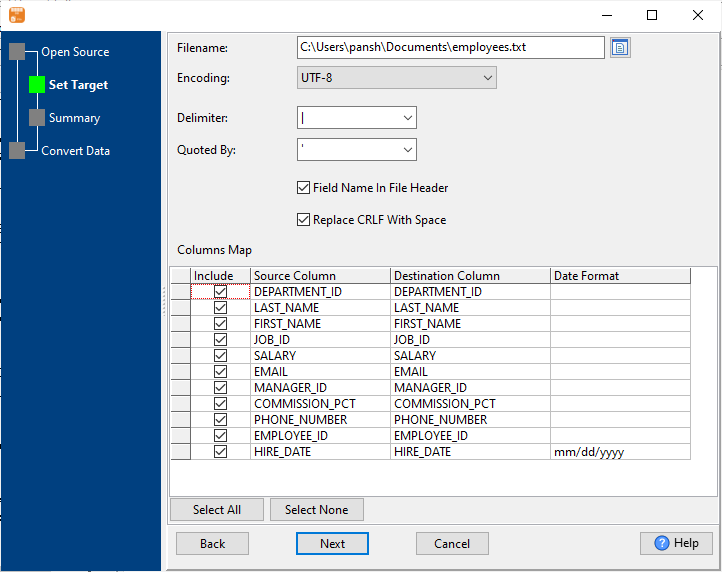
2. Set TXT file options.
3. Set rows options.
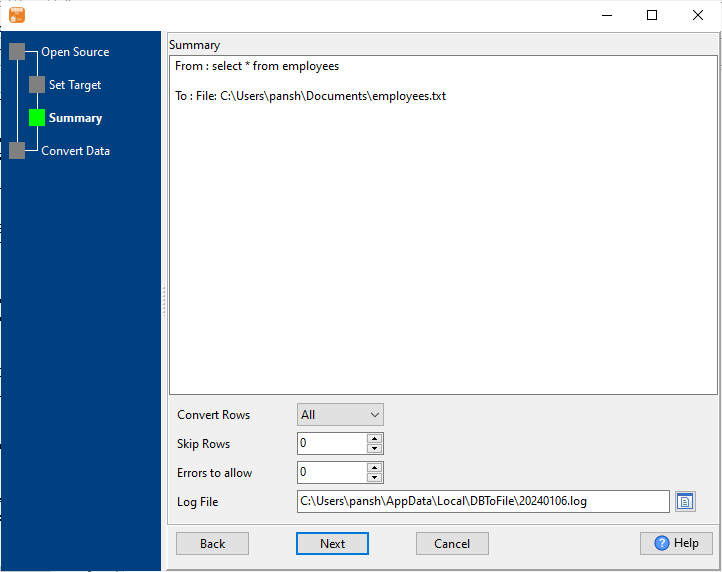
4. Export dBase query results to TXT file.
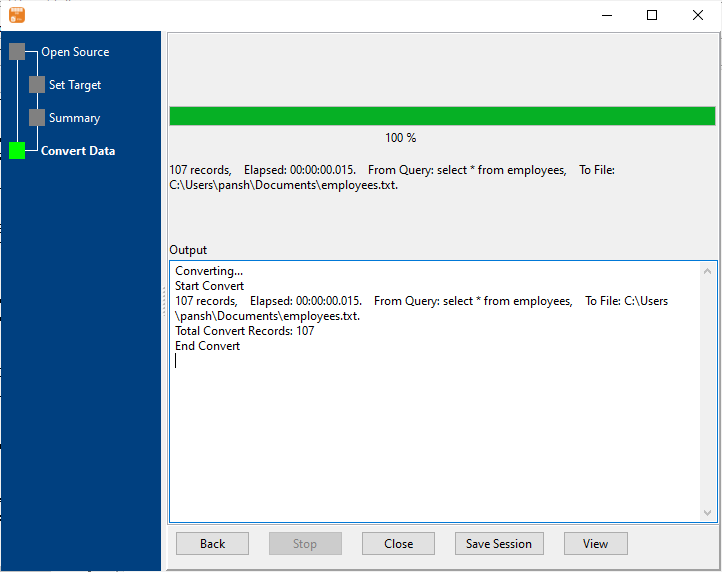
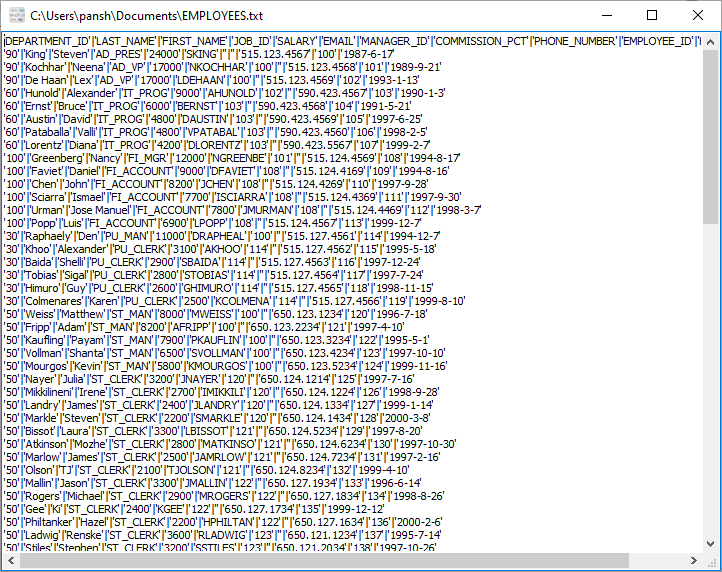
After exporting, you can view output TXT files.
More about dBase to TXT converter
Download Withdata DBToFile
See also:
- Export dBase table to TXT
- Export multiple similar dBase tables to one TXT file
- Batch export dBase tables to TXT files

