Want to batch export Access query results MEMO (CLOB) to files ?
Using DBBlobEditor, you can bulk export Access query results MEMO (CLOB) to files easily and fast.
- Step by step, just a few mouse clicks.
- Support schedule and automate converting task.
- Support Windows, Linux, macOS.

Batch export Access query results MEMO (CLOB) to files
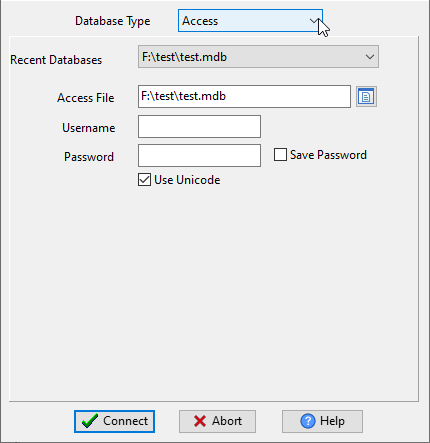
Run DBBlobEditor, login to Access.
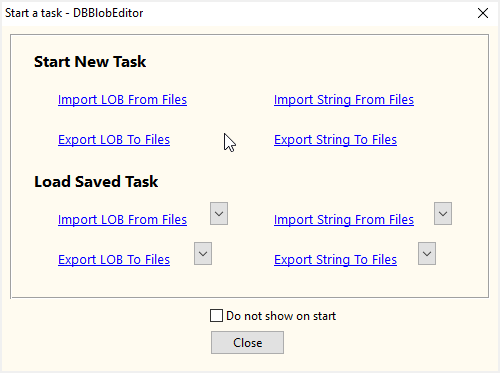
Click “Start New Task – Export LOB To Files” at task dialog.
then enter Access query to export MEMO (CLOB).

More about DBBlobEditor – Access MEMO (CLOB) exporter
Download DBBlobEditor
View, edit, import and export BLOB/CLOB data
Do it in a GUI instead of writing SQL: DBBlobEditor handles BLOB/CLOB columns in Oracle, SQL Server, MySQL, PostgreSQL, SQLite, DB2 and Access — batch import/export and in-place editing, no coding. Windows, macOS and Linux (free trial).