Want to sync data from SQLite to Percona?
Try Withdata DBCopier, a SQLite to Percona converter for Windows, Mac, and Linux, Synchronize SQLite to Percona, Easy and Fast.
- Can run in GUI mode, Step by Step, just a few mouse clicks.
- Can run in Command line, for Scheduled Tasks and Streams.
- Support Windows, Linux, and macOS.

Synchronize data from SQLite to Percona
Login to SQLite and target Percona -> Select source SQLite tables -> Set target Percona tables -> Sync SQLite data to Percona
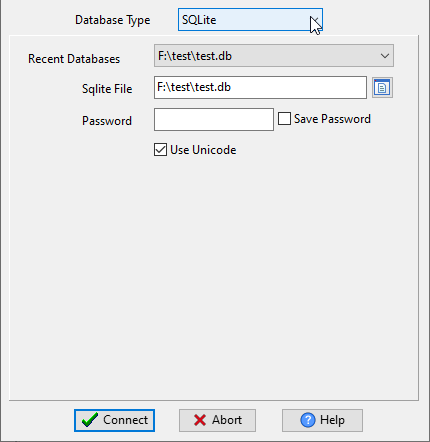
Choose source SQLite database and logon.
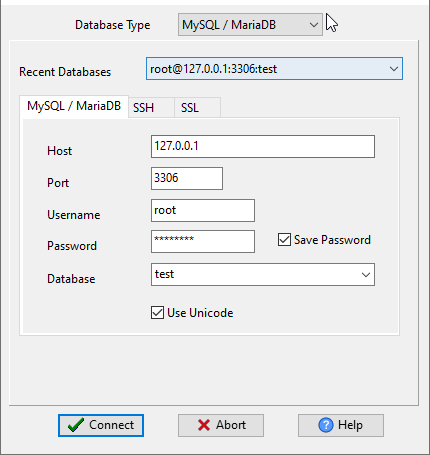
Choose target Percona database and logon.
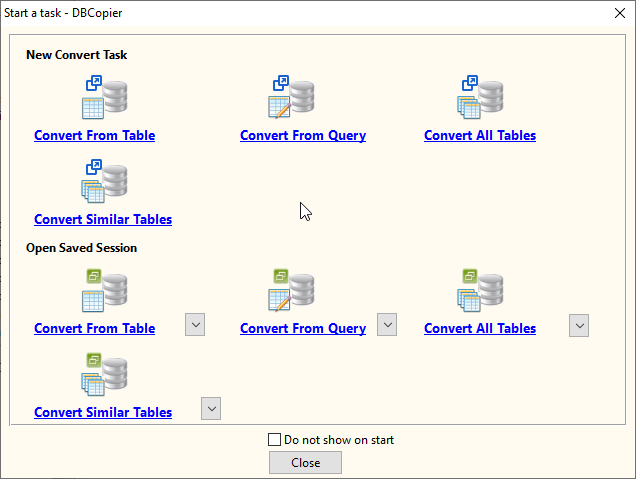
Click “Wizard – Import All Tables” at task dialog.
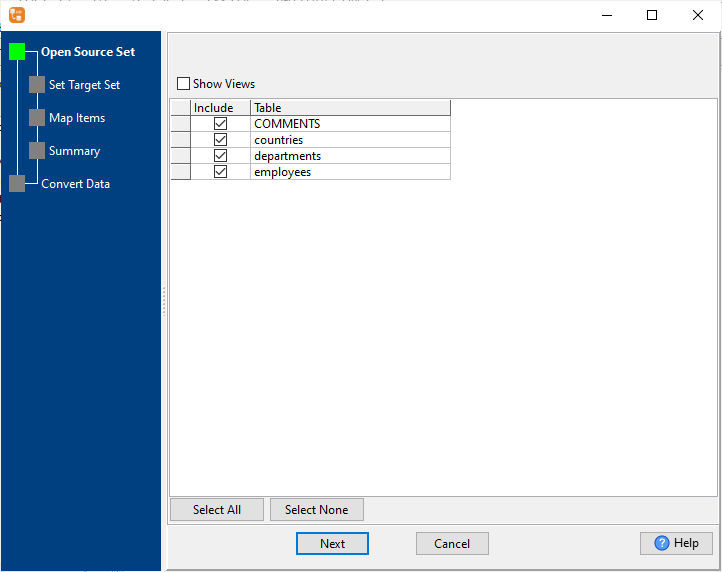
then show the wizard.
1. Select source SQLite tables to sync.
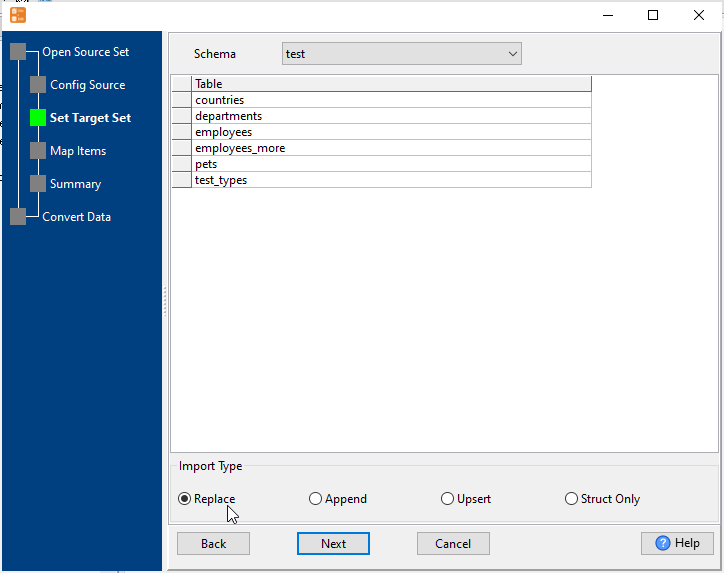
2. List target Percona tables.
Set “Import Type” to “Replace”, it will do a full synchronization.
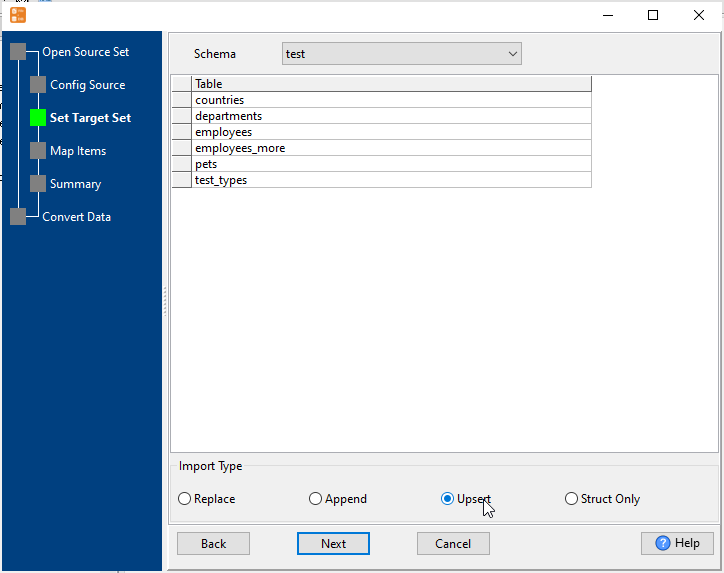
Or set “Import Type” to “Upsert”, it will do a upsert synchronization.
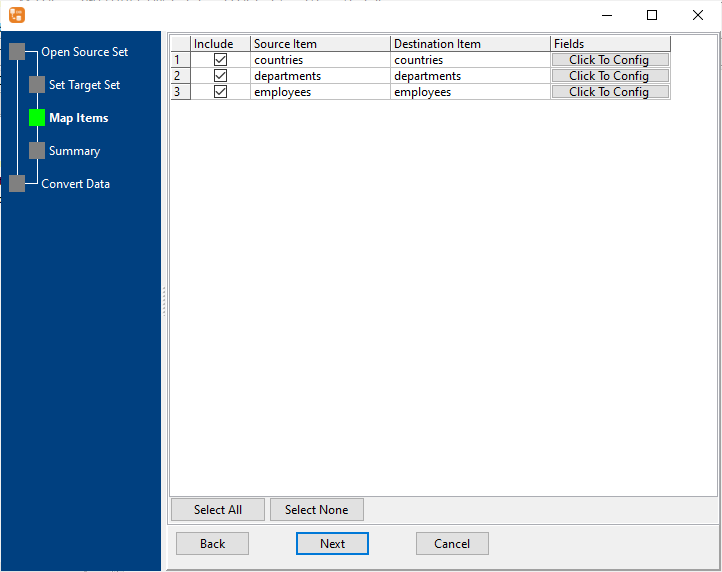
3. Select Percona tables to sync.
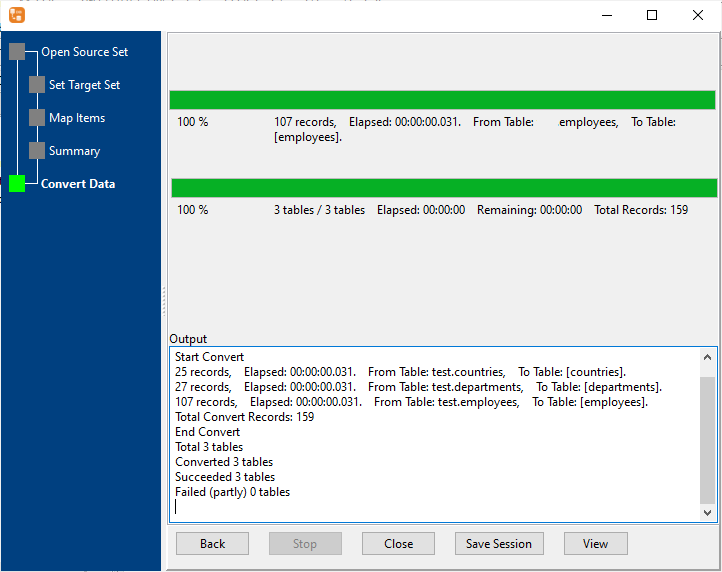
4. Sync SQLite data to Percona.
More about SQLite to Percona converter
Download Withdata DBCopier
See also:

