November 4, 2026 — Withdata Software announces DBBlobEditor 8.6, a cross-platform desktop tool for viewing, importing and exporting BLOB / CLOB data. This release adds a complete command line for moving BLOB data to and from files, native GTK3 Linux builds, PDF previews on every platform, better media and text previews, and fixes for macOS and long-running imports.
What’s New in DBBlobEditor 8.6
1. A Command Line for BLOB and CLOB Files
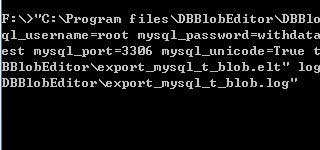
BLOB import and export can now run from the command line, so a backup, a migration or a scheduled job no longer needs the wizard. The export and import verbs work with the same table, field, name-field and extension options as the desktop forms; output folders are created automatically.
DBBlobEditor export --from="SQLite:app.db" --table=documents --field=file_data --to=./files --name-field=id --ext=bin
DBBlobEditor import --from=./files --to="SQLite:app.db" --table=documents --field=file_data --name-field=id --ext=bin
2. Previews That Work on Every Platform
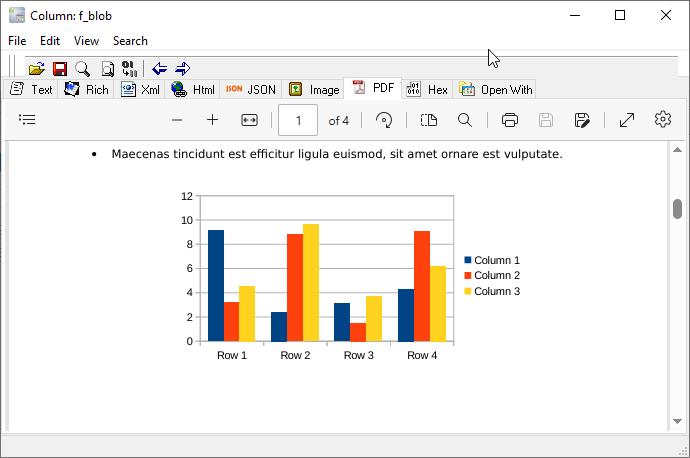
PDF documents are now rendered with pdfium on Windows, macOS and Linux, so the PDF tab no longer depends on a platform web view. Audio and video previews were improved too, including handing media to the system player on Linux and fixing the macOS layout.
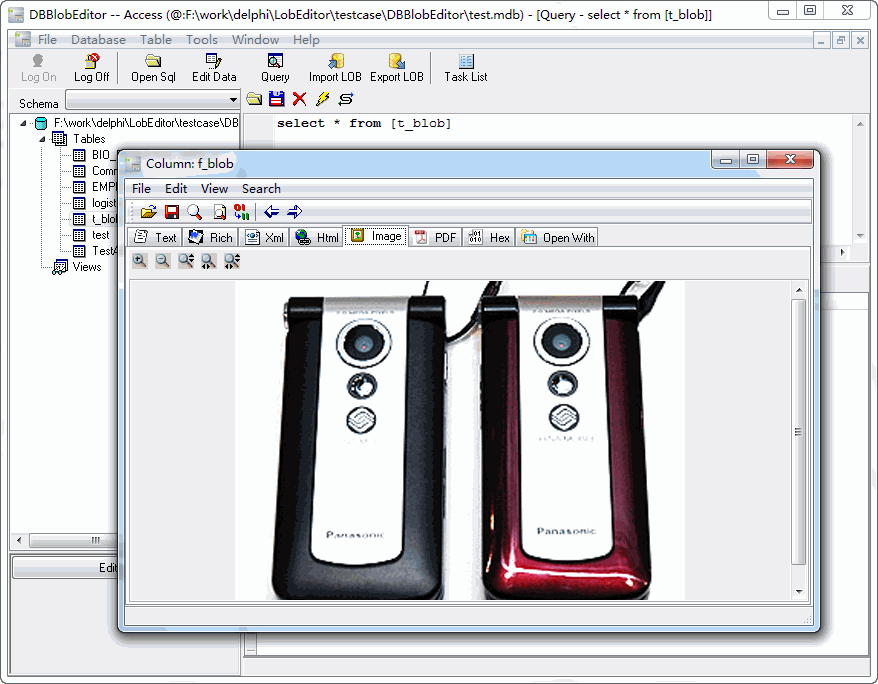
XML, JSON and HTML stored in either a text or a binary column now open in the matching preview tab. Image previews gain zoom and pan, the hex view reloads after an import, and the scrollbars and layouts were fixed for GTK3.
3. Native Linux Builds and Reliability Fixes
The Linux build now uses GTK3 and ships as native .deb and .rpm packages, including support for Ubuntu 26, alongside the existing Windows and macOS builds.
This release also fixes a macOS Access export that could drop the last row, a Pause / Resume crash on macOS, and form validation that could hang a silent run. Minor UI issues were cleaned up as well.
About DBBlobEditor
DBBlobEditor views, stores, imports and exports BLOB / CLOB data — fast and locally, without coding.
- Work with text, Rich Text (RTF), images, PDF, HTML, XML, JSON, video and audio stored in BLOB / CLOB columns
- Multiple databases, including MySQL, Oracle, SQL Server, PostgreSQL, SQLite, DB2 and more
- Native viewing and editing of the stored data, with the right viewer for each format
- Batch import and export of BLOB / CLOB data to and from files
- Command line and saved tasks for repeatable jobs
- Cross-platform: Windows, Linux, macOS
- Fully local offline processing; no data uploaded to cloud servers
Upgrade Today
DBBlobEditor 8.6 is ready for download: https://www.withdata.com/dbblobeditor/download.html. Existing users may update directly. New users can download a free trial to try the command line, the new PDF preview and the Linux packages.
Withdata Software continues optimizing DBBlobEditor for real-world BLOB / CLOB management based on user feedback.
Convert your data online, free
Free in-browser converters for CSV, Excel, JSON, XML and SQL: Withdata Online Data Conversion. Large files, batch conversion or scheduling? See the offline desktop apps, or browse all data conversion tools.