Want to parse XML format RDF (Resource Description Framework) file (.rdf, .owl) and save to CSV file?
Try Withdata Data File Converter, a desktop RDF to CSV converter, Convert RDF to CSV, Easy and Fast.
- Can run in GUI mode, Step by Step, just a few mouse clicks.
- Can run in Command line, for Scheduled Tasks and Streams.
- Convert files locally and privately, avoid uploading large RDF file(s) to online services.
- Support Windows, MacOS, and Linux.
Download Withdata DataFileConverter 
Convert XML format RDF file (.rdf, .owl) to CSV file
Choose RDF file -> Set CSV options -> Convert RDF to CSV
Click “Start a New Convert”.
then show the wizard.
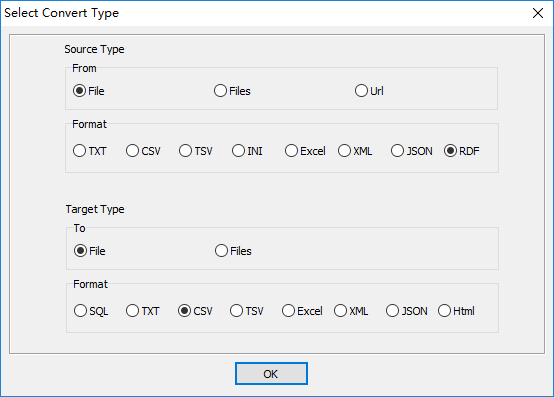
Select source/target file type.
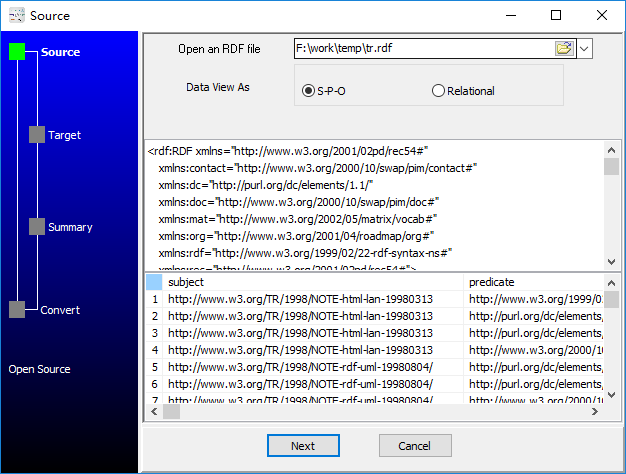
1. Open an XML format RDF file.
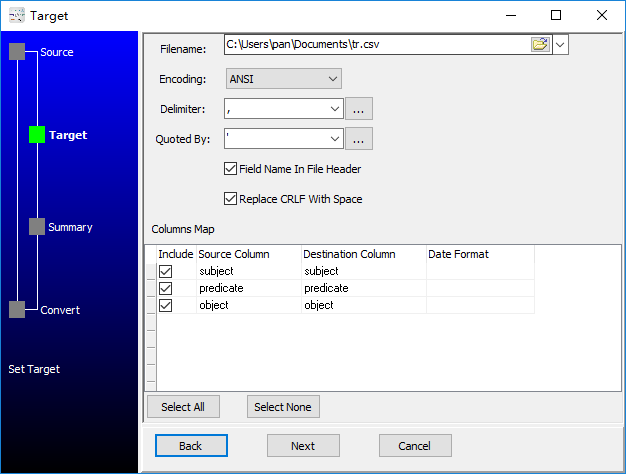
2. Config target CSV file.
3. Set rows options.

4. Convert RDF to CSV.
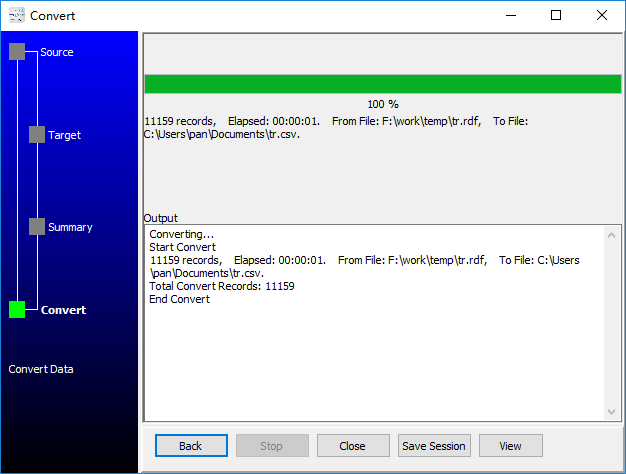
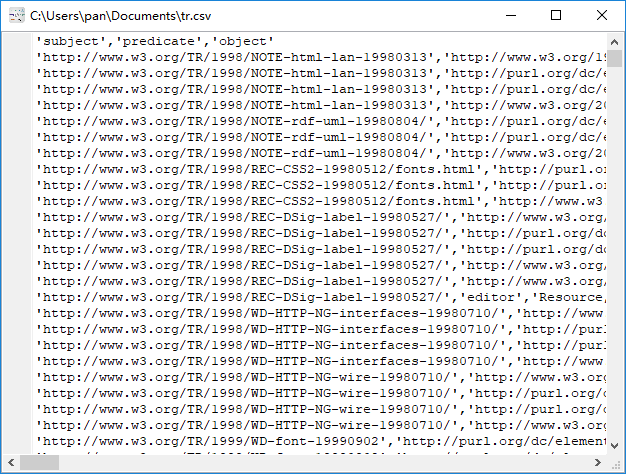
See CSV file
More about RDF to CSV converter
Download Withdata DataFileConverter
RDF → CSV reference
Type mapping
| Value kind | in RDF | in CSV |
|---|---|---|
| Int | "1234"^^xsd:int | 1234 |
| Bigint | "9007199254740993"^^xsd:long | 9007199254740993 |
| Decimal | "1234.56"^^xsd:decimal | 1234.56 |
| Float | "1.234e10"^^xsd:double | 1.234e+10 |
| Text | plain literal without a datatype | quoted only when it contains a comma or a quote |
| Long text | plain literal; newlines allowed inside | must be quoted; line breaks inside force multi-line records |
| Date | "2026-09-18"^^xsd:date | 2026-09-18 |
| Datetime | "2026-09-18T14:30:00Z"^^xsd:dateTime | 2026-09-18 14:30:00 |
| Binary | "base64..."^^xsd:base64Binary | not representable - base64 or hex string |
| Boolean | "true"^^xsd:boolean | TRUE / FALSE, or 1 / 0 depending on the writer |
| JSON | a literal, or reified as its own sub-graph | the whole JSON value quoted, with internal quotes doubled |
Dialect differences
Both RDF and CSV are file formats, so what differs below is how each one chooses to represent a value.
| Property | in RDF | in CSV |
|---|---|---|
| identifiers | XML attribute quoting; entities for reserved characters | Double quotes; a literal quote is doubled ("" ) |
| dates | xsd:dateTime typed literals | Conventional text: 2026-09-18 or 2026-09-18 14:30:00 |
| binary | xsd:base64Binary typed literals | Not supported |
| separator | XML elements (rdf:Description / rdf:resource) | Comma "," |
| encoding | Declared in the XML declaration | No declaration - UTF-8 works only with a BOM |
| typing | Every value is a resource or a typed literal | None - every field is text |
| shape | Graph of triples; there are no rows or columns | Flat table, optional header row |
| ceiling | Whole document is usually parsed into memory | No formal limit; row count bounded by memory |
Do it online, free
Skip the manual work — convert RDF to CSV online, free (runs in your browser, nothing is uploaded). For large files or batch jobs, use the desktop apps.

