Want to batch import AUDIO (MP3, WAV, Ogg, WMA, M4A, AAC, etc.) files into SQLite BLOB column?
Try Withdata DBBlobEditor, a SQLite BLOB editor, Bulk import AUDIO into SQLite, East and Fast.
- Can run in GUI mode, just a few mouse clicks.
- Can run in Command line, for Scheduled Tasks and Streams.
- Support Windows, Linux, and macOS.
Download Withdata DBBlobEditor 
Batch import AUDIO files to SQLite BLOB column
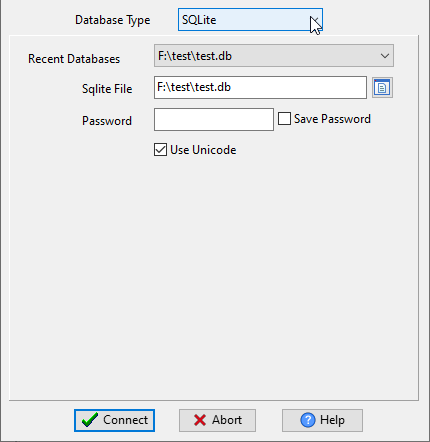
Run DBBlobEditor, login to SQLite.
Click “Start New Task – Import LOB From Files” at task dialog.
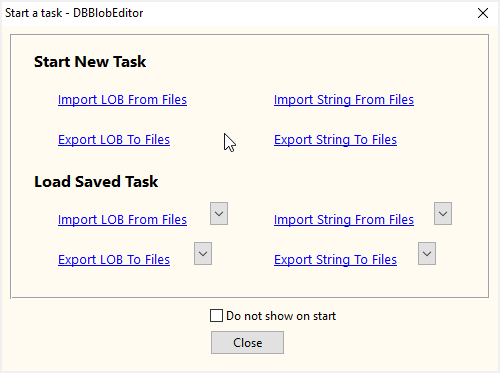
then show the wizard.
1. Configure import AUDIO settings.
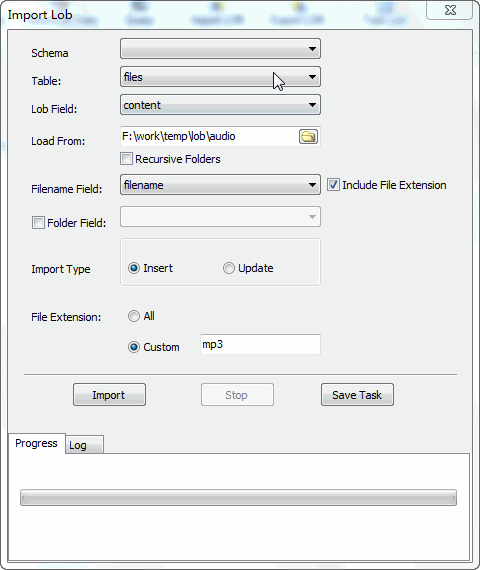
2. Bulk import AUDIO files to SQLite BLOB.
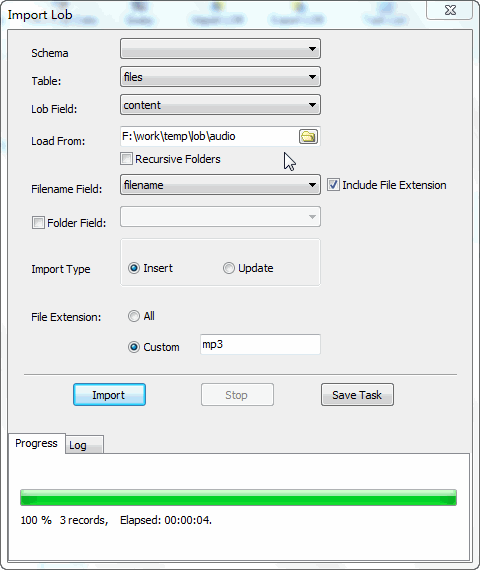
then you can see importing results
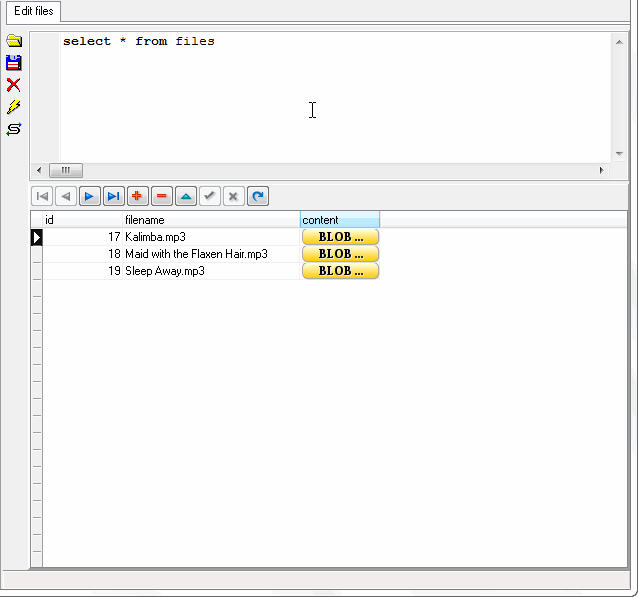
More about SQLite BLOB importer
Download Withdata DBBlobEditor

