Want to export data from multiple similar DBF tables to one CSV file?
Try Withdata DBToFile, a DBF to CSV converter for Windows, Linux, and macOS, Export DBF data to CSV, Easy and Fast.
- Can run in GUI mode, Step by Step, just a few mouse clicks.
- Can run in Command line, for Scheduled Tasks and Streams.
- Support Windows, Linux, and macOS.

Export multiple similar DBF tables to a single CSV file
Login to DBF -> Select DBF tables -> Set CSV file options -> Export DBF to CSV
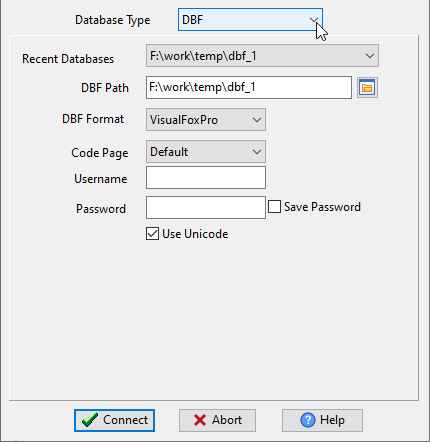
Choose DBF and logon.
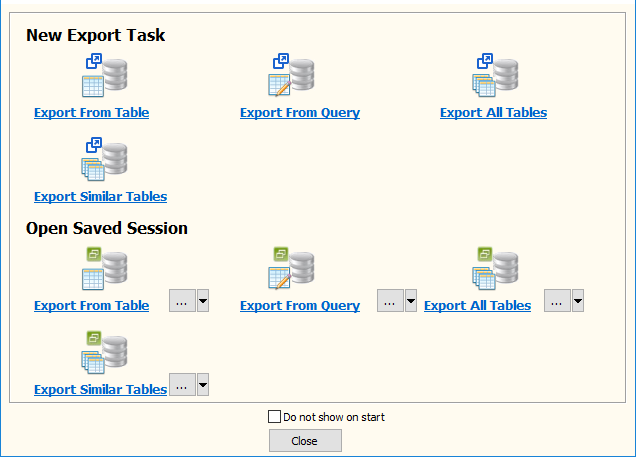
Click “Export Similar Tables” at task dialog.
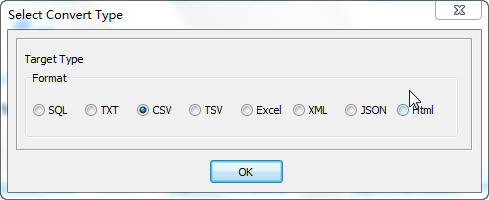
Select CSV file type.
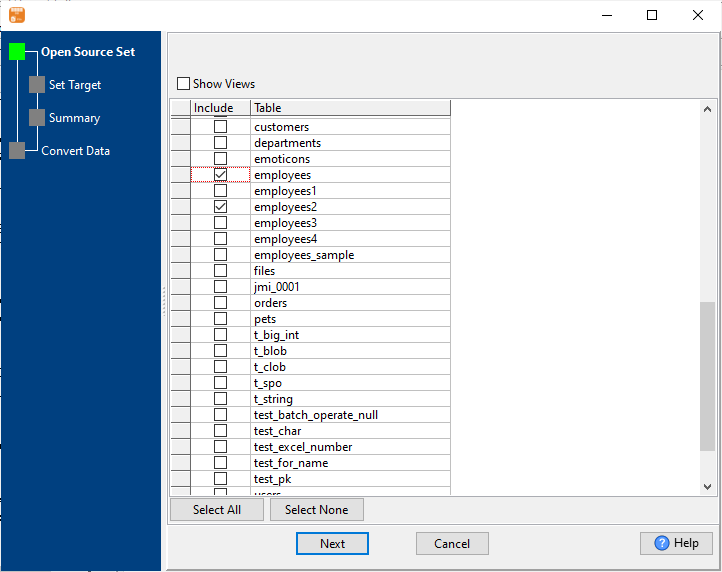
1. Select similar DBF tables.
2. Set CSV file options.
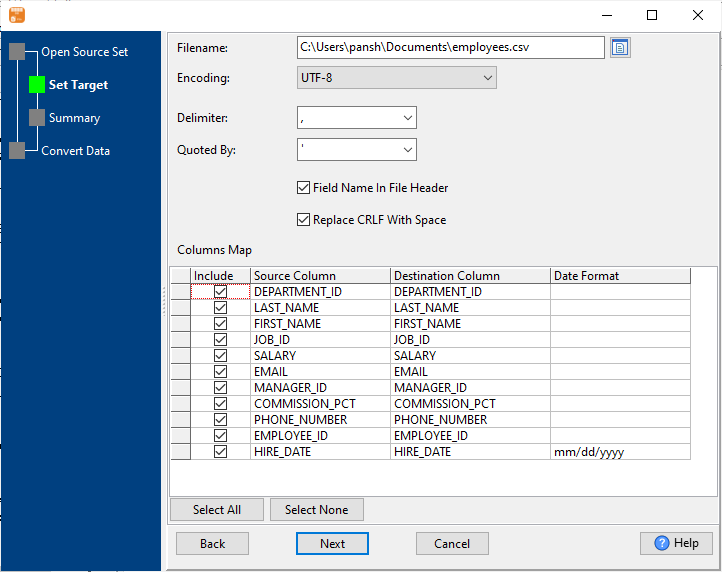
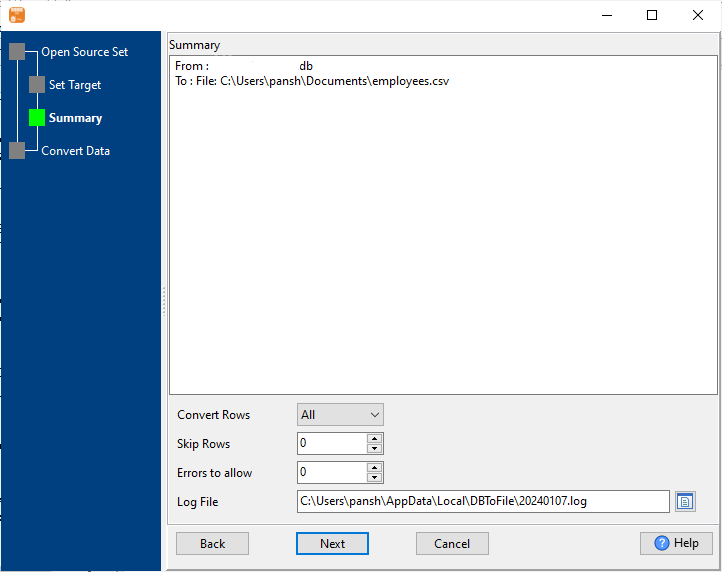
3. Set rows options.
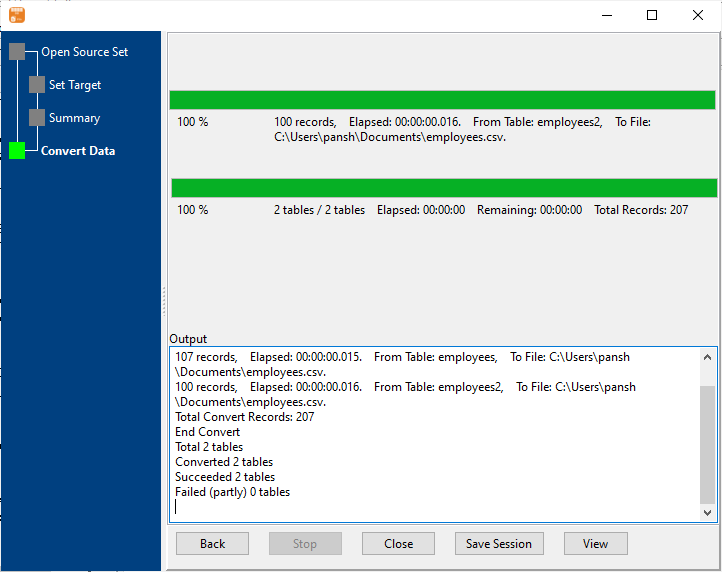
4. Export multiple similar DBF tables to a single CSV file.
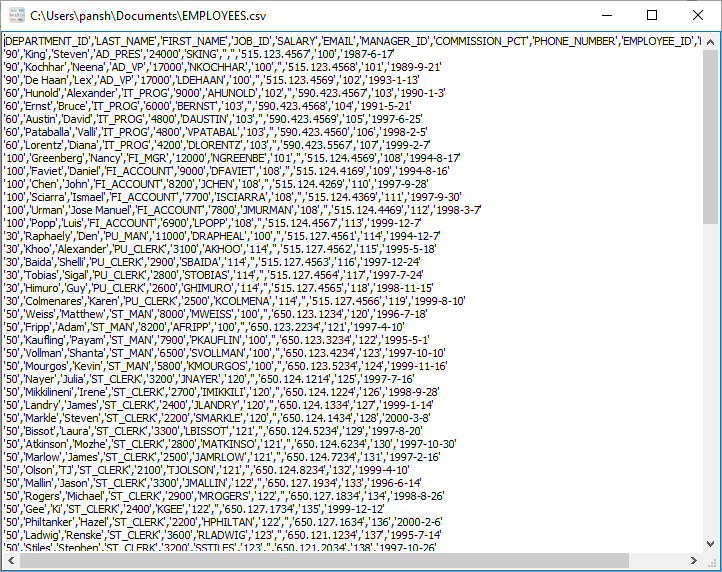
After exporting, you can view output CSV file.
More about DBF to CSV converter
Download Withdata DBToFile
See also:
DBF → CSV reference
Type mapping
| Value kind | in DBF | in CSV |
|---|---|---|
| Int | Numeric(10,0) | 1234 |
| Bigint | Numeric(19,0) | 9007199254740993 |
| Decimal | Numeric(p,s) | 1234.56 |
| Float | Float | 1.234e+10 |
| Text | Character(n) | quoted only when it contains a comma or a quote |
| Long text | Memo | must be quoted; line breaks inside force multi-line records |
| Date | Date | 2026-09-18 |
| Datetime | (none) | 2026-09-18 14:30:00 |
| Binary | (none) | not representable - base64 or hex string |
| Boolean | Logical | TRUE / FALSE, or 1 / 0 depending on the writer |
| JSON | (none) | the whole JSON value quoted, with internal quotes doubled |
Dialect differences
DBF is a database server and CSV is a file format, so the gap is wider than a dialect difference – the rows below are where values and structure stop lining up.
| Property | in DBF | in CSV |
|---|---|---|
| port | (file-based) | — |
| identifiers | — | Double quotes; a literal quote is doubled ("" ) |
| row limit | (driver dependent) | — |
| dates | Date (D) | Conventional text: 2026-09-18 or 2026-09-18 14:30:00 |
| long text | Memo (M) | — |
| binary | — | Not supported |
| separator | — | Comma "," |
| encoding | — | No declaration - UTF-8 works only with a BOM |
| typing | — | None - every field is text |
| shape | Tables of rows and columns | Flat table, optional header row |
| ceiling | — | No formal limit; row count bounded by memory |
No counterpart
- CSV has no equivalent for Date and time – it has to be flattened or dropped.
- CSV has no equivalent for Binary – it has to be flattened or dropped.
- CSV has no equivalent for JSON – it has to be flattened or dropped.
DBF to CSV without the manual work
For batch jobs, large files and scheduling use the DBF to CSV converter — an offline desktop app for Windows, Linux and macOS. Free trial.