Want to export data from DB2 table to SQL file for upserting?
Upsert: inserts rows into a table if they do not already exist, or updates them if they do.
Try Withdata DBToFile, a DB2 to SQL converter for Windows, Linux, and macOS, Export DB2 data to SQL, Easy and Fast.

Export data from DB2 table to SQL file for upserting
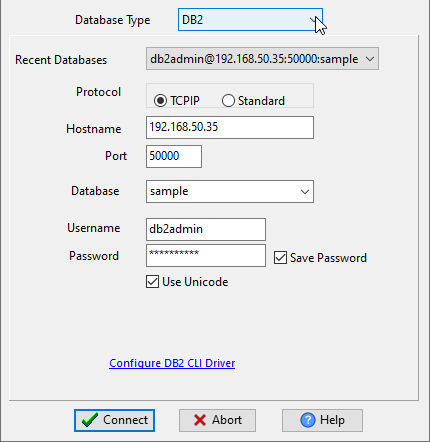
Choose DB2 and logon.
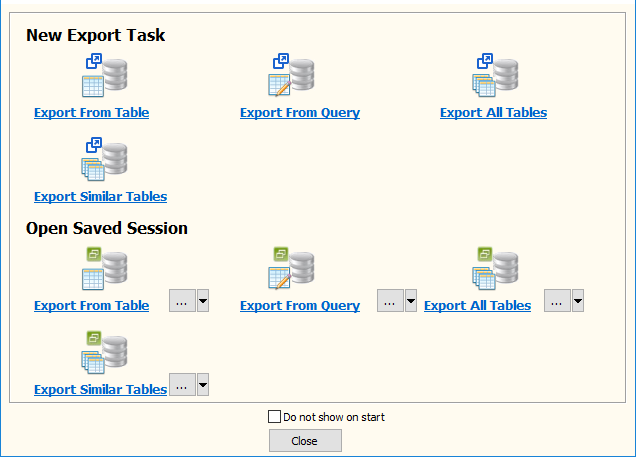
Click “Export From Table” at task dialog.
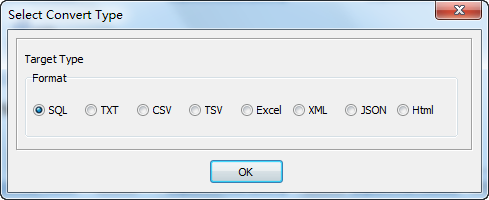
Select SQL file type.
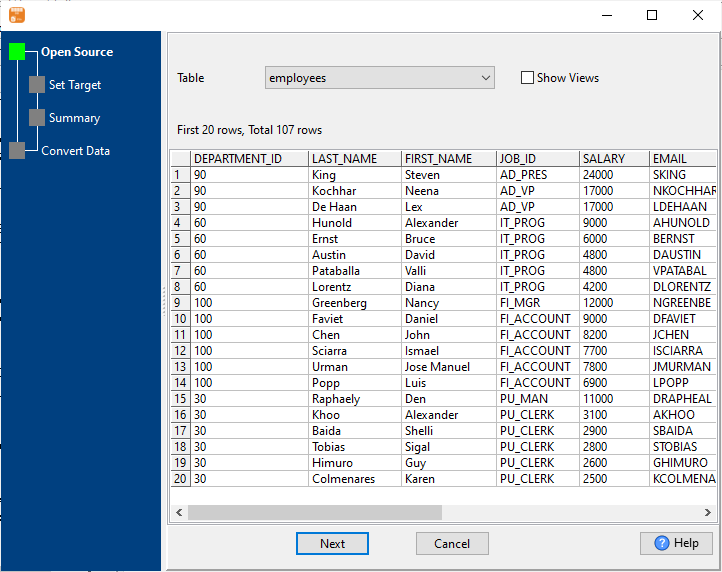
1. Select DB2 table.
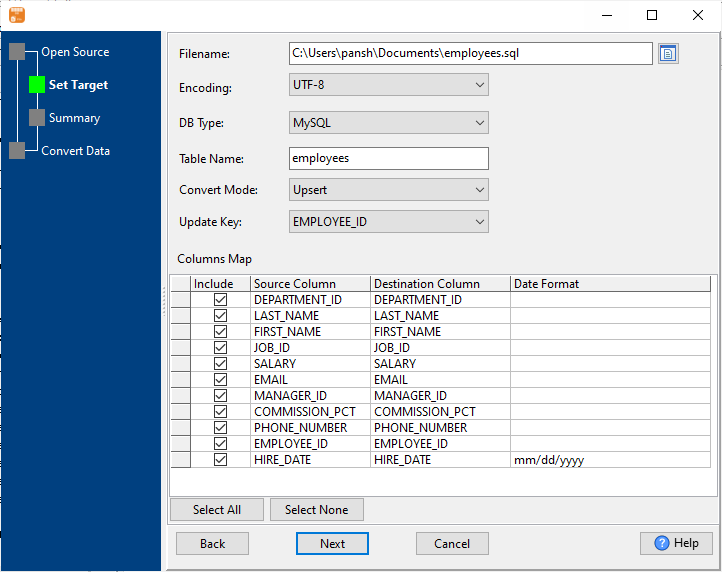
2. Enter data file name.
Set “Convert Mode” to “Upsert”, enter “Update Key”.
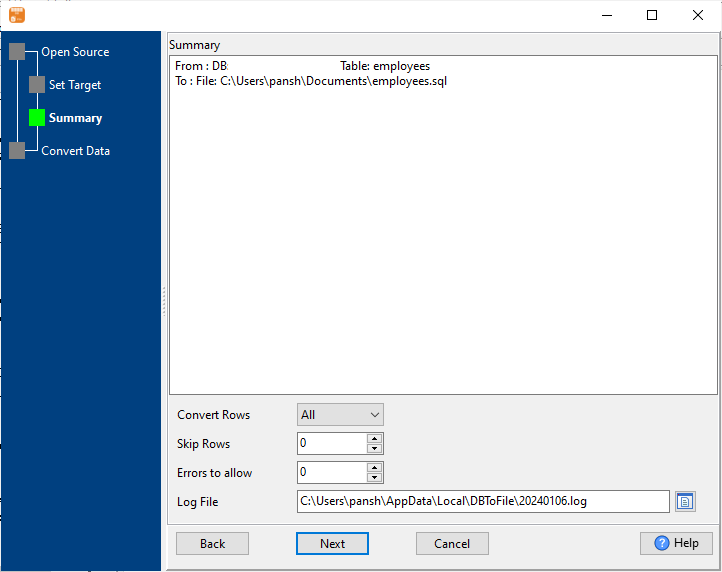
3. Set rows options.
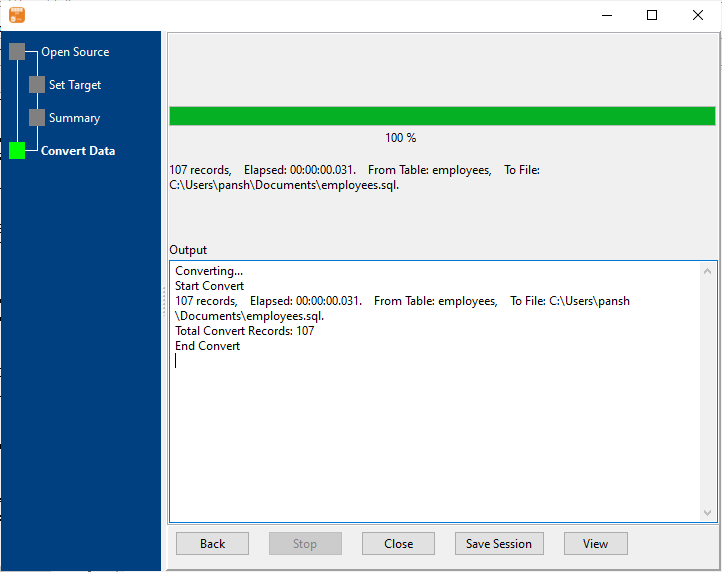
4. Export.
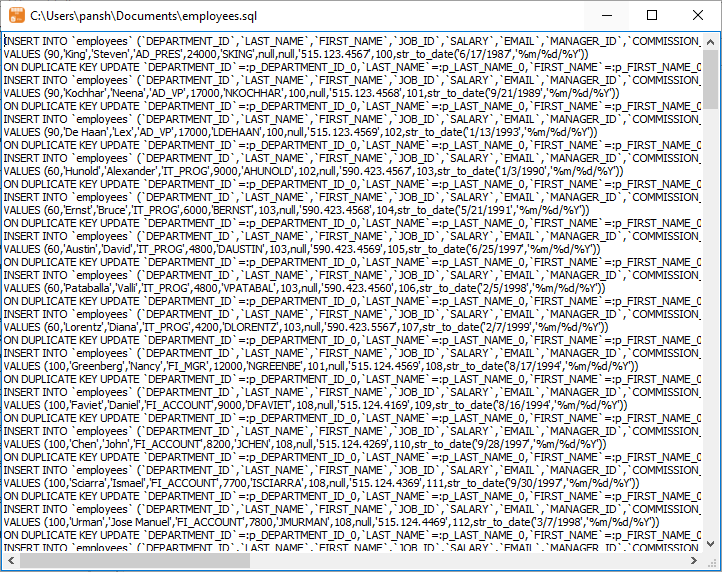
After exporting, you can view output upserting SQL file.
You can schedule and automate this converting task by:
- Save session and create .bat (Windows) or .sh (Linux/macOS) file for “DB2 to SQL” conversion.
- Set scheduled task for “DB2 to SQL” conversion.
FAQ
More about Withdata DBToFile – DB2 to SQL converter
Download Withdata DBToFile

