Want to batch export data from Access tables to HTML files?
Try Withdata DBToFile, a Access to HTML converter for Windows, Linux, and macOS, Export Access data to HTML, Easy and Fast.
- Can run in GUI mode, Step by Step, just a few mouse clicks.
- Can run in Command line, for Scheduled Tasks and Streams.
- Support Windows, Linux, and macOS.

Batch export data from Access tables to HTML tables
Login to Access -> Select Access tables -> Set HTML file options -> Export Access tables to HTML tables
Choose Access and logon.
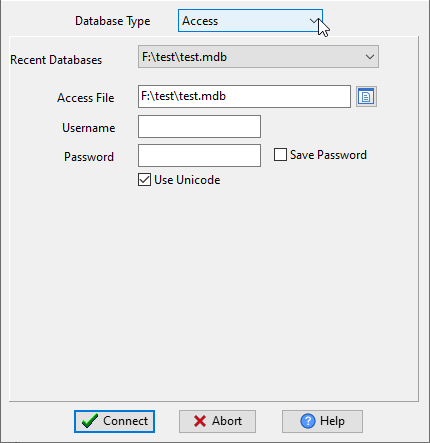
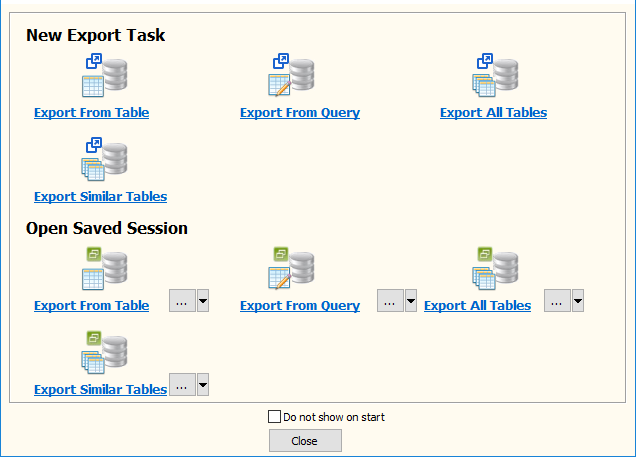
Click “Export All Tables” for “Access to HTML”.
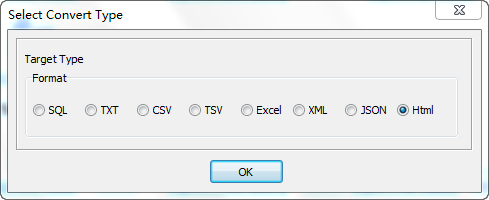
Select HTML file type.
1. Select Access tables to export.

2. Set HTML options.
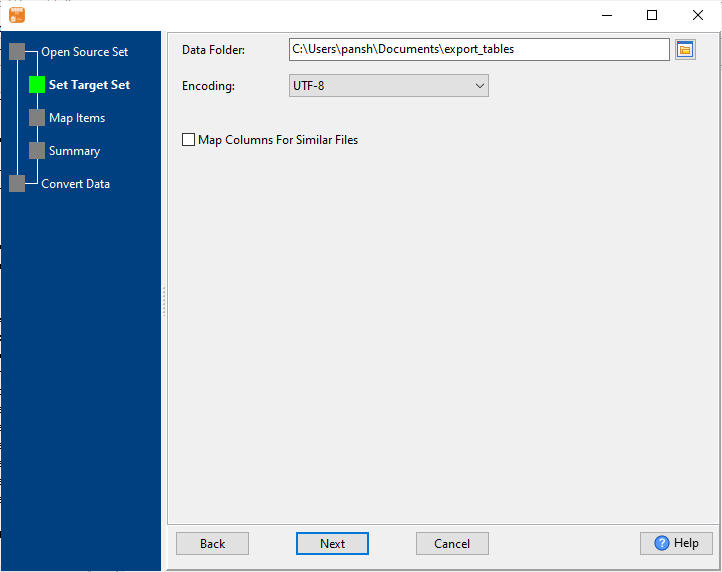
3. See Access tables to be exported.

4. Set rows options.
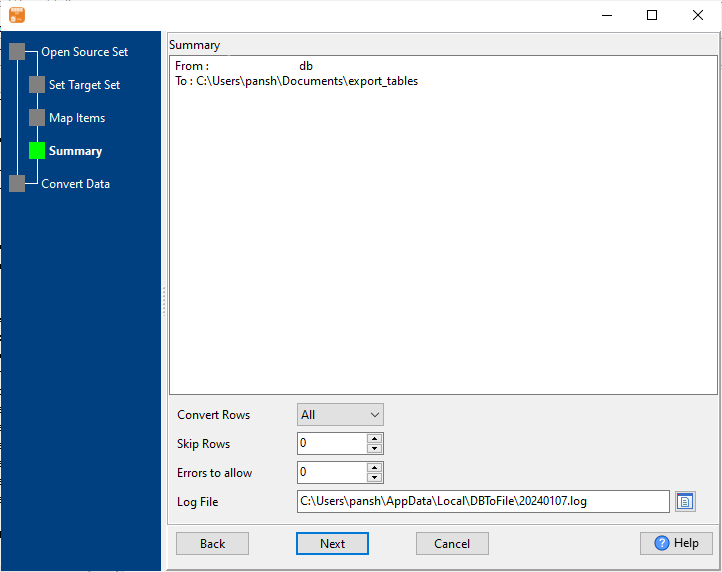
5. Export Access data to HTML tables.
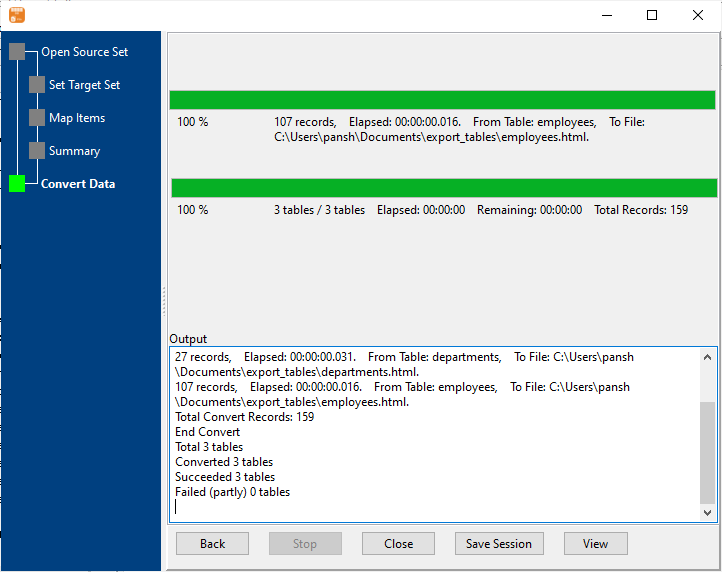
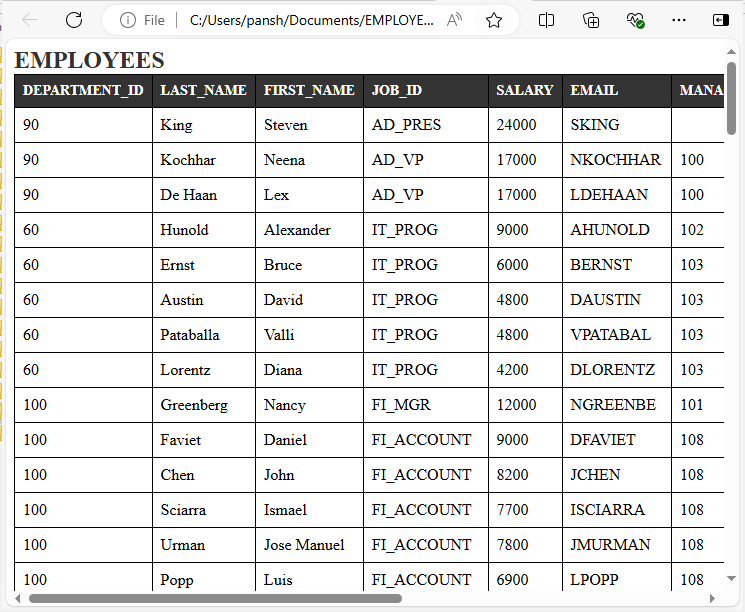
After exporting, you can view output HTML tables.
More about Access to HTML converter
Download Withdata DBToFile
See also:
- Export Access table to HTML
- Export Access query results to HTML
- Export multiple similar Access tables to one HTML file
Access → HTML reference
Type mapping
| Value kind | in Access | in HTML |
|---|---|---|
| Int | Long Integer | <td>1234</td> |
| Bigint | Long Integer | <td>9007199254740993</td> |
| Decimal | Decimal | <td>1234.56</td> |
| Float | Double | <td>1.234e+10</td> |
| Text | Text(n) | <td>text</td> |
| Long text | Long Text | <td>multi-line text</td> (entities for & <) |
| Date | Date/Time | <td>2026-09-18</td> |
| Datetime | Date/Time | <td>2026-09-18 14:30:00</td> |
| Binary | OLE Object | not representable in a cell |
| Boolean | Yes/No | <td>true</td> |
| JSON | Long Text | <td>{"a":1}</td> (quotes escaped) |
Dialect differences
Access is a database server and HTML is a file format, so the gap is wider than a dialect difference – the rows below are where values and structure stop lining up.
| Property | in Access | in HTML |
|---|---|---|
| port | (file-based) | — |
| identifiers | [square brackets] | Attribute values in quotes; entities for reserved characters |
| row limit | SELECT TOP n | — |
| dates | Date/Time | Whatever text was rendered |
| long text | MEMO | — |
| binary | OLE Object | data: URIs inside src attributes |
| separator | — | Tags, not delimiters |
| encoding | — | Declared in a meta charset tag or the HTTP header |
| typing | — | None |
| shape | Tables of rows and columns | Free form; tables are row/column structures inside markup |
| ceiling | — | No formal limit |
Convert your data online, free
Free in-browser converters for CSV, Excel, JSON, XML and SQL: Withdata Online Data Conversion. Large files, batch conversion or scheduling? See the offline desktop apps, or browse all data conversion tools.