Want to batch export data from Azure tables to TXT files?
Try Withdata DBToFile, a Azure to TXT converter for Windows, Linux, and macOS, Export Azure data to TXT, Easy and Fast.
- Can run in GUI mode, Step by Step, just a few mouse clicks.
- Can run in Command line, for Scheduled Tasks and Streams.
- Support Windows, Linux, and macOS.

Batch export data from Azure tables to TXT files
Login to Azure -> Select Azure tables -> Set TXT file options -> Export Azure tables to TXT
Choose Azure and logon.
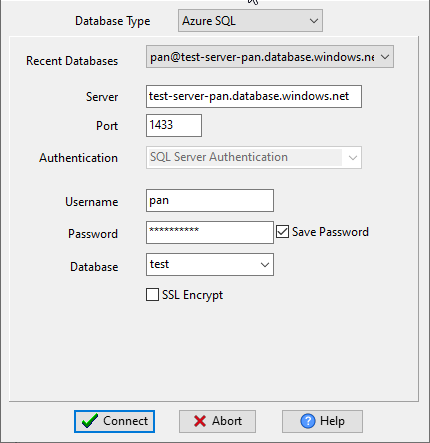
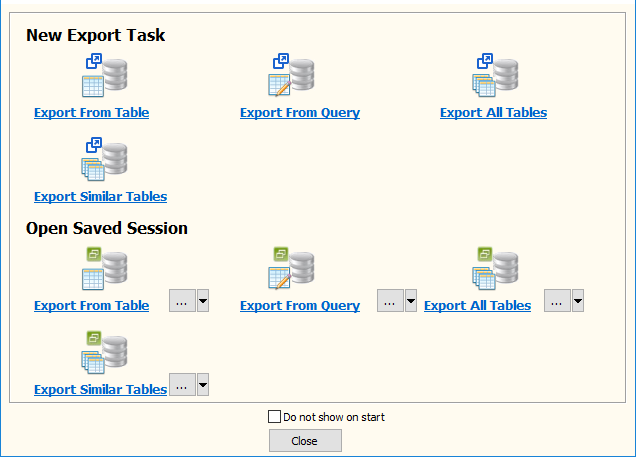
Click “Export All Tables” at task dialog.
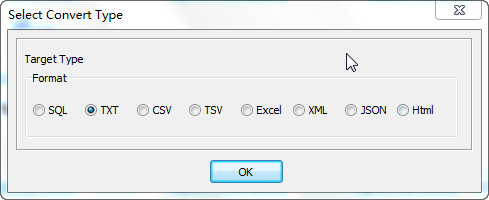
Select TXT file type.
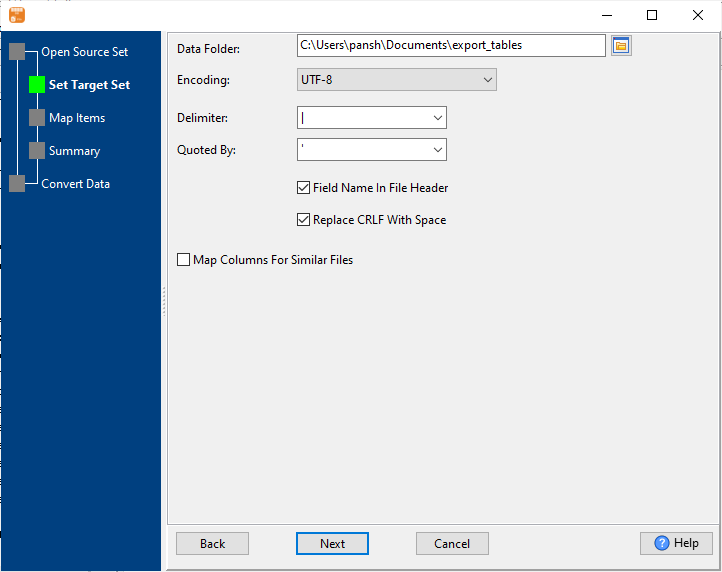
1. Select Azure tables to export.

2. Set TXT options.
3. See Azure tables to be exported.

4. Set rows options.
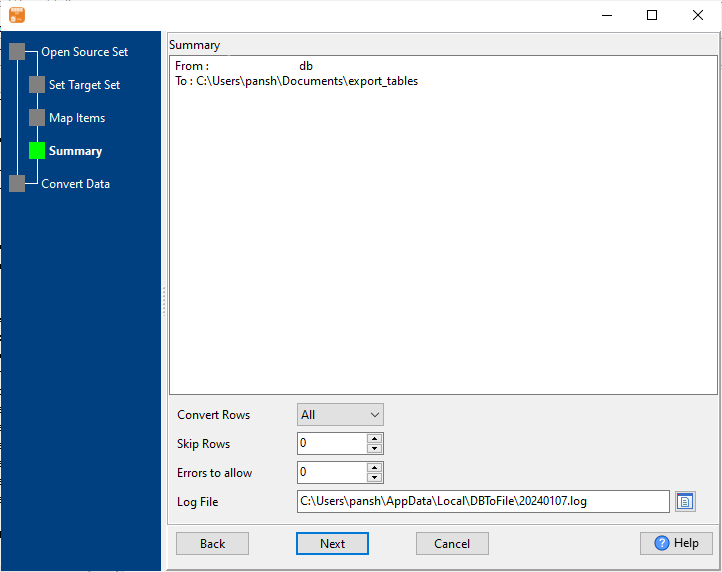
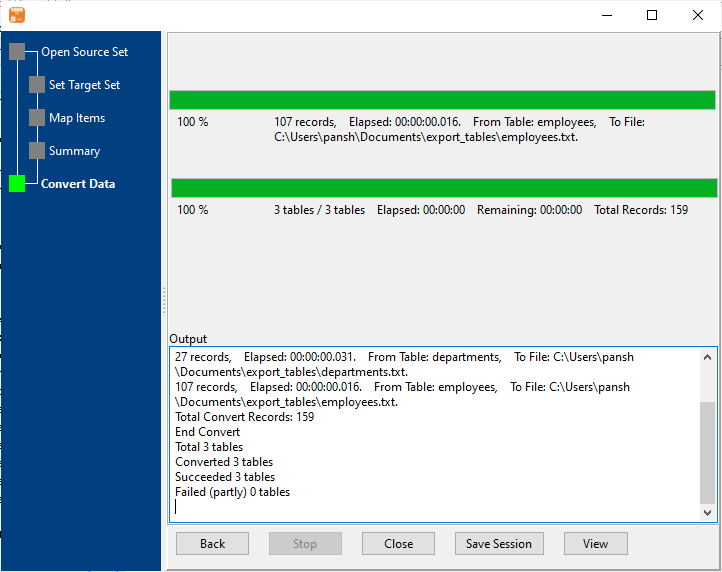
5. Export Azure data to TXT files.
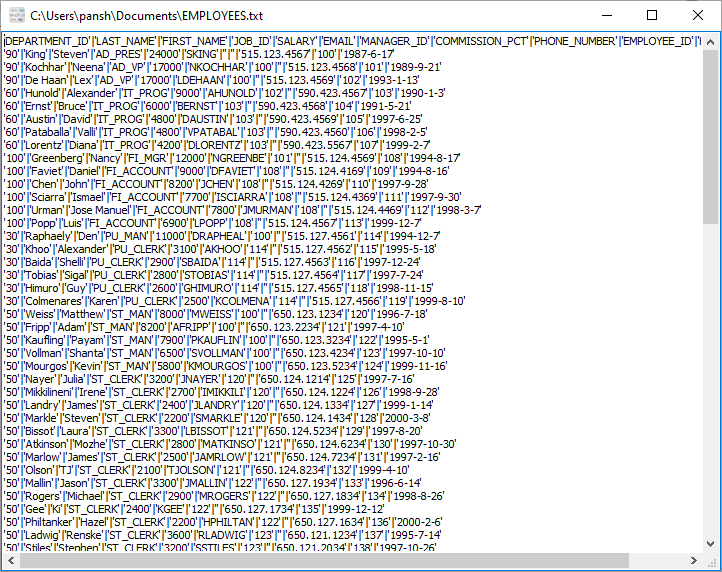
After exporting, you can view output TXT files.
More about Azure to TXT converter
Download Withdata DBToFile
See also:
- Export Azure table to TXT
- Export Azure query results to TXT
- Export multiple similar Azure tables to one TXT file
Azure SQL → TXT reference
Type mapping
| Value kind | in Azure SQL | in TXT |
|---|---|---|
| Int | int | 1234, or right-aligned in a fixed-width column |
| Bigint | bigint | 9007199254740993 |
| Decimal | decimal(p,s) | 1234.56 |
| Float | float | 1.234e+10 |
| Text | nvarchar(n) | written as-is; padding depends on the chosen layout |
| Long text | nvarchar(max) | written as-is |
| Date | date | whatever the writer chose |
| Datetime | datetime2 | whatever the writer chose |
| Binary | varbinary(max) | not representable |
| Boolean | bit | Y / N, or 1 / 0, or TRUE / FALSE |
Dialect differences
Azure SQL is a database server and TXT is a file format, so the gap is wider than a dialect difference – the rows below are where values and structure stop lining up.
| Property | in Azure SQL | in TXT |
|---|---|---|
| port | 1433 | — |
| identifiers | [square brackets] | None by convention |
| row limit | SELECT TOP n | — |
| dates | datetime2, date, time | Whatever the writer produced; no convention is guaranteed |
| long text | nvarchar(max) | — |
| binary | varbinary(max) | Not supported |
| separator | — | Whatever was chosen - often fixed column widths |
| encoding | — | No declaration - UTF-8 works only with a BOM |
| typing | — | None - every field is text |
| shape | Tables of rows and columns | Free form; a parser has to be told the layout |
| ceiling | — | No formal limit |
Command line
| Side | Command |
|---|---|
| Azure SQL | bcp |
| Azure SQL (load) | bcp, or BULK INSERT |
Convert your data online, free
Free in-browser converters for CSV, Excel, JSON, XML and SQL: Withdata Online Data Conversion. Large files, batch conversion or scheduling? See the offline desktop apps, or browse all data conversion tools.


