Want to split large JSON file to smaller files?
Try Withdata Big Text File Splitter, a desktop JSON splitter for Windows, MacOS, and Linux, Split large JSON file, East and Fast.
- Can run in GUI mode, Step by Step, just a few mouse clicks.
- Can run in Command line, for Scheduled Tasks and Streams.
- Split JSON file locally and privately, Avoid uploading LARGE JSON file(s) to online services.
Download Withdata BigTextFileSplitter 
Example of splitting large JSON file
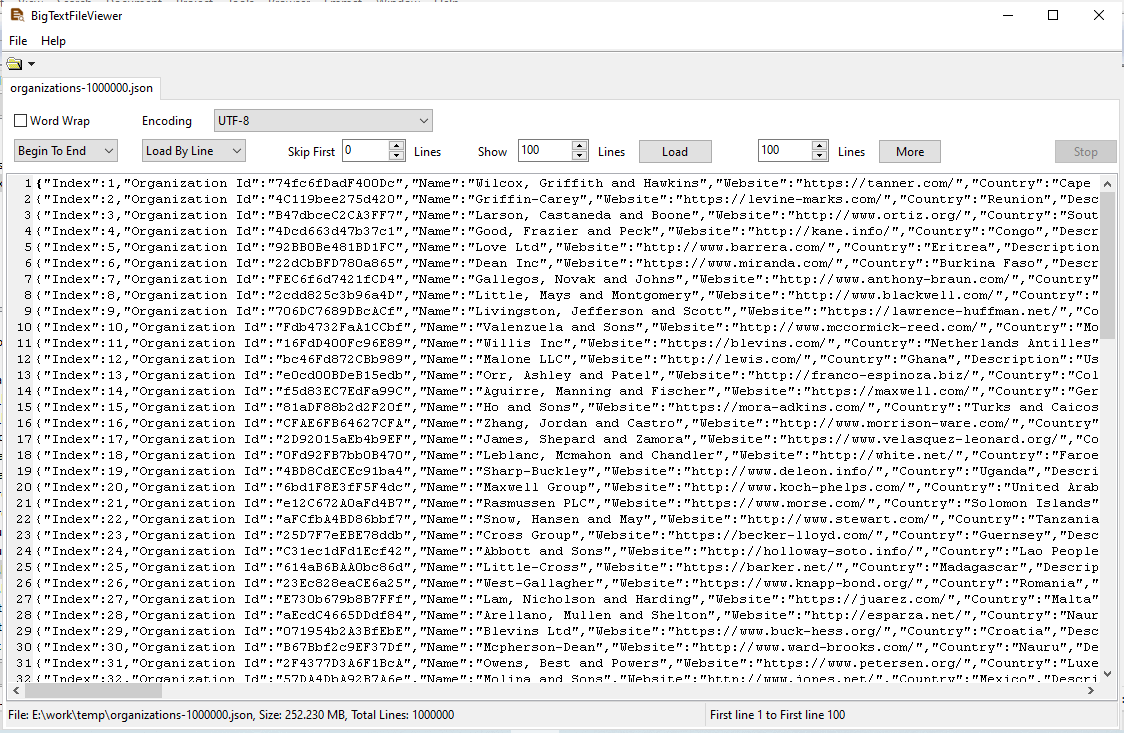
An example JSON file, viewed in BigTextFileViewer.
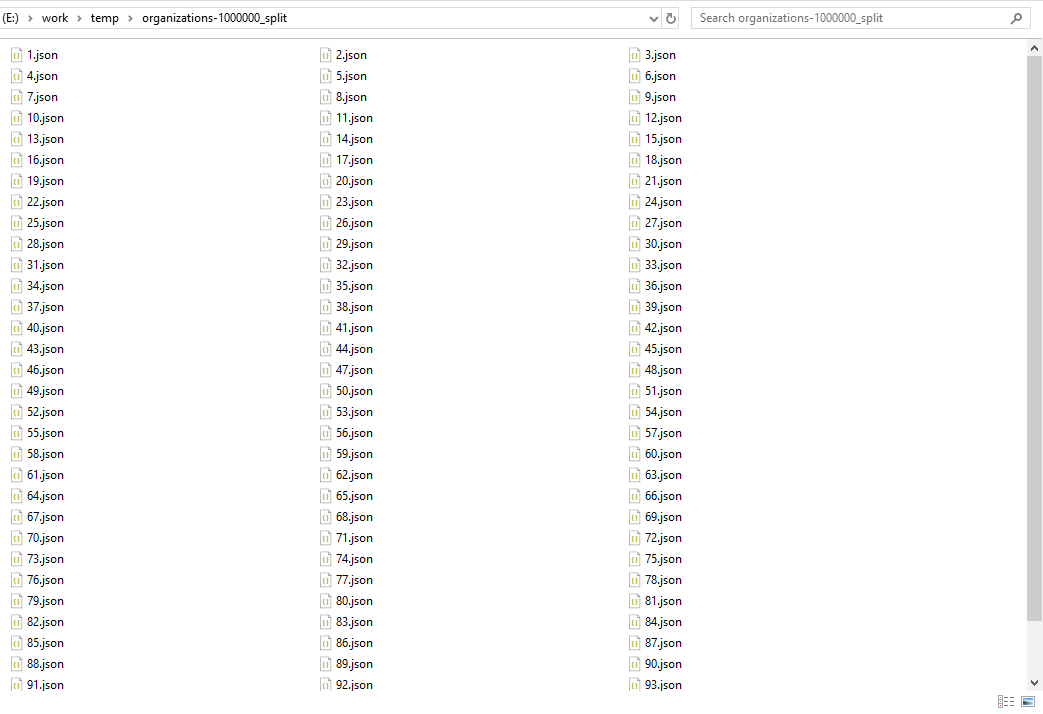
After splitting, got small JSON files
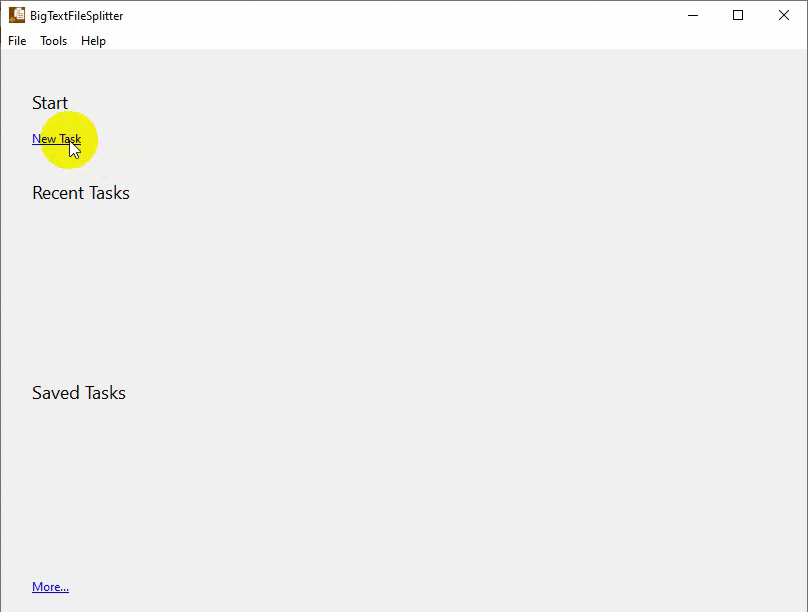
Split large JSON file
Click “New Task” at “Start”.
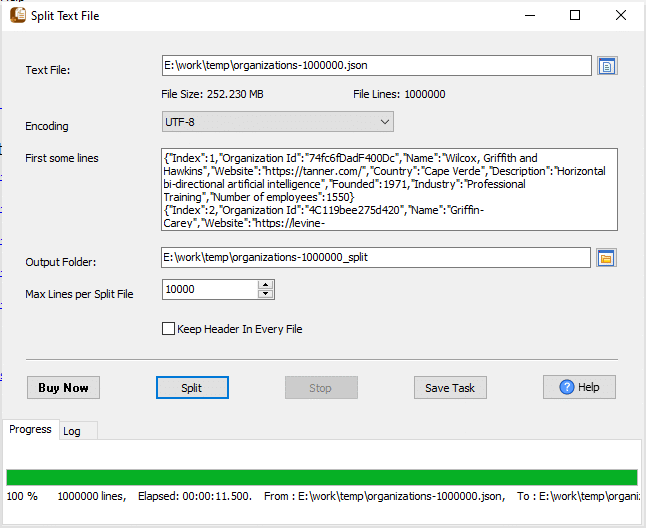
then show the splitting form, choose the JSON file to split.
Split large JSON file in command line
Save “Split large JSON file” session and run it from the Windows, Linux or macOS command line.
Set scheduled tasks for splitting large JSON file
You can schedule and automate this “Split JSON” task by:
- Save session and create .bat (Windows) or .sh (Linux/macOS) file for “Split JSON” conversion.
- Set scheduled task for “Split JSON” conversion.
Without this app: what the OS already gives you
Linux and macOS ship split; cmd.exe has no equivalent, so on Windows it is a
PowerShell loop. Both are line based, so they only work on one JSON object per line (JSON Lines / NDJSON). A pretty-printed .json file has one object across many lines — line-based tools cut objects in half, and no JSON parser will read the pieces.
Linux and macOS
split -l 500000 -d --additional-suffix=.jsonl events.jsonl part_A 3,000,001-line JSONL file (124 MB) takes 0.8 s for six parts. On a pretty-printed .json the same command produces files that start with "id": 500001, and end mid-object.
Windows: PowerShell, no split in cmd
cmd.exe has no split command, and split.exe only exists if you install Git for Windows
or GnuWin32. Plain PowerShell 5.1 does the same job with a reader/writer pair:
$per = 500000
$r = [IO.StreamReader]::new((Resolve-Path 'events.jsonl'))
$i = 0; $n = 0; $w = $null
while (($line = $r.ReadLine()) -ne $null) {
    if ($n % $per -eq 0) {
        if ($w) { $w.Close() }
        $i++
        $w = [IO.StreamWriter]::new("part_$i.jsonl")
    }
    $w.WriteLine($line)
    $n++
}
if ($w) { $w.Close() }
$r.Close()
Same file, 500,000 lines per part: 6.1 s.
FAQ
More about Withdata BigTextFileSplitter – JSON Splitter
Other formats: Split JSON file with DataFileSplitter · split a large CSV file · split a large TXT file · split a large LOG file.
Download Withdata BigTextFileSplitter
Big Text File Splitter without the manual work
For batch jobs, large files and scheduling use the Big Text File Splitter converter — an offline desktop app for Windows, Linux and macOS. Free trial.