Want to convert API response JSON to XML file?
Try Withdata Data File Converter, a JSON to XML converter for Windows, Mac, and Linux, Convert JSON from RESTful API to XML, Easy and Fast.
- Can run in GUI mode, Step by Step, just a few mouse clicks.
- Can run in Command line, for Scheduled Tasks and Streams.
Download Withdata DataFileConverter 
Convert API response JSON to XML
Click “Start a New Convert” at task dialog.
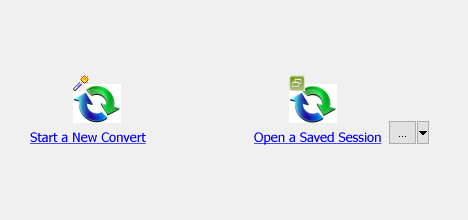
then show the wizard.
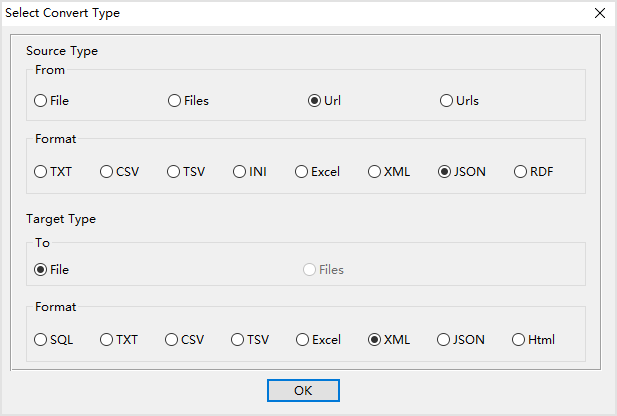
Select source/target file type.
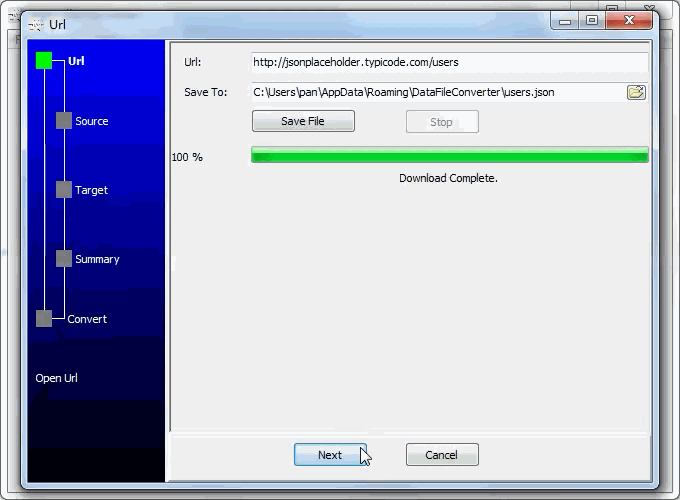
1. Input the RESTful API URL, and download to JSON file.
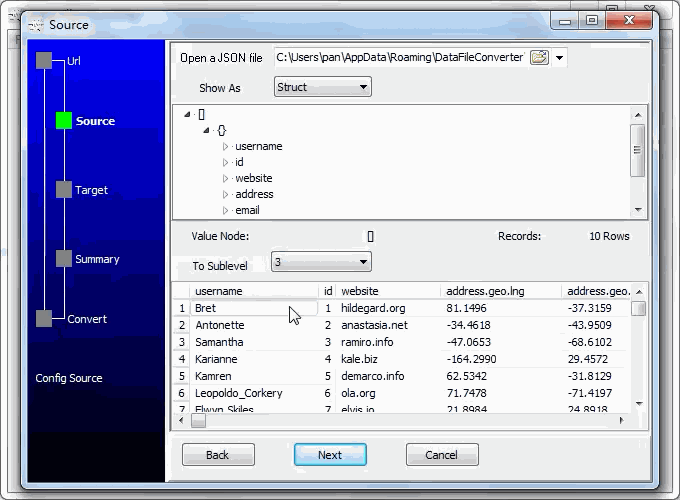
2. Open the saved JSON file.
3. Config target XML file.
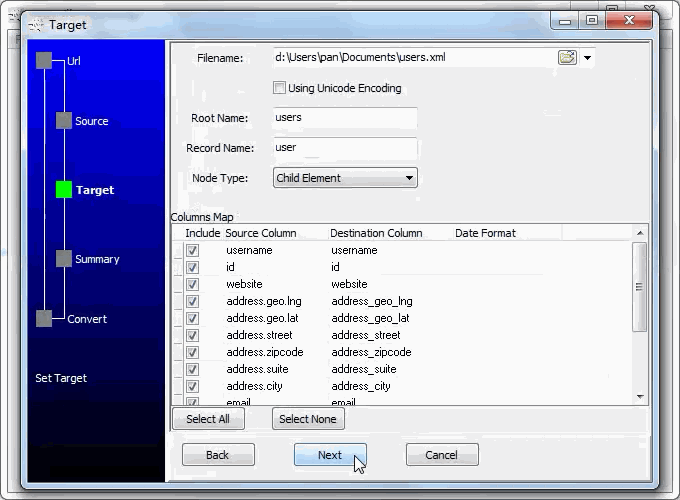
4. Set rows options.
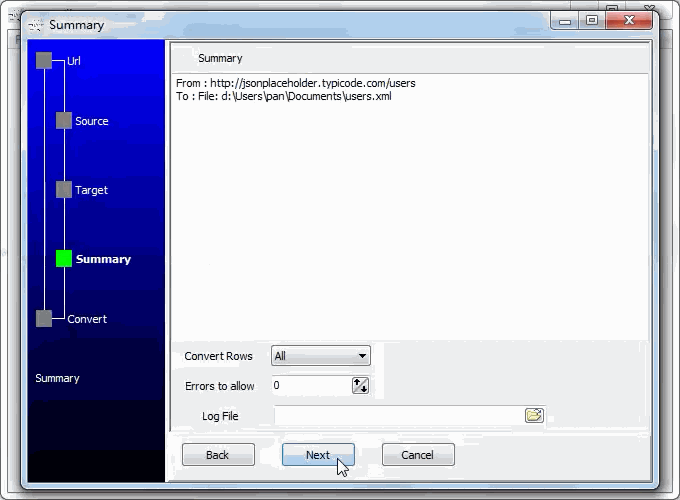
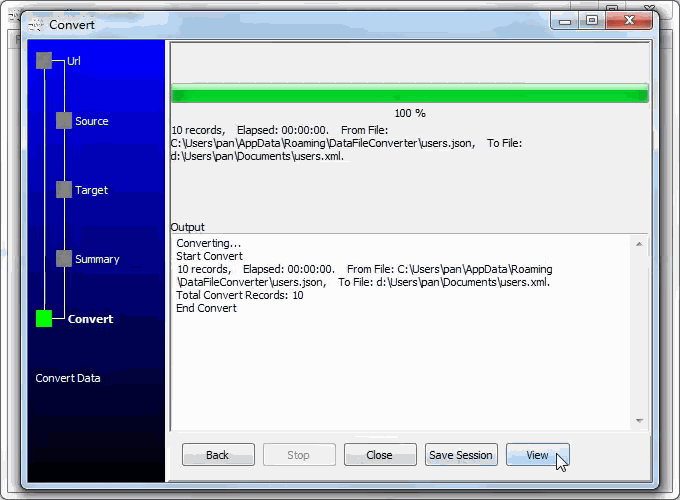
5. Convert API response JSON to XML.
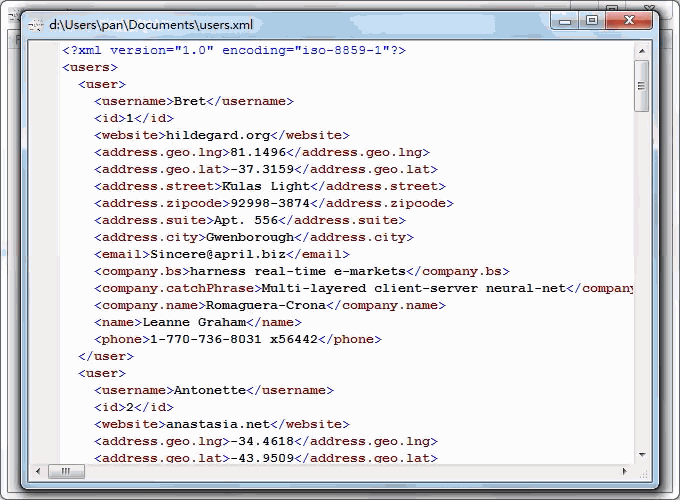
See XML file
Convert API response JSON to XML in command line
Save “JSON to XML” session, then you can:
- Convert API response JSON to XML in Windows command line.
- Convert API response JSON to XML in Linux command line.
- Convert API response JSON to XML in macOS command line.
Set scheduled tasks for converting API response JSON to XML
You can schedule and automate this converting task by:
- Save session and create .bat (Windows) or .sh (Linux/macOS) file for “API response JSON to XML” conversion.
- Set scheduled task for “API response JSON to XML” conversion.
FAQ
More about Withdata DataFileConverter – API JSON to XML converter
Download Withdata DataFileConverter
JSON → XML reference
Type mapping
| Value kind | in JSON | in XML |
|---|---|---|
| Int | 1234 (number) | <int>1234</int> |
| Bigint | 9007199254740993 | <bigint>9007199254740993</bigint> |
| Decimal | 1234.56 (number) | <decimal>1234.56</decimal> |
| Float | 1.234e10 (number) | <float>1.234e10</float> |
| Text | "text" (string) | <char>text</char> |
| Long text | "multi-line\ntext" (escaped newline inside a string) | <text>multi-line text</text> (entities for & <) |
| Date | "2026-09-18" (string) | <date>2026-09-18</date> (xs:date with an XSD) |
| Datetime | "2026-09-18T14:30:00Z" (string) | <datetime>2026-09-18T14:30:00Z</datetime> (xs:dateTime) |
| Binary | "base64:..." (string) | <blob>base64...</blob> (xs:base64Binary) |
| Boolean | true / false (boolean) | <bool>true</bool> |
| JSON | nested object or array, kept as structure | escaped inside an element, or its own sub-tree |
Dialect differences
Both JSON and XML are file formats, so what differs below is how each one chooses to represent a value.
| Property | in JSON | in XML |
|---|---|---|
| identifiers | Double quotes; backslash escapes | Attribute values in quotes; entities (& < >) for ... |
| dates | No date type: dates arrive as strings and the reader must p... | Text (xs:date / xs:dateTime when an XSD is in play) |
| binary | Not supported natively - base64 inside a string | base64Binary / hexBinary inside text |
| separator | Braces and commas | Tags, not delimiters |
| encoding | UTF-8 by definition | Declared in the XML declaration |
| typing | string, number, boolean, null, object, array - no date type | None in the markup itself |
| shape | Nested objects and arrays | Arbitrary tree |
Data File Converter without the manual work
For batch jobs, large files and scheduling use the Data File Converter converter — an offline desktop app for Windows, Linux and macOS. Free trial.


