Want to batch convert TXT (“;” semicolon delimited text) files to JSON files?
Try Withdata Data File Converter, a desktop TXT to JSON converter for Windows, MacOS, and Linux, Batch convert TXT to JSON, Easy and Fast.
- Can run in GUI mode, Step by Step, just a few mouse clicks.
- Can run in Command line, for Scheduled Tasks and Streams.
- Convert files locally and privately, avoid uploading large TXT file(s) to online services.
- Support Windows, Linux, and macOS.

Batch convert TXT (“;” semicolon delimited text) files to JSON files
Select source TXT files -> Set JSON files -> Convert TXT (“;” semicolon delimited text) files to JSON files
Click “Start a New Convert” at task dialog.
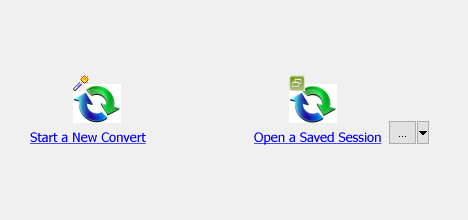
then show the wizard.
Select From “Files” “TXT” To “Files” “JSON”.
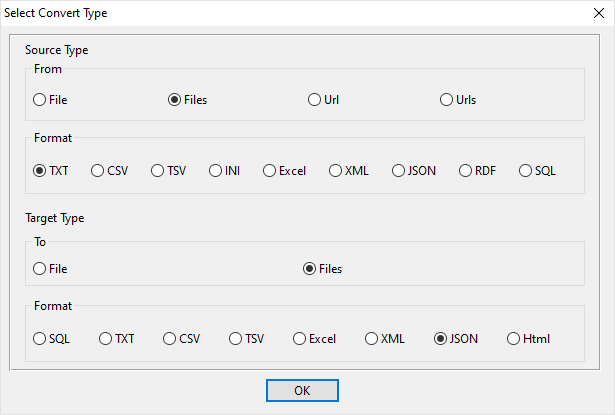
1. Select source TXT (“;” semicolon delimited text) files.
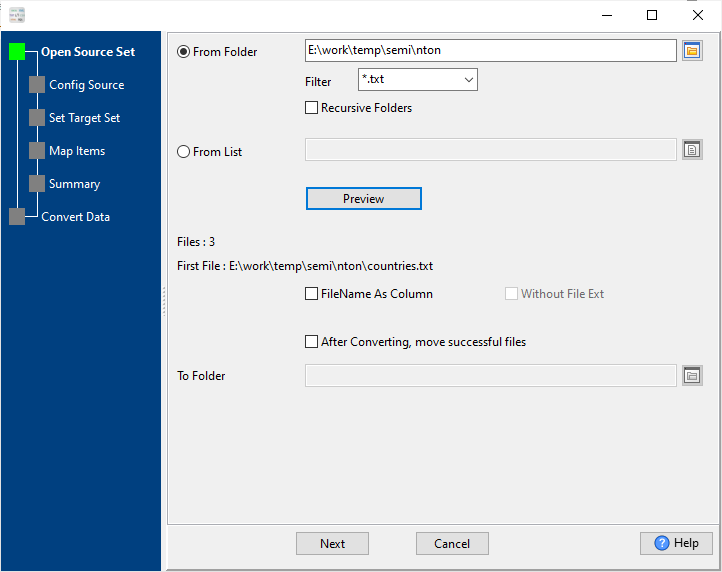
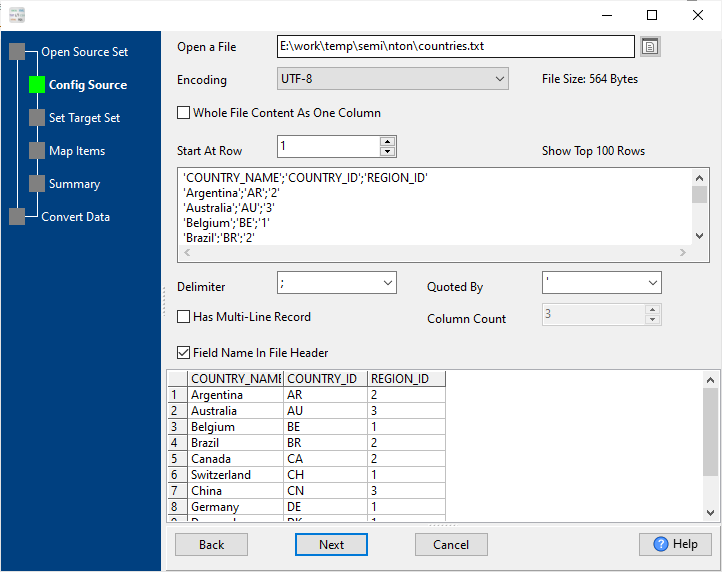
And config the first source TXT (“;” semicolon delimited text) file.
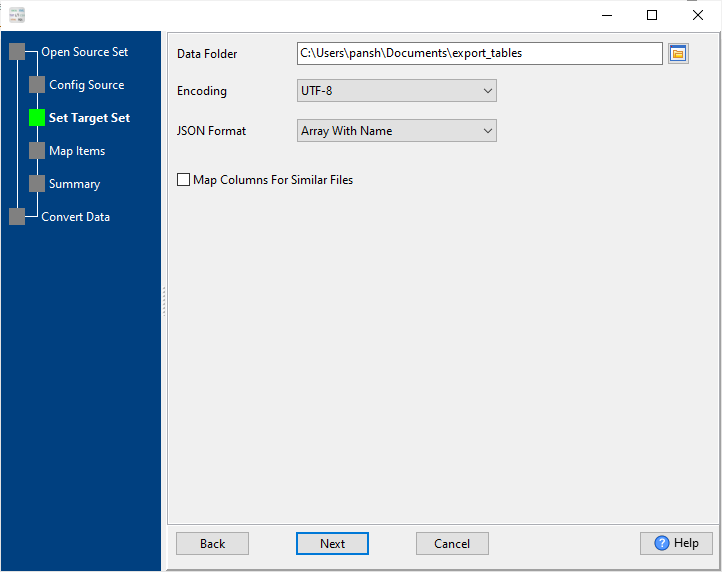
2. Config target JSON files.
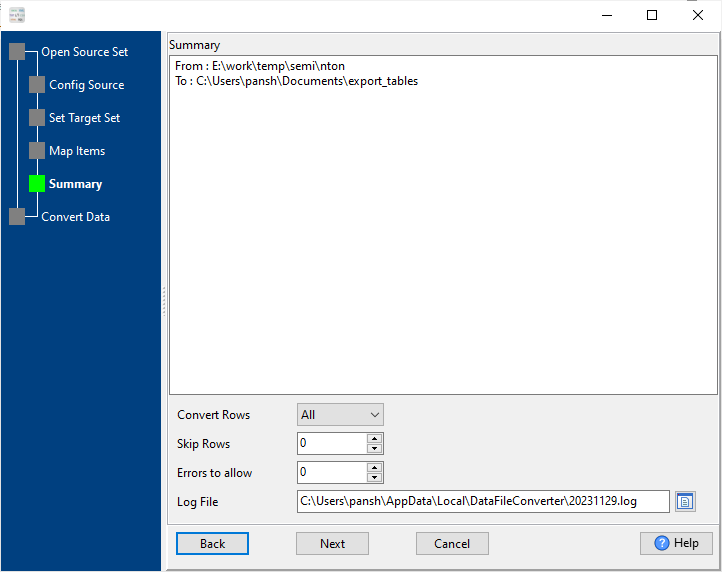
3. Summary.
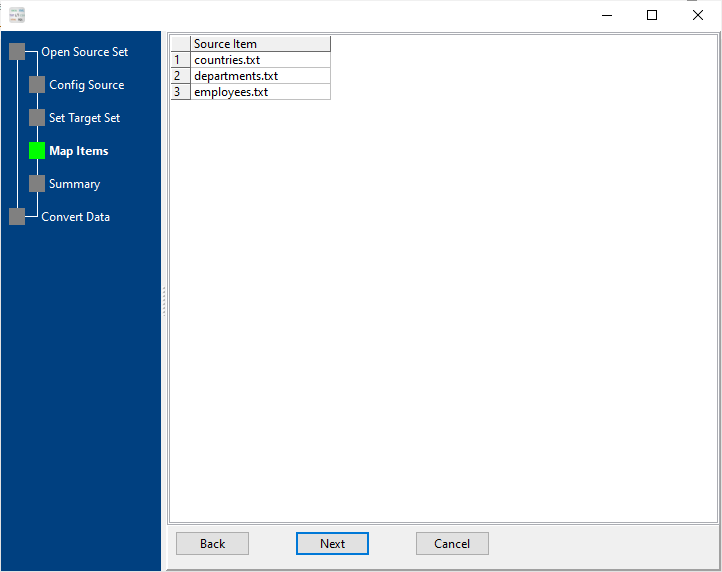
List source TXT (“;” semicolon delimited text) files.
4. Convert TXT (“;” semicolon delimited text) files to JSON files, 1 TXT to 1 JSON.
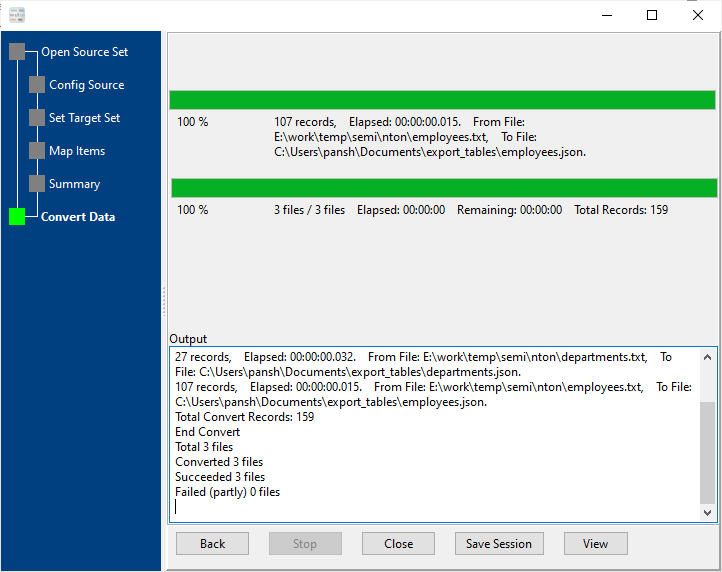
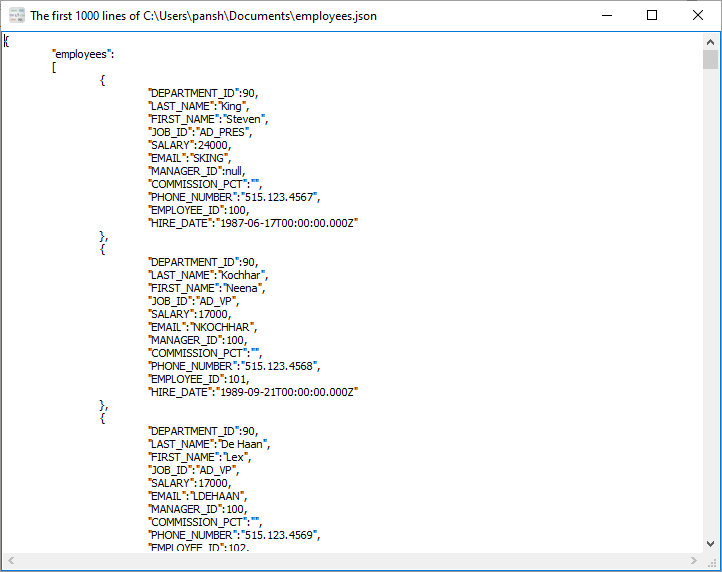
After converting, you can view output JSON files.
More about TXT to JSON converter
Download Withdata DataFileConverter
See Video: Bulk convert TXT (“;” semicolon delimited text) files to JSON files without coding
See also:
- Convert semicolon delimited text to JSON
- Merge multiple semicolon delimited text files into one JSON
Semicolon-delimited → JSON reference
What is a semicolon-delimited file?
A semicolon-delimited file is a plain-text file where each line is one record and a semicolon ; separates the fields. It is the usual CSV variant in locales where the decimal separator is a comma, so a comma inside a number would otherwise be ambiguous.
Name;Age;City
Alice;30;New York
Bob;41;San Francisco
To open it in Excel: Data → From Text/CSV, then set the delimiter to ;.
Type mapping
| Value kind | in Semicolon-delimited | in JSON |
|---|---|---|
| Int | 1234 | 1234 (number) |
| Decimal | 1234.56 | 1234.56 (number) |
| Float | 1.234e+10 | 1.234e10 (number) |
| Text | quoted only when it contains a semicolon or a quote | "text" (string) |
| Long text | must be quoted; line breaks inside force multi-line records | "multi-line\ntext" (escaped newline inside a string) |
| Date | 2026-09-18 | "2026-09-18" (string) |
| Datetime | 2026-09-18 14:30:00 | "2026-09-18T14:30:00Z" (string) |
| Binary | not representable - base64 or hex string | "base64:..." (string) |
| Boolean | TRUE / FALSE, or 1 / 0 depending on the writer | true / false (boolean) |
| JSON | the whole JSON value quoted, with internal quotes doubled | nested object or array, kept as structure |
Dialect differences
Both Semicolon-delimited and JSON are file formats, so what differs below is how each one chooses to represent a value.
| Property | in Semicolon-delimited | in JSON |
|---|---|---|
| identifiers | Double quotes; a literal quote is doubled ("" ) | Double quotes; backslash escapes |
| dates | Dates often use D/M/Y or D.M.Y in European exports | No date type: dates arrive as strings and the reader must p... |
| binary | Not supported | Not supported natively - base64 inside a string |
| separator | Semicolon ";" | Braces and commas |
| encoding | Often ANSI or Latin-1 in European exports; UTF-8 needs a BOM | UTF-8 by definition |
| typing | None - every field is text | string, number, boolean, null, object, array - no date type |
| shape | Flat table, optional header row | Nested objects and arrays |
| ceiling | No formal limit; row count bounded by memory | Whole document is usually parsed into memory |
Data File Converter without the manual work
For batch jobs, large files and scheduling use the Data File Converter converter — an offline desktop app for Windows, Linux and macOS. Free trial.