Want to batch export Access MEMO (CLOB) or OLE Object (BLOB) to RTF (Rich Text Format) files ?
Using DBBlobEditor, you can export bulk RTF files from Access MEMO (CLOB) or OLE Object (BLOB) easily and fast.
- Step by step, just a few mouse clicks.
- Support schedule and automate converting task.
- Support Windows, Linux, macOS.

Batch extract RTF files from Access MEMO (CLOB) or OLE Object (BLOB) column
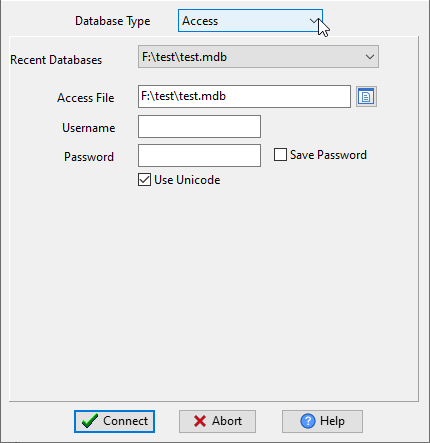
Run DBBlobEditor, login to Access.
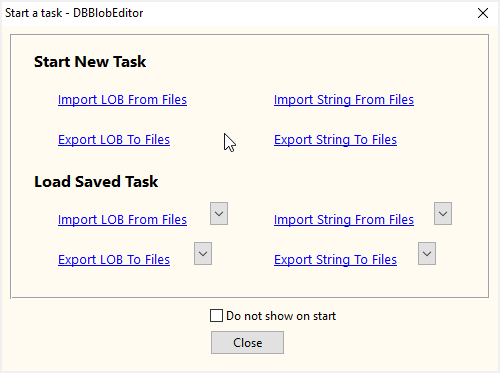
Click “Start New Task – Export LOB To Files” at task dialog.
then show the wizard.
1. Configure export settings.
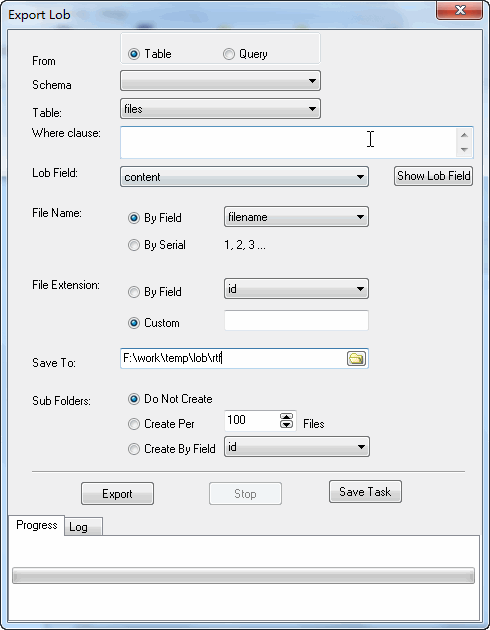
2. Bulk export Access MEMO (CLOB) to RTF (Rich Text Format) files.
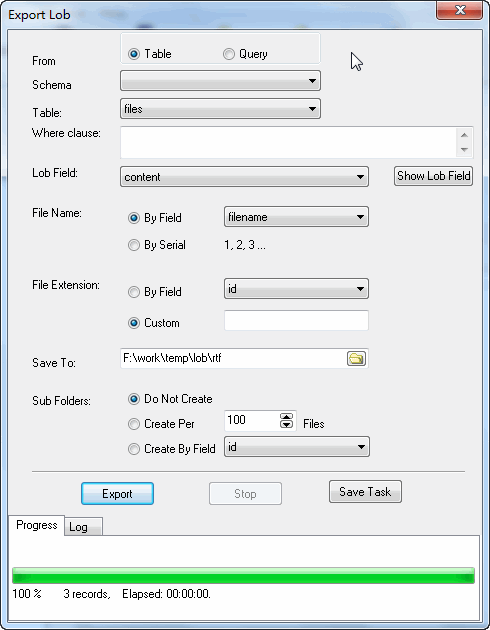
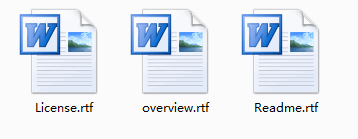
then you can see exporting results
You can schedule and automate this converting task by:
1) Save session and create .bat file.
FAQ
More about DBBlobEditor – Access MEMO (CLOB) to RTF exporter
Download DBBlobEditor
DBBlobEditor without the manual work
For batch jobs, large files and scheduling use the DBBlobEditor converter — an offline desktop app for Windows, Linux and macOS. Free trial.


