Want to sync data from HiperSix to Access ?
Try Withdata DBCopier, a HiperSix to Access converter for Windows, Mac, and Linux, Synchronize HiperSix to Access, Easy and Fast.
- Can run in GUI mode, Step by Step, just a few mouse clicks.
- Can run in Command line, for Scheduled Tasks and Streams.
- Support Windows, Linux, and macOS.

Synchronize data from HiperSix to Access
Login to HiperSix and target Access -> Select source HiperSix tables -> Set target Access tables -> Sync HiperSix data to Access
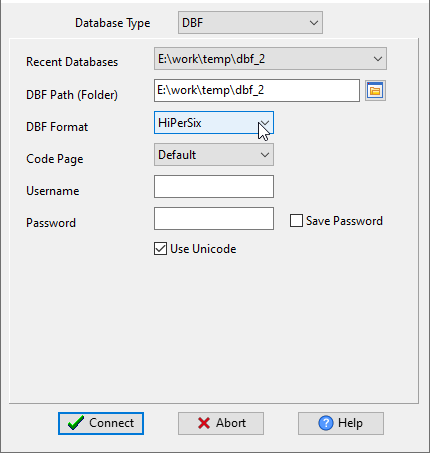
Choose source HiperSix database and logon.
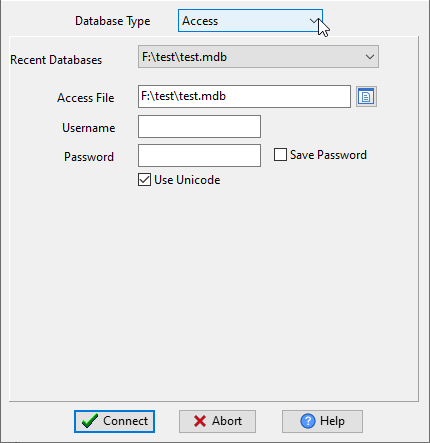
Choose target Access database and logon.
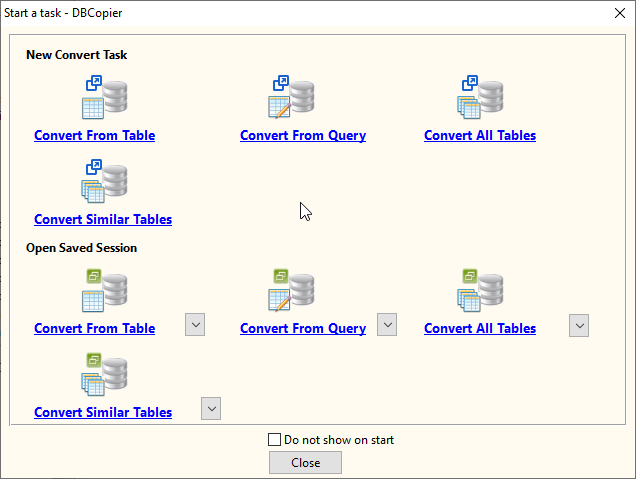
Click “Wizard – Import All Tables” at task dialog.
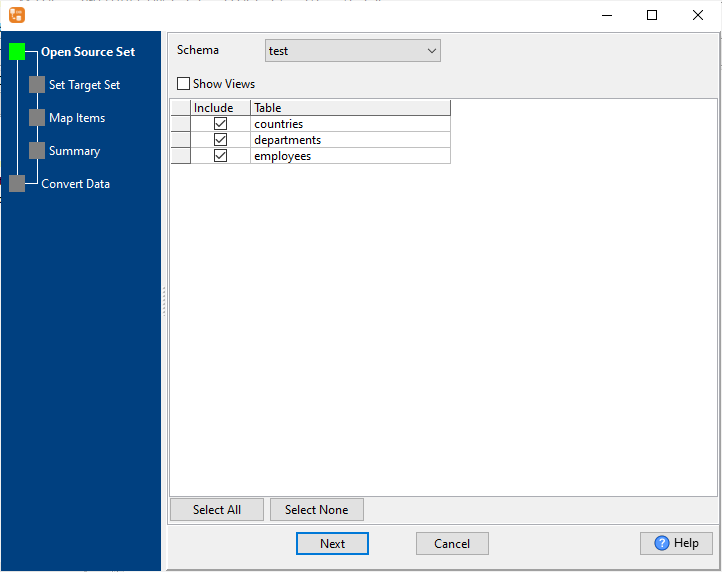
then show the wizard.
1. Select source HiperSix tables to sync.
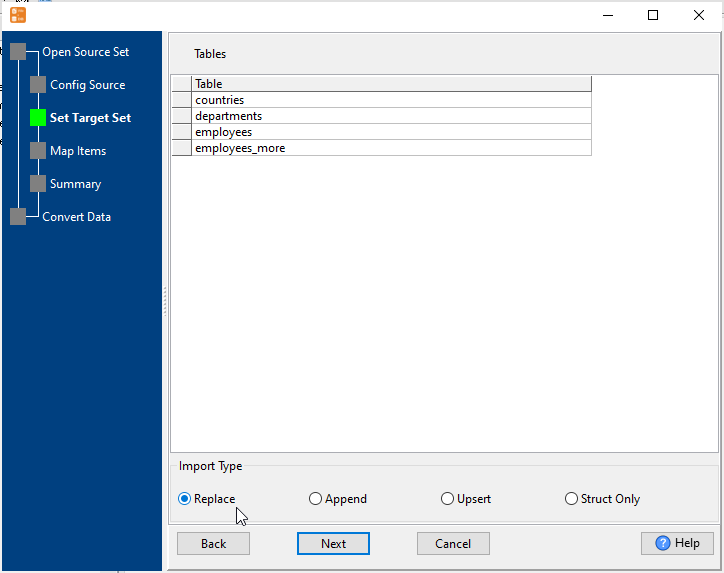
2. List target Access tables.
Set “Import Type” to “Replace”, it will do a full synchronization.
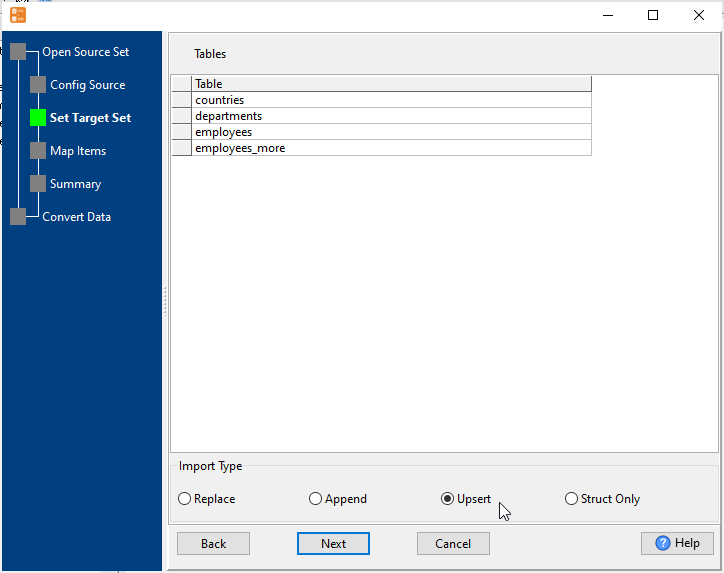
Or set “Import Type” to “Upsert”, it will do a upsert synchronization.
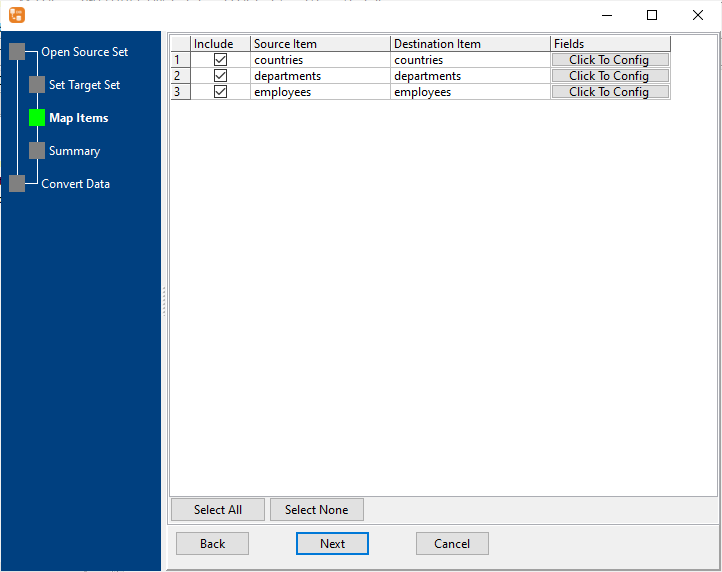
3. Select Access tables to sync.
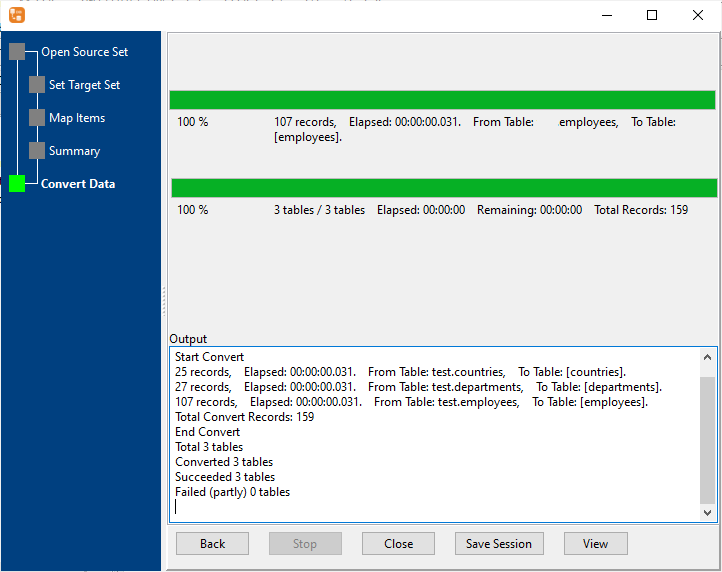
4. Sync HiperSix data to Access.
More about HiperSix to Access converter
Download Withdata DBCopier
See also:
HiperSix → Access reference
Type mapping
| Value kind | in HiperSix | in Access |
|---|---|---|
| Int | Numeric(10,0) | Long Integer |
| Bigint | Numeric(19,0) | Long Integer |
| Decimal | Numeric(p,s) | Decimal |
| Float | Float | Double |
| Text | Character(n) | Text(n) |
| Long text | Memo | Long Text |
| Date | Date | Date/Time |
| Datetime | (none) | Date/Time |
| Binary | (none) | OLE Object |
| Boolean | Logical | Yes/No |
| JSON | (none) | Long Text |
Dialect differences
Both HiperSix and Access are database servers, so the differences below are dialect-level: the same concept is spelled differently on each side.
| Property | in HiperSix | in Access |
|---|---|---|
| identifiers | — | [square brackets] |
| row limit | (driver dependent) | SELECT TOP n |
| dates | Date (D) | Date/Time |
| long text | Memo (M) | MEMO |
| binary | — | OLE Object |
No counterpart
- Access has no equivalent for Date and time – it has to be flattened or dropped.
- Access has no equivalent for Binary – it has to be flattened or dropped.
- Access has no equivalent for JSON – it has to be flattened or dropped.
Convert your data online, free
Free in-browser converters for CSV, Excel, JSON, XML and SQL: Withdata Online Data Conversion. Large files, batch conversion or scheduling? See the offline desktop apps, or browse all data conversion tools.


