November 1, 2026 — Withdata Software announces BigTextFileViewer 3.2, the viewer for files too big to open in an editor. This release is about the Linux build (it runs on GTK3 desktops and installs from apt and dnf) and about four things you notice the moment you open a real log file: you can drag a scroll bar through the whole file, a file that is not text is refused instead of shown as garbage, Chinese and Japanese characters are no longer cut off at the bottom, and the Pause button stays where you expect it while a file is still loading.
What’s New in BigTextFileViewer 3.2
1. It Runs on Current Linux Desktops (GTK3)
Current Linux desktops ship GTK3 only, while 3.1 was built against GTK2 — on those systems the viewer either refused to start or opened with a window whose panels were the wrong size. 3.2 is built with the GTK3 widget set, uses the same fonts and spacing as the Windows build, and is installed from the Withdata apt and dnf repositories, so an update is sudo apt upgrade rather than a download and a copy.
2. A Scroll Bar for the Whole File
“Go To Position” lets you jump into the middle of a 20 GB file, but until now there was no way to drag through it — the scroll bar moved within the block that was loaded, not through the file. 3.2 adds a file position bar sized by the visible rows, plus a horizontal bar for long lines: dragging it loads the block you land on. Reading a huge file is now closer to scrolling through a small one.
3. Files That Are Not Text Are Refused
Dropping an xlsx, docx or PDF onto the viewer used to open a window full of binary garbage — and on some files the word-wrap code failed outright with a range check error. 3.2 checks the file first and says what it is: BigTextFileViewer opens text files, and it now tells you so instead of showing you nonsense.
4. CJK Text Is No Longer Clipped
In Chinese, Japanese and Korean text the bottom of the glyphs was cut off — readable, but not what you want from a reader. The line height is now computed from the font metrics, so the characters are drawn whole.
5. The Pause Button Behaves
Pause and resume now work while a file is still being scanned, the button is disabled once loading is finished instead of pretending it can do something, it keeps its place in the toolbar, and its icon and tooltip follow the state. The recent-file menu and the toolbar refresh themselves when they change, rather than after reopening the window.
About BigTextFileViewer
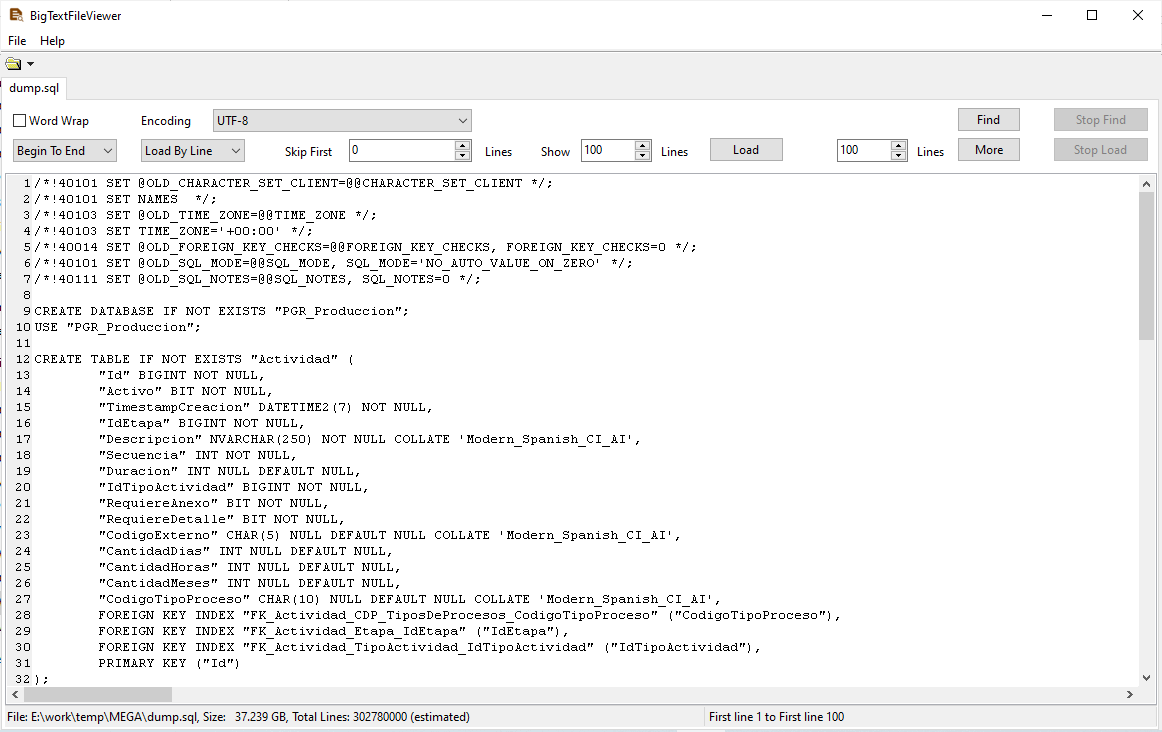
BigTextFileViewer opens text files that editors give up on — a 10 GB log, a whole-table SQL export — without loading them into memory.
- Open, search and jump around in files of many gigabytes
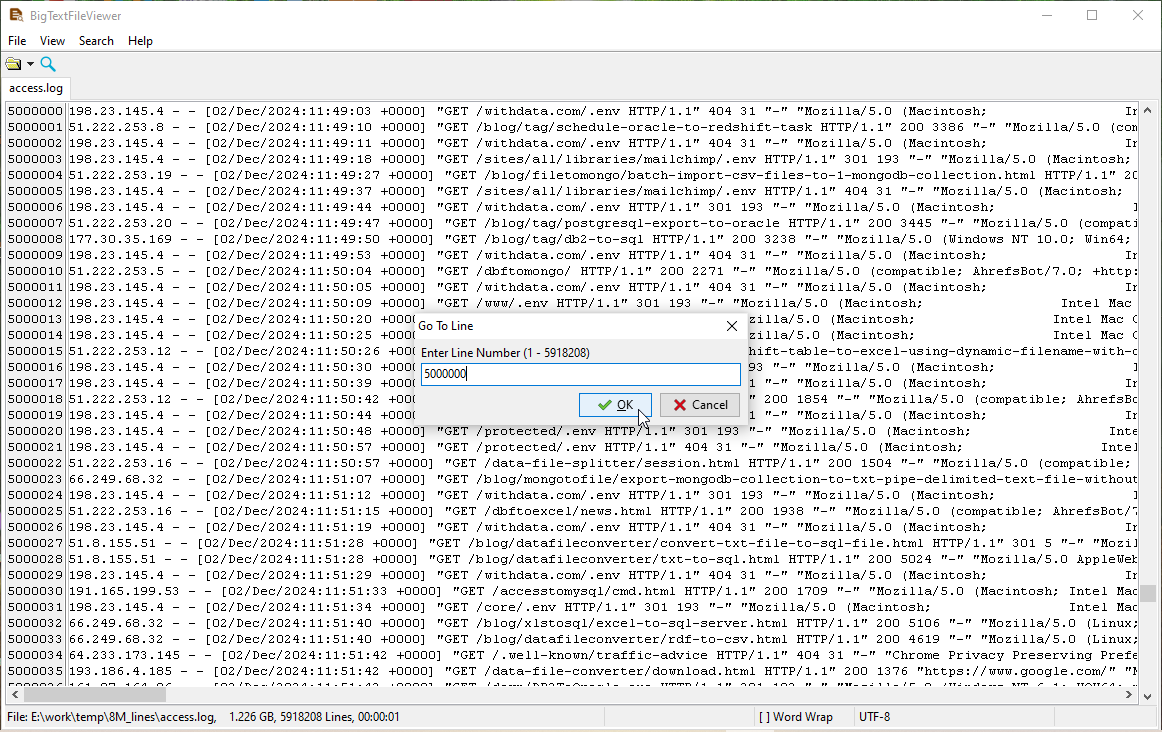
- Go To Line, and Go To Position by byte offset, percentage, or measured from the end of the file
- Pause and resume the scan; the file can be read while it is still being counted
- Line numbers, word wrap, an explicit encoding, and a status bar that says where you are
- Refuses non-text files (xlsx, docx, PDF) instead of showing garbage
- Windows 10/11, Linux (
.deb,.rpm,aptanddnfrepositories) and macOS (universal, Intel and Apple Silicon)
Availability and Pricing
BigTextFileViewer 3.2 is available now for Windows, Linux and macOS. A 30-day trial is free and needs no registration; a single-user licence costs US$45 and does not expire.
- Download: https://www.withdata.com/big-text-file-viewer/download.html
- What’s new: https://www.withdata.com/big-text-file-viewer/news.html
- Product page: https://www.withdata.com/big-text-file-viewer/
Convert your data online, free
Free in-browser converters for CSV, Excel, JSON, XML and SQL: Withdata Online Data Conversion. Large files, batch conversion or scheduling? See the offline desktop apps, or browse all data conversion tools.


