November 1, 2026 — Withdata Software announces DataFileSplitter 2.6, the tool that cuts a large CSV, JSON, XML, TXT, Excel, SQL or log file into smaller files. This release is mostly about the Linux build: it moves to GTK3 so it runs on current GTK3 desktops, and it is now delivered through the same apt and rpm repositories as the other Withdata tools. Two smaller changes come with it — a splitting run can write a report of what it did, and CSV/TSV/text files exported from the wizard no longer carry a stray character before every field.
What’s New in DataFileSplitter 2.6
1. Linux Packages, and a GTK3 Build
Current Linux desktops ship GTK3 only, while DataFileSplitter 2.5 was built against GTK2 — so on those systems it either refused to start or started with a window whose panels were the wrong size. 2.6 is built with the GTK3 widget set, uses the same fonts and spacing as the Windows build, and is installed from the Withdata apt and dnf repositories, so an update is sudo apt upgrade rather than a download and a copy.
2. A Report for Every Split
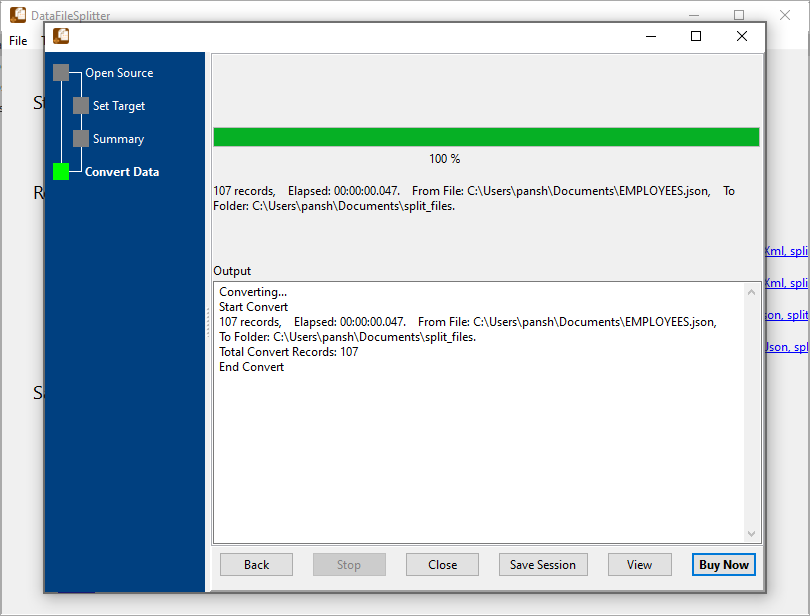
A split produces a folder of files, and until now the only way to know what happened was to open the folder. With --report=FILE a run also writes a short summary: the source file, how it was split (by record count or by column value), and the name and row count of every output file. It is meant for scheduled tasks and scripts — the same run that writes the parts can now write the record of the parts.
3. Clean CSV, TSV and Text Output
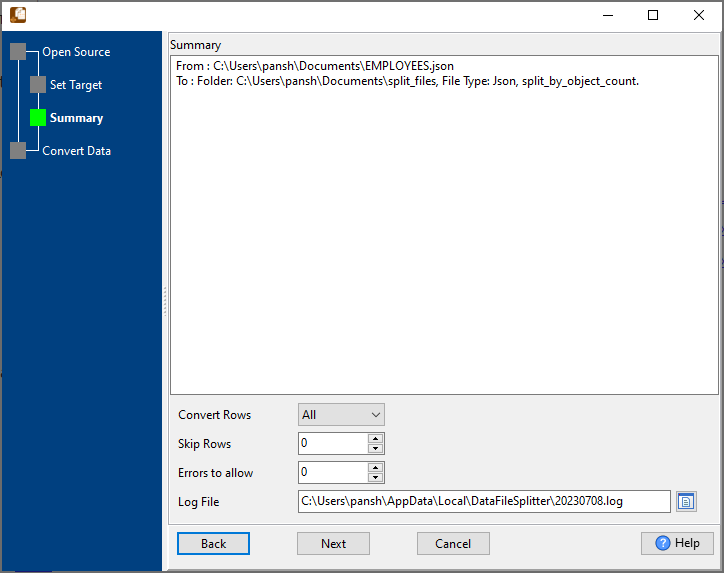
Files exported through the wizard carried a hidden control character in front of every field. The data was right, but the file opened in Excel or a text editor showed a stray character at the start of each value, and a CSV read by another tool did not match the columns. The cause was a mismatch between the value the dialog used for “no quoting” and the value the writer recognised; the two agree now, so a split writes exactly the fields you see in the preview, with no extra bytes.
4. Smaller Fixes
- The start-a-task dialog no longer overlaps its checkbox and buttons on Linux.
- The main window opens larger, so the source preview and the split settings are both readable without resizing.
About DataFileSplitter
DataFileSplitter splits one large file into many smaller ones, on a desktop machine, without uploading anything.
- Split CSV, TSV, TXT, pipe- and semicolon-delimited text, JSON, XML, Excel, SQL and log files
- Split by record count — every n rows — or by column value, one file per distinct value
- Keep the header row, choose the encoding and the output file names, preview the result before writing
- Save a split as a task, run it again later, or run it from the command line and a scheduled task
- Windows 10/11, Linux (
.deb,.rpm,aptanddnfrepositories) and macOS (universal, Intel and Apple Silicon)
Availability and Pricing
DataFileSplitter 2.6 is available now for Windows, Linux and macOS. A 30-day trial is free and needs no registration; a single-user licence costs US$75 and does not expire.
- Download: https://www.withdata.com/data-file-splitter/download.html
- What’s new: https://www.withdata.com/data-file-splitter/news.html
- Product page: https://www.withdata.com/data-file-splitter/
Convert your data online, free
Free in-browser converters for CSV, Excel, JSON, XML and SQL: Withdata Online Data Conversion. Large files, batch conversion or scheduling? See the offline desktop apps, or browse all data conversion tools.


