DataFileConverter - Convert Data File Easily »
Download DataFileConverter Free Trial » Buy DataFileConverter Now »
Click "Start a New Convert" at task dialog.
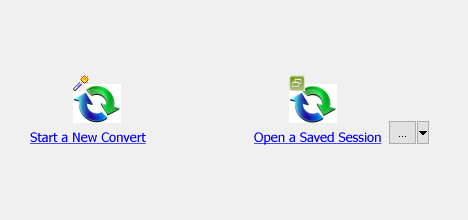
then show the wizard.
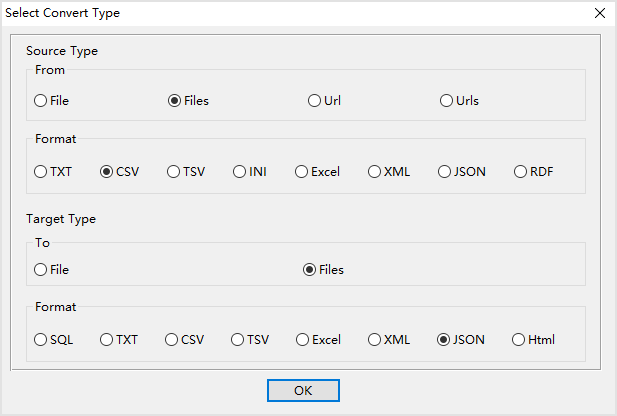
Select From "Files", To "Files", and source format, like "CSV", and target format, like "JSON".
The source format and the target format, you can set to what you want.
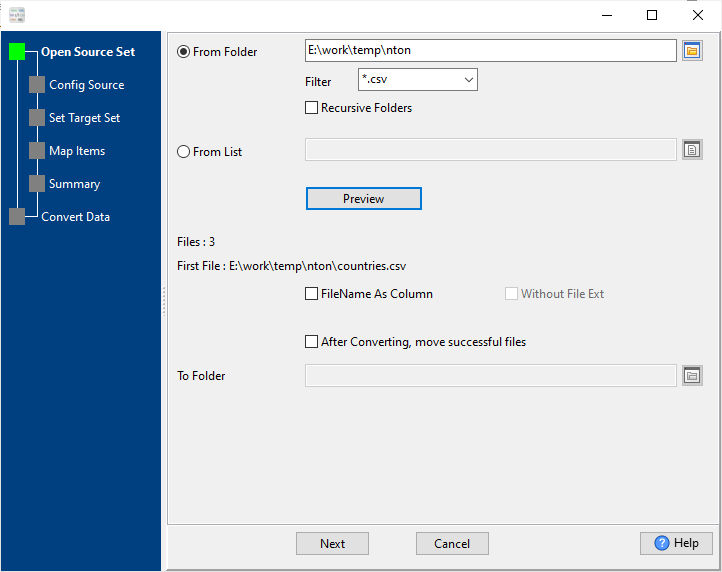
1. Set "From Folder" to source file folder.
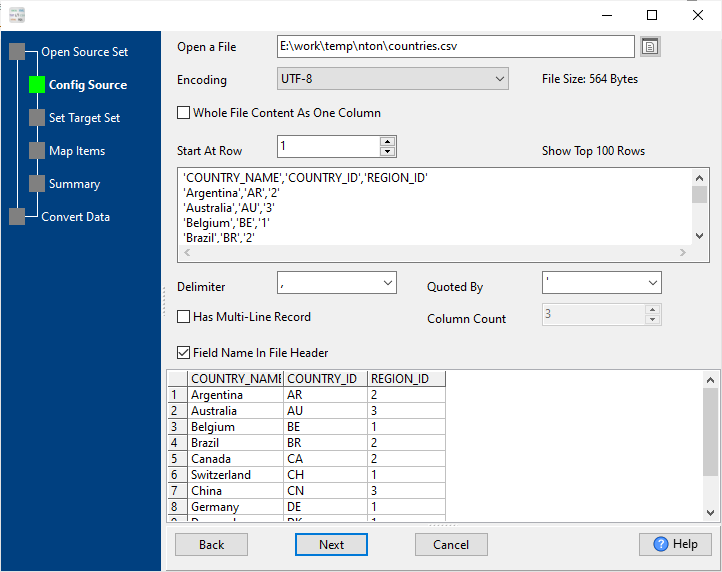
And config the first source file, the example is a CSV file.
2. Config target files.
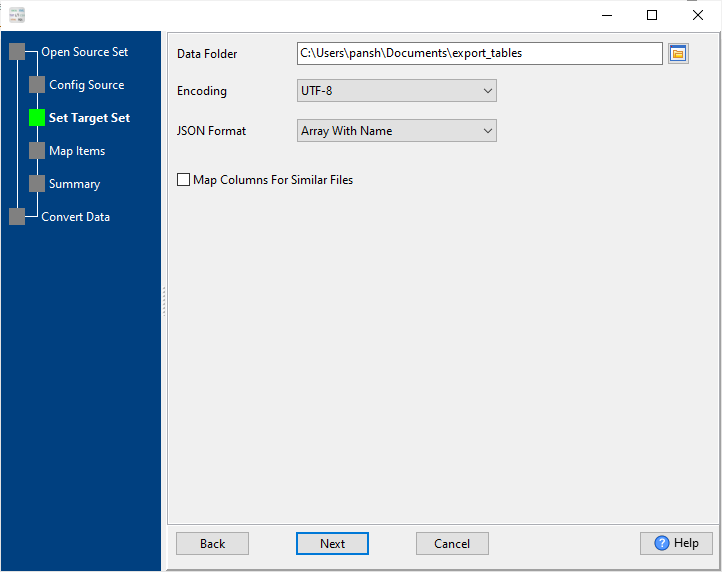
3. Summary.
List source files.
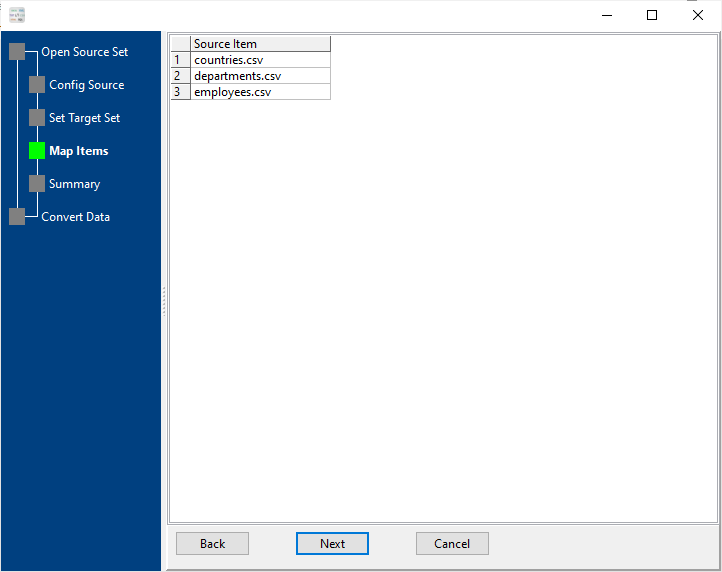
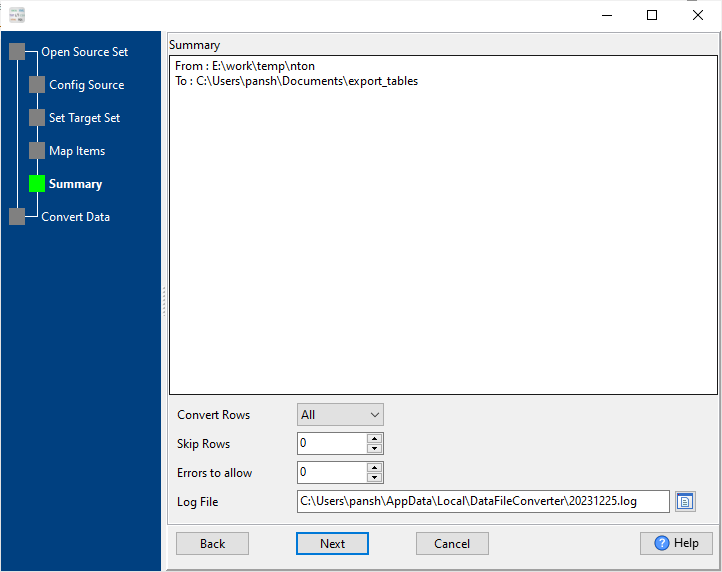
4. Convert source files to target files.
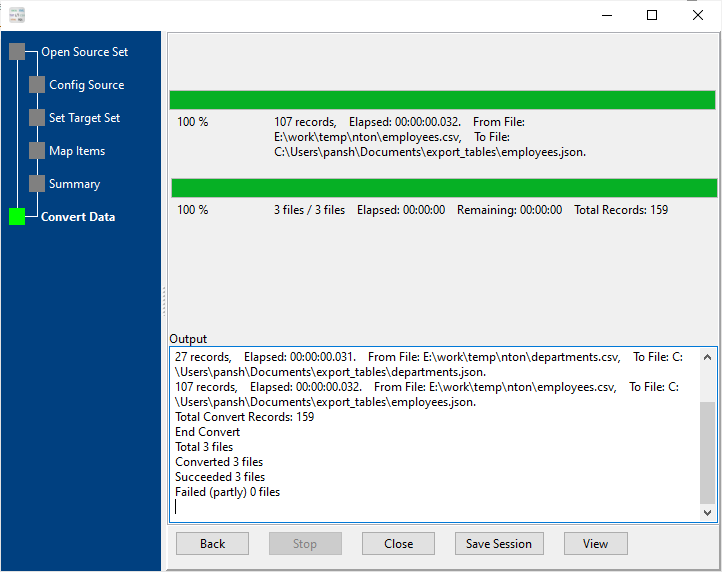
For repeatable task, you can click "Save Session" button to save config, then run it next time. see also: Save and load session.