4 Simple Steps to Export MongoDB to CSV
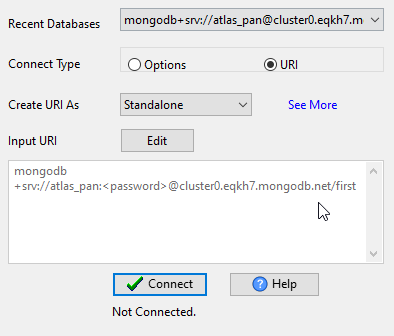
Connect MongoDB
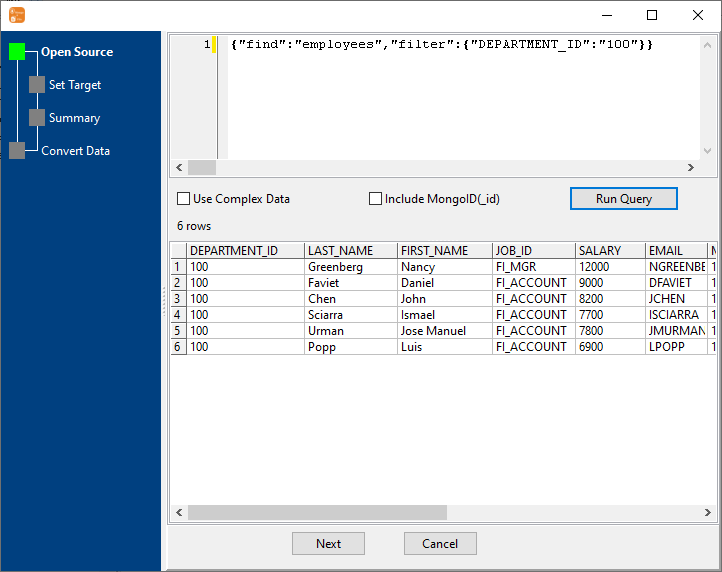
Configure your MongoDB connection details (URI/host:port, authentication) — supports both MongoDB Atlas (cloud) and self-hosted MongoDB servers.
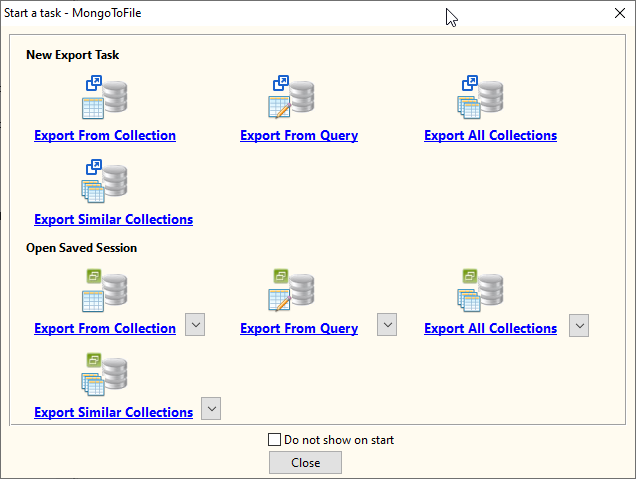
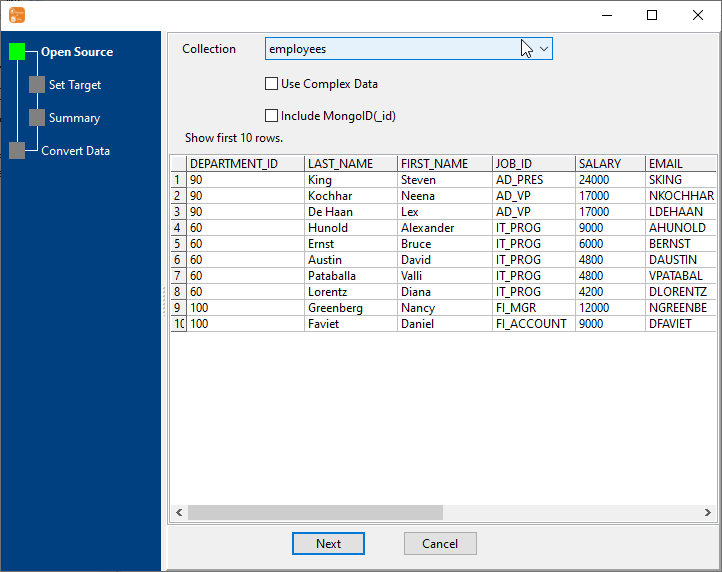
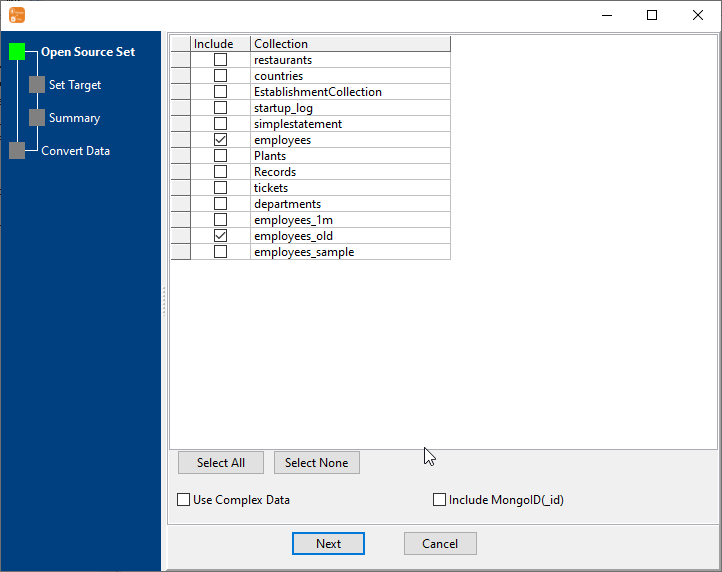
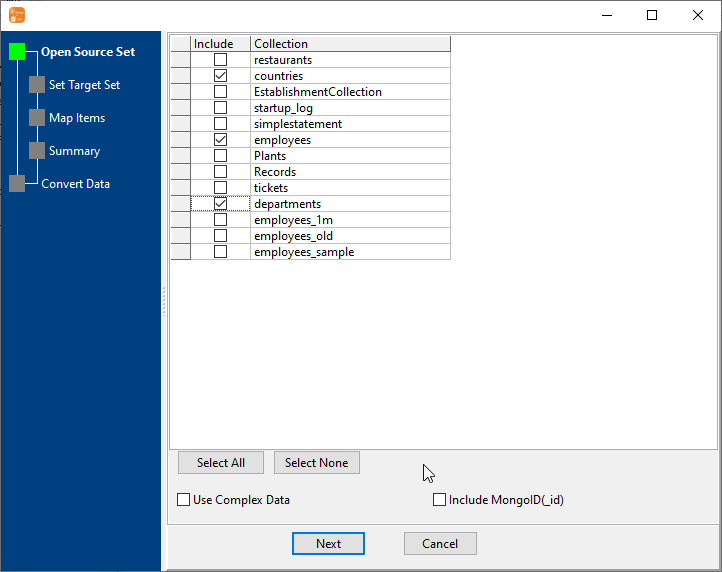
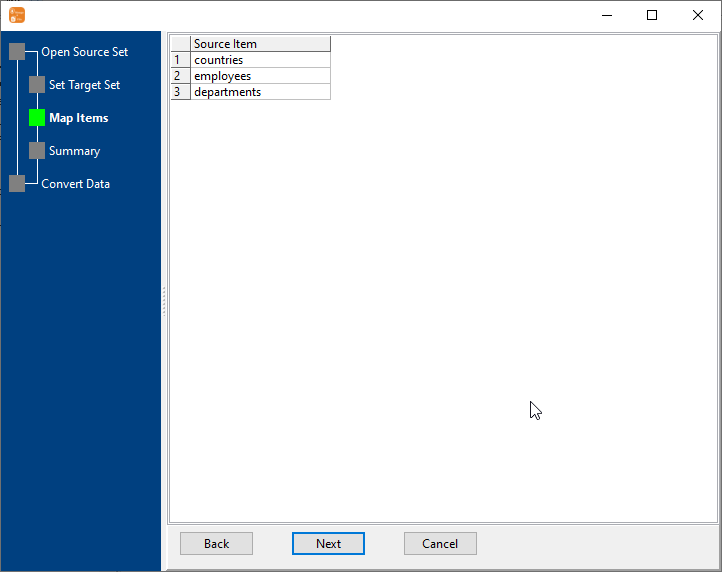
Select Export Type & Collections
Choose one of the 4 export types (Find Result to File, 1 to 1, n to 1, n to n) and select the relevant MongoDB collections or define your query.
Available Export Types:
• Find Result to File (query results to CSV)
• 1 to 1 (one collection to one CSV)
• n to 1 (multiple collections to one CSV)
• n to n (multiple collections to multiple CSVs)
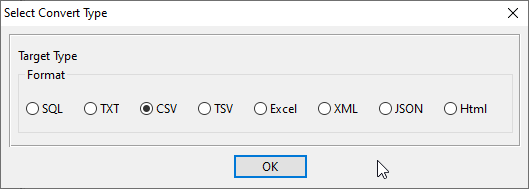
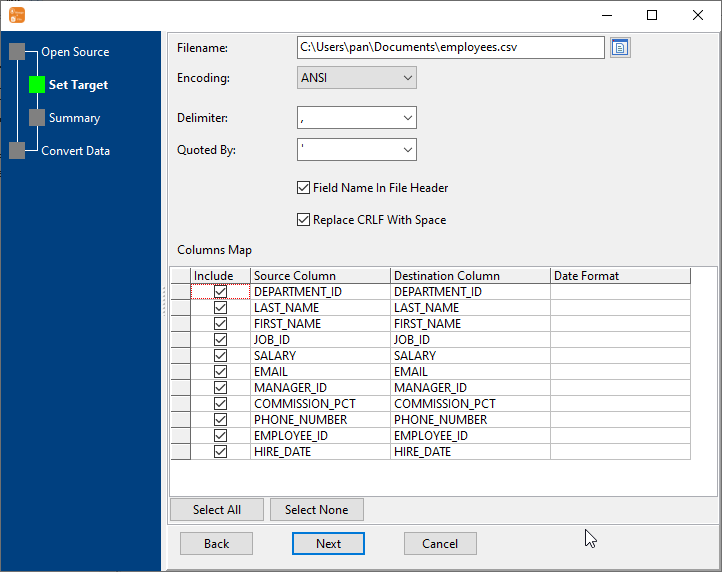
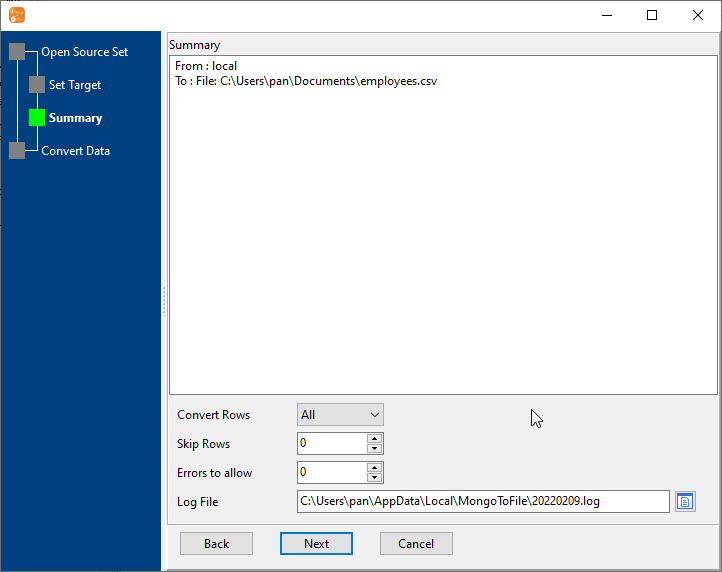
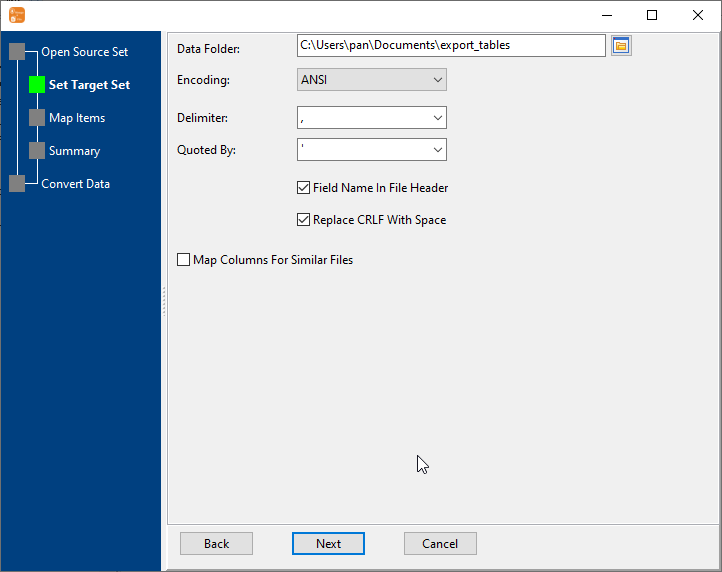
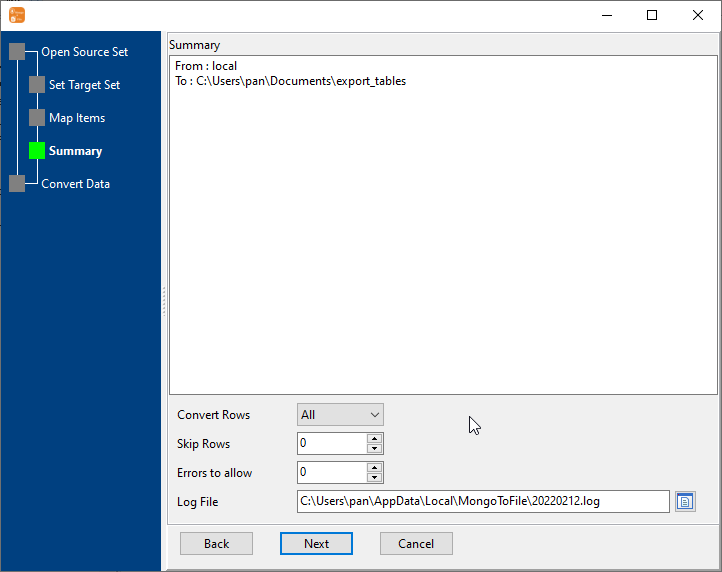
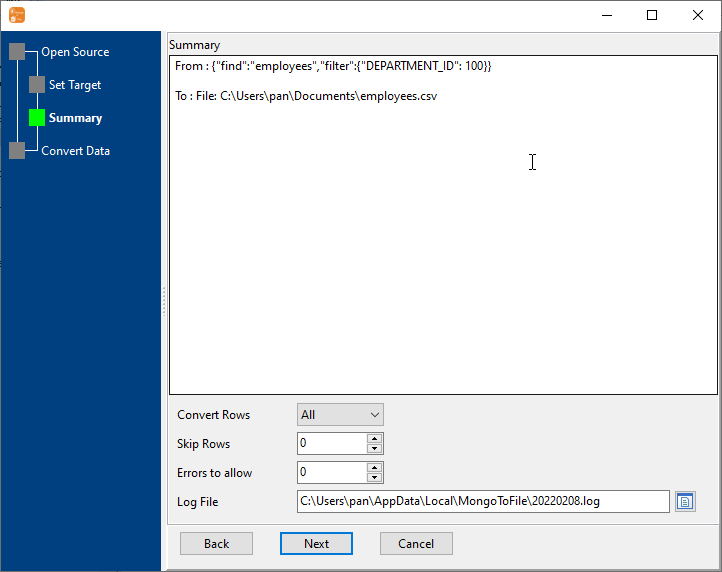
Configure CSV Export Settings
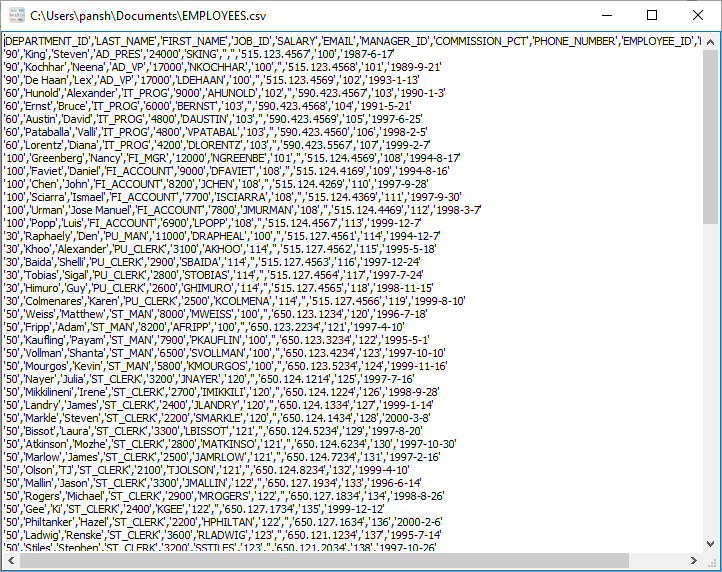
Set CSV formatting options (delimiter, quote character, encoding), apply MongoDB query filters, and configure field mapping/renaming for optimal CSV output.
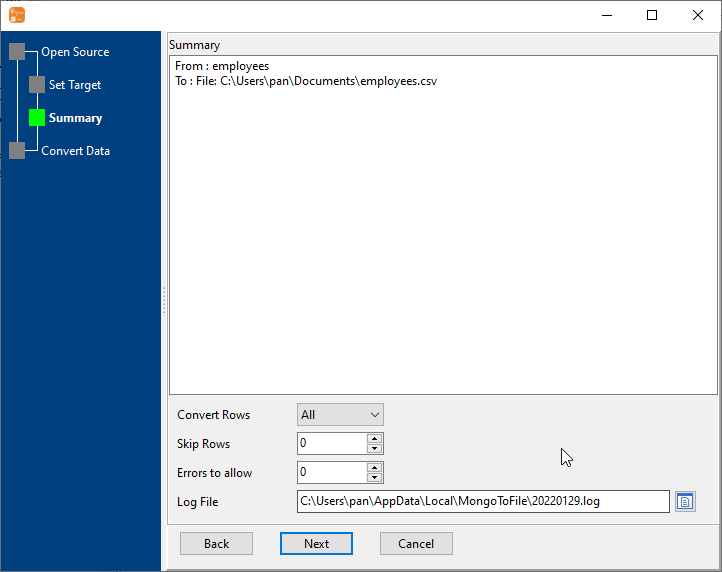
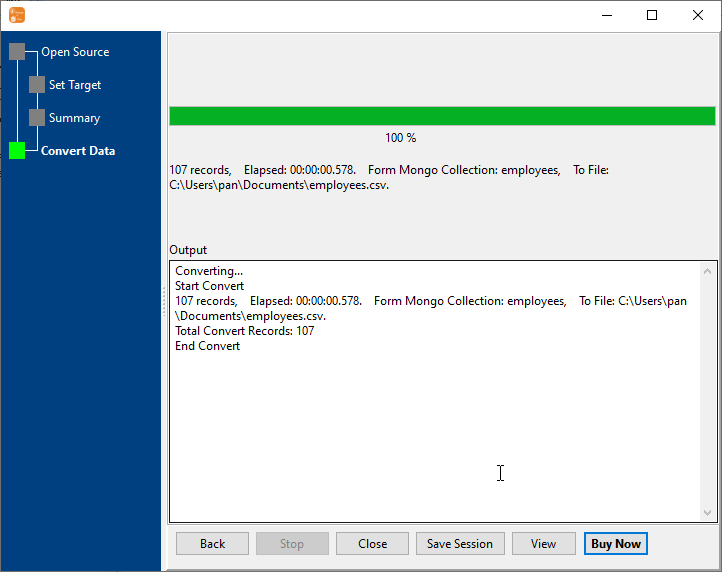
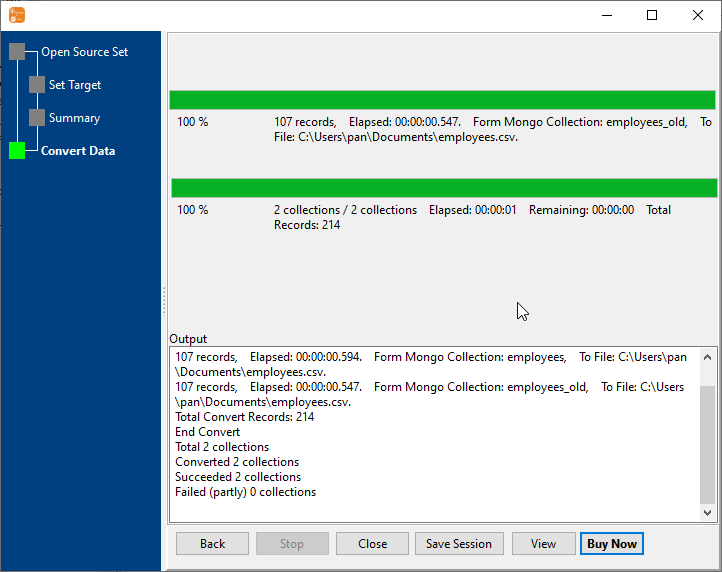
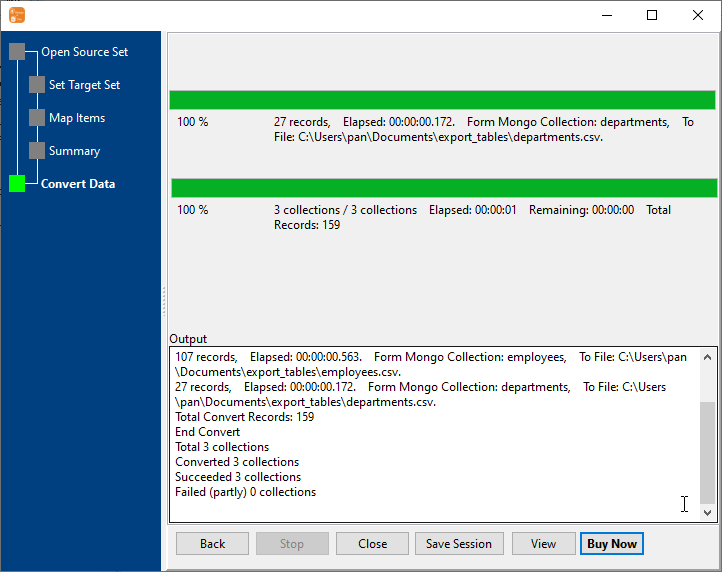
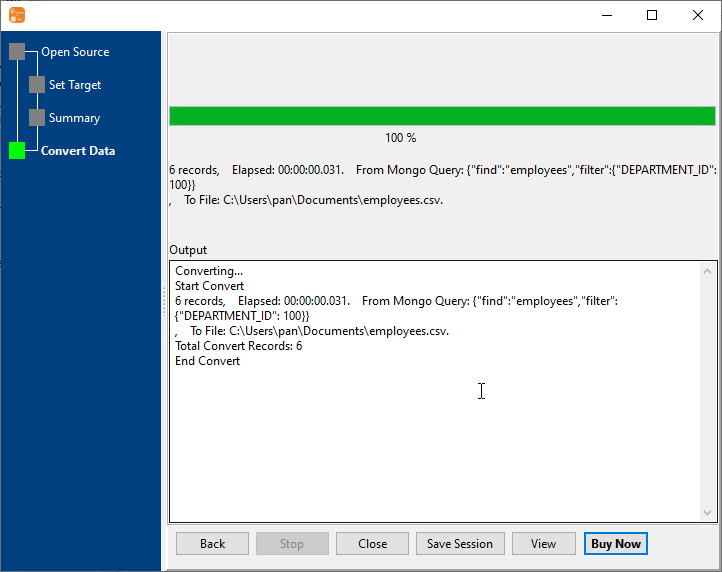
Start CSV Export & Monitor Progress
Real-time display of export speed, success/failure count, and remaining time.
4 Flexible MongoDB to CSV Export Types
Choose the perfect export method for your needs — from single query results to batch exports of multiple collections.
1 to 1
Export MongoDB collection to CSV file
Export one MongoDB collection to one CSV file — the most common export type for complete collection backup or data migration. Preserves all fields and documents in the collection.
Example:
Collection: products → CSV File: products.csv
n to 1
Export multiple MongoDB collections to a single CSV file
Combine data from multiple MongoDB collections into one CSV file — perfect for consolidated reporting or when you need to analyze related data from different collections together.
Example:
Collections: orders_2023, orders_2024, orders_2025 → CSV File: orders.csv
n to n
Batch export MongoDB collections to CSV files
Export multiple MongoDB collections to their own individual CSV files in one batch operation — saves time when you need to export many collections at once for backup or migration.
Example:
customers → customers.csv
products → products.csv
orders → orders.csv
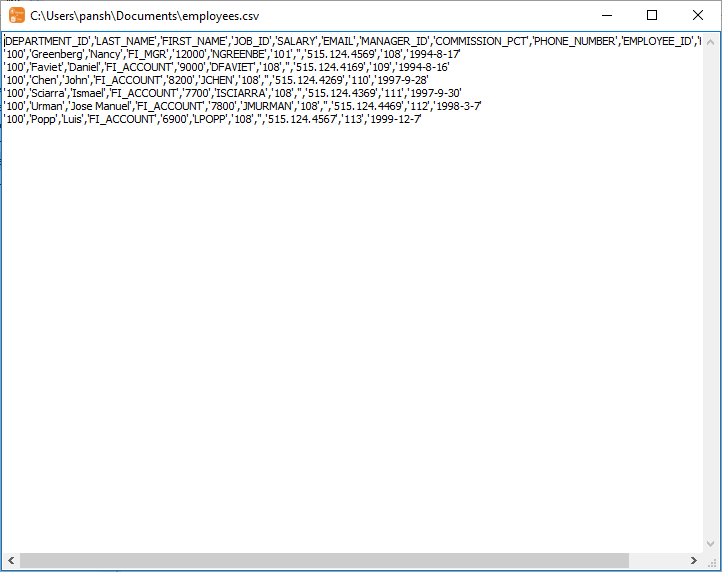
Find Result to File
Export MongoDB query to CSV file
Execute a custom MongoDB find query and export only the matching documents to a single CSV file. Ideal for ad-hoc data extraction, reporting, or selective data export based on specific conditions.
Key Features of MongoDB to CSV Exporter
Flexible CSV Formatting
Set delimiter, quote character, encoding), and configure field mapping/renaming for optimal CSV output.
10GB+ Dataset Support
Stream processing technology avoids memory overflow — export massive MongoDB collections to CSV without performance issues, limited only by your disk space.
MongoDB Query Filtering
Use MongoDB query syntax to export selective data — filter by fields, date ranges, or custom conditions to export only the data you need to CSV files.
MongoDB Compatibility
Works with MongoDB 3.x/4.x/5.x/6.x, MongoDB Atlas, and Azure Cosmos DB (MongoDB API) — both cloud and self-hosted deployments.
Scheduled Export
Set daily/weekly/monthly scheduled exports for automated CSV generation — support all 4 export types for complete automation on Windows, macOS, and Linux.
Field Mapping & Renaming
Customize CSV column names and select specific fields to export — exclude unnecessary data and rename fields for better CSV readability.
Common Use Cases for MongoDB to CSV Export
Data Backup & Archiving
Export MongoDB collections to CSV files for secure backup and long-term archiving — support scheduled automated backups and batch export of multiple collections.
Data Analytics & Reporting
Export MongoDB data to CSV format for integration with analytics tools (Tableau, Power BI, Excel) — customize CSV structure for seamless data analysis and reporting.
Data Migration & Integration
Migrate MongoDB data to other systems by exporting to CSV — compatible with ETL pipelines for seamless data integration.
Development & Testing
Export production MongoDB data to CSV for development and testing environments — filter sensitive data and customize CSV output for realistic test datasets.
Frequently Asked Questions About MongoDB to CSV Export
Q: Can I apply filters to export only specific MongoDB documents to CSV?
A: Yes! You can use full MongoDB query syntax to filter documents before export — support for field selection, date ranges, comparison operators, and custom conditions to export only the data you need.
Q: Can I export data from MongoDB Atlas (cloud) to CSV?
A: Absolutely! As long as your MongoDB Atlas cluster is accessible (whitelist your IP address in Atlas), you can export collections directly to CSV. All data processing happens locally on your machine — no data is uploaded to third-party servers.
Q: What's the maximum MongoDB dataset size supported for export?
A: There's no strict limit. The tool uses stream processing to read MongoDB data without loading the entire dataset into memory, so it can handle collections larger than 10GB. The only limitations are your local disk space for storing the CSV output files.
Q: Can I customize the CSV output format?
A: Yes! You can fully customize CSV formatting including delimiter (comma, tab, semicolon, pipe), quote character (double quote, single quote), line breaks (Windows/Mac/Linux), and encoding (UTF-8, GBK, Latin-1). You can also map and rename fields for better CSV readability.
Q: Can I schedule automatic MongoDB to CSV exports?
A: Yes! The built-in task scheduler allows you to set up daily, weekly, or monthly scheduled exports. This works on all supported operating systems (Windows, macOS, Linux) and supports batch export of multiple MongoDB collections.
Ready to Export MongoDB to CSV Effortlessly?
Download the free 30-day trial — no credit card required, full features available. Works seamlessly on Windows, macOS, and Linux (Debian, Ubuntu, Fedora, RHEL, openSUSE).
Download MongoDB to CSV Exporter Buy MongoToFile - Starting at $75