BigTextFileSplitter » Use cases » Split for an upload limit
Download BigTextFileSplitter Free Trial » Buy BigTextFileSplitter Now »
The situation
The file has to go somewhere - a support ticket, a monitoring platform, a cloud bucket, an email, an API that takes a request body - and the other end has a limit. 100 MB is a common one; some take 25 MB, some take 1 GB. The export you have is larger than the limit, and there is no way to raise it from your side.
Compressing sometimes helps and sometimes does not: a text log or CSV that is already plain text does not shrink far enough to matter, and some platforms refuse archives anyway. What always works is sending the file in pieces that each fit.
What you do
- Find the exact limit at the other end - in MB or GB.
- Open BigTextFileSplitter, choose the file, and split by file size, picking a value comfortably under the limit (for a 100 MB cap, 90 MB leaves room for encoding and rounding).
- Split, and upload the parts one by one.
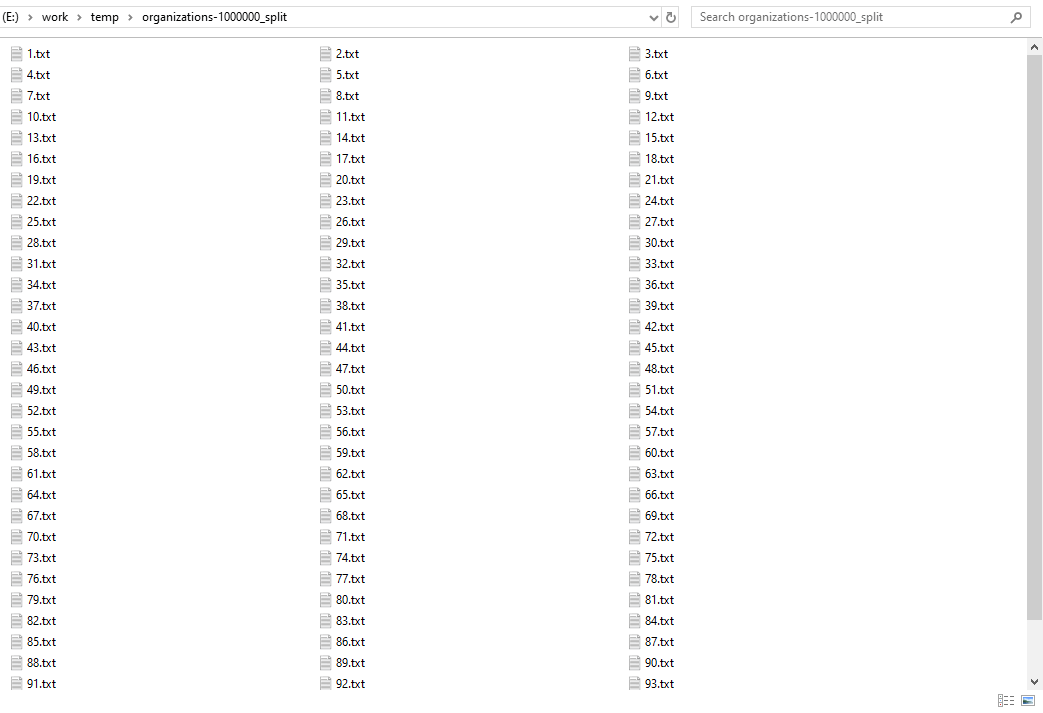
Nothing is uploaded by the splitter itself - the file is read and written where it already is, so a 20 GB export does not have to be sent anywhere before it can be divided. The original file stays untouched, and the encoding is preserved, so the parts are the same bytes as the source.
What it will not do
- It does not compress. The output is plain text, not a ZIP. If the other end accepts a single archive and the file really is compressible, compress it instead.
- It does not re-join the parts. Once the parts are uploaded, they stay parts. If you need one file again - after downloading them, or at the other end - use TextMerger, which merges text files back into one in the order you choose.
- Text files only. It splits TXT, CSV, TSV, LOG, JSON, JSONL / NDJSON and XML. It is not a binary file splitter, and splitting a ZIP or an MP4 this way would produce parts that cannot be used.
Doing it regularly
If the same export has to be split before every upload, save the split as a session, or run it from the command line so the step can be scripted - see running BigTextFileSplitter from the command line, and batch splitting for a whole folder at once.
Related
Joining the parts back together: TextMerger. Splitting in the browser: split TXT, split CSV, split LOG, split JSON, split XML.