Want to transfer data from MongoDB query results to SQL Server table?
Using MongoToDB, a native GUI tool, you can transfer data from MongoDB query results to SQL Server table easily and fast, just a few mouse clicks!
Support all MongoDB deployment types: standalone, replica set, sharded cluster, and MongoDB Atlas.
Support Windows, Linux, macOS
Here you can download and install MongoToDB.
Transfer data from MongoDB query To SQL Server table
Click “Wizard – Import From Query” at task dialog.
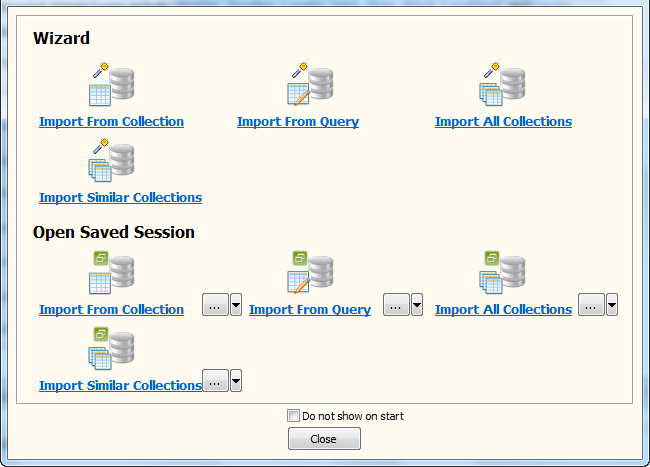
then show the wizard.
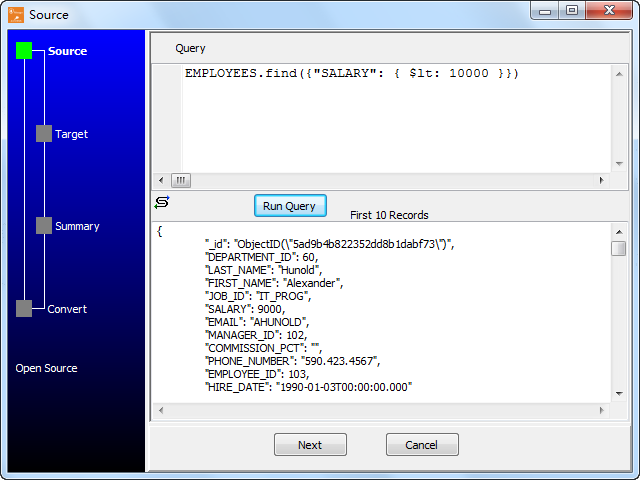
1. Set a MongoDB query.
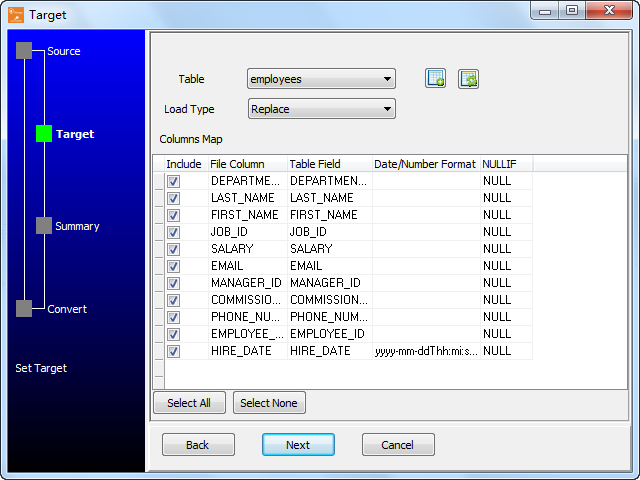
2. Select a destination table and config fields.
3. Preview data.
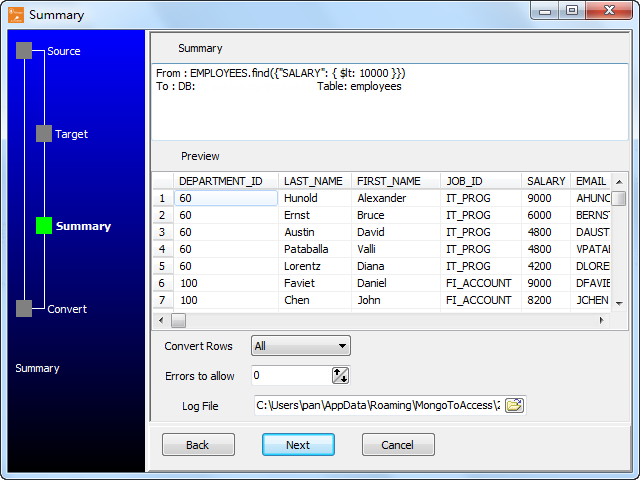
4. Transfer.
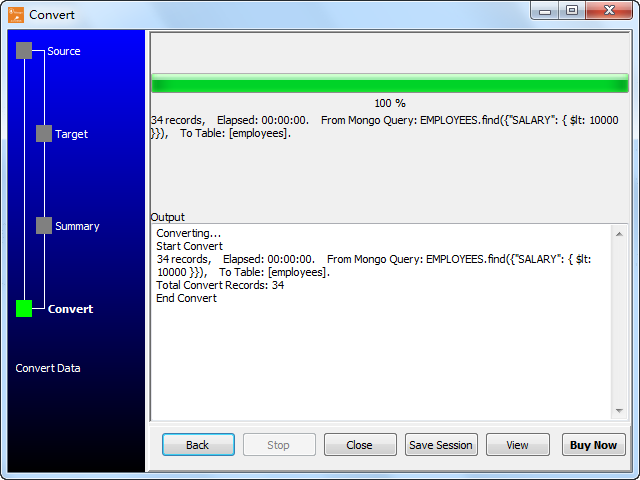
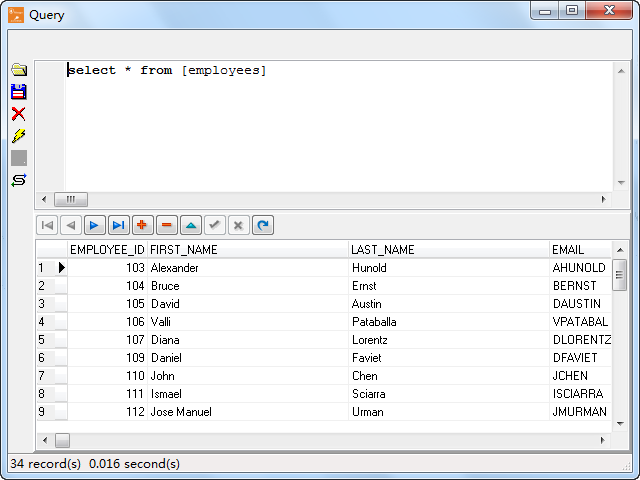
Click “View”, See SQL Server table data.
You can schedule and automate this converting task by:
1) Save session and create .bat file.
More about MongoToDB – the tool to copy MongoDB data to SQL Server
30-day free trial 

