October 28, 2026 — Withdata Software announces SubtitleConverter 1.1, the batch subtitle converter for Windows, Linux and macOS. This release is about subtitles that used to come out wrong or jobs that used to do nothing: LRC files keep their timing, ASS and SSA captions keep their commas, a task file given by absolute path is actually found on Linux and macOS, and Recursive Folders really does walk the subfolders there.
What’s New in SubtitleConverter 1.1
1. LRC Timings Are Read Correctly
LRC stamps are minutes, seconds and hundredths — [00:01.20] is one and a fifth seconds. They used to be read as hours and minutes, so a line stamped 1.2 seconds in landed at one minute twenty, and a stamp like [00:07.80] produced the impossible time 00:07:80. Both are fixed: the stamps are parsed as mm:ss.cc and written out as HH:MM:SS,mmm, so an LRC file converted to SRT or CSV now lines up with the audio.
2. ASS and SSA Captions Keep Their Commas
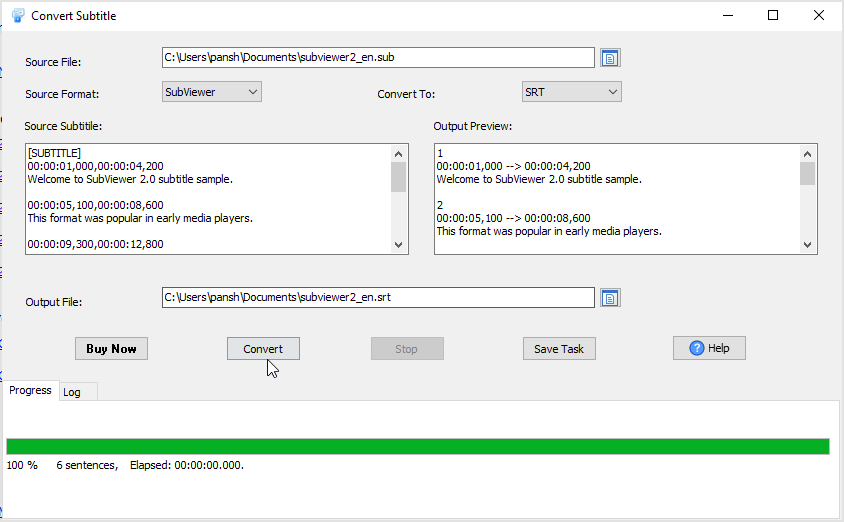
In an ASS/SSA Dialogue: line the text is the last field and is allowed to contain commas. SubtitleConverter used to take everything after the last comma, so a caption like “Second cue with a comma, and a semicolon; inside.” arrived as “ and a semicolon; inside.” — the first half silently gone. The text field is now taken from the correct position, so the whole line survives conversion.
3. Two Fixes for Linux and macOS
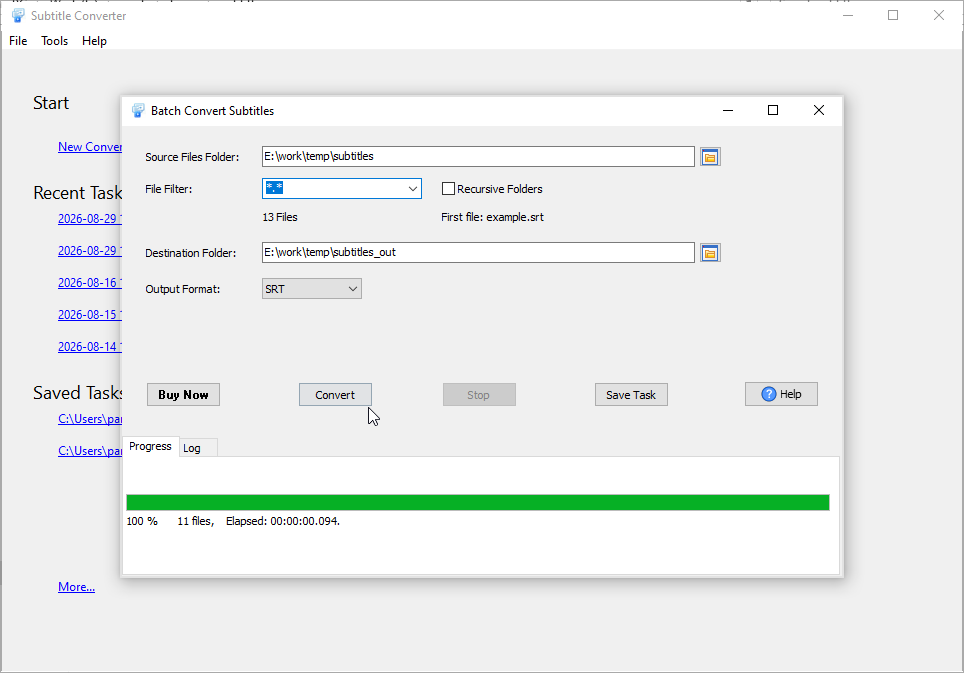
SubtitleConverter has shipped Windows, Linux and macOS builds all along; this release fixes two problems that only those two platforms had. A task file given by absolute path (/home/you/job.stct) was treated as a command-line option and ignored, so the program did nothing and exited with a failure and no log at all; absolute paths are now recognised as paths. And in batch mode the Recursive Folders option had no effect on those systems: the folder scan only matched names containing a dot, so subfolders were never entered. Tick it now and every subtitle in the tree is converted.
4. A Start-a-Task Dialog That Fits GTK3
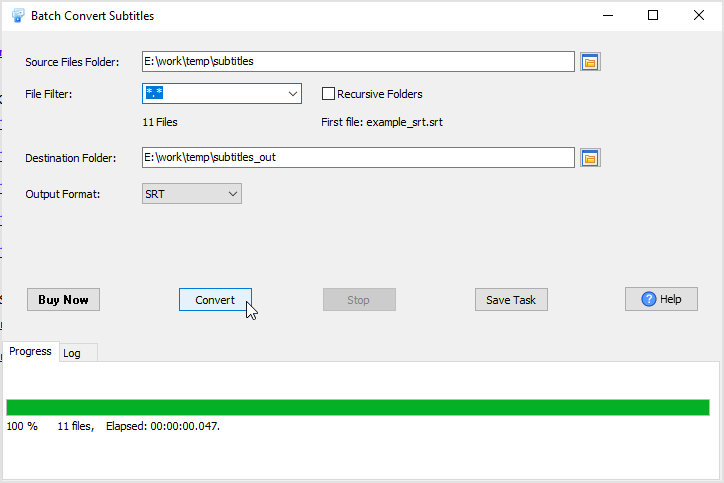
On the GTK3 build the check boxes and buttons of the Start-a-task dialog overlapped each other, and the progress rows sat too tight for the taller widgets. Both are laid out for GTK3 now, so the dialog is readable and every control can be clicked on Linux.
About SubtitleConverter
SubtitleConverter converts subtitle files between the formats players, editors and web players actually accept — one file at a time, or a whole folder in one run.
- Convert between SRT, VTT, ASS/SSA, TTML/DFXP, SMI, MicroDVD (.sub), SubViewer 2.0, YouTube (.sbv), LRC and CSV/TXT
- Single file, or batch convert a folder of 1000+ subtitles at once
- Recursive folder scanning (subfolders included)
- SRT to CSV with id, start, end and text — edit the text in a spreadsheet, then convert back
- Plain-text transcripts, with or without timings
- Command line and scheduled tasks for unattended runs
- Runs on Windows 10/11, macOS 10.15+ and Linux Ubuntu 20.04+
- Fully local: subtitle files never leave your machine
Upgrade Today
SubtitleConverter 1.1 is ready for download: https://www.withdata.com/subtitle-converter/download.html. Existing users may update directly. New users can download a free trial and check the LRC timings, an ASS file with commas in the text, or a recursive batch run for themselves.
Withdata Software continues improving SubtitleConverter based on real-world feedback from people who convert subtitles every day.
Convert your data online, free
Free in-browser converters for CSV, Excel, JSON, XML and SQL: Withdata Online Data Conversion. Large files, batch conversion or scheduling? See the offline desktop apps, or browse all data conversion tools.


