October 8, 2026 — Withdata Software announces TextMerger 1.1, the tool for merging text files into one. This release turns a simple merge into a controllable one: preview the result before writing, convert encodings, keep track of which file each line came from, clean up empty and duplicate lines, merge log files in timestamp order — and script the whole thing from the command line.
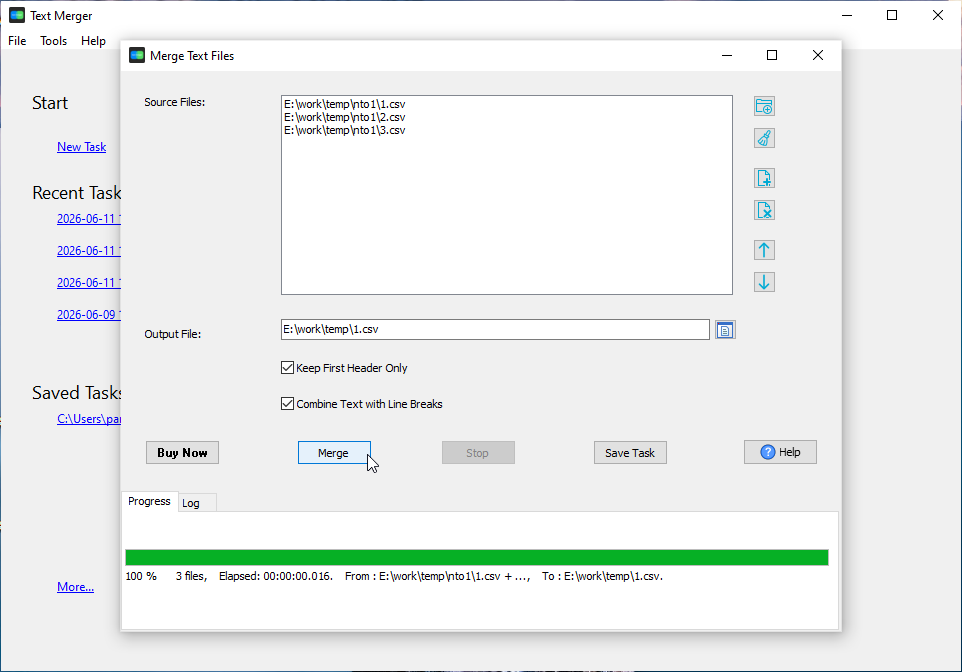
What’s New in TextMerger 1.1
1. Preview Before You Merge
The new Preview button shows the first 200 lines of the merged result — in your chosen file order, with Keep First Header Only and the separator applied — along with the file count and total size. The command line has the same option: merge –preview prints the result without writing a file.
2. Input and Output Encoding Conversion
TextMerger can now convert encodings, not just copy bytes. Choose an output encoding (Same as input, or one of 28) and, if automatic detection guesses wrong, override the source encoding yourself. Conversion runs in streaming blocks split on safe character boundaries, and the BOM follows the target encoding. If a character cannot be mapped, TextMerger counts it and warns you instead of silently dropping it. CLI: –encoding= and –source-encoding=.
3. A Source File Name Column
When you combine exports from several systems, knowing which file a line came from matters. Tick Add source file name column and every line is prefixed with its source file; the first file’s first line can become the column header when Keep First Header Only is on. CLI: –source-column[=NAME] and –source-column-delim.
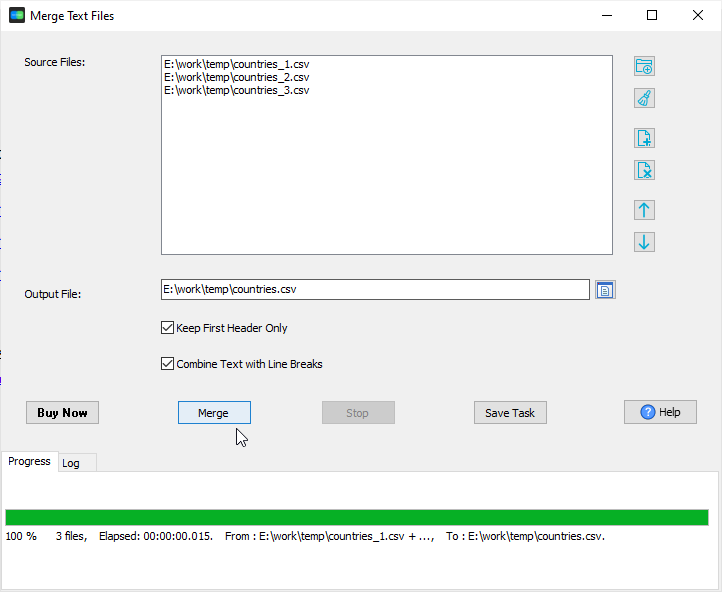
4. Skip Empty Lines, Remove Duplicates
Two line filters clean the data as it is merged: Skip empty lines and Remove duplicate lines. They work together with the source column and encoding conversion. CLI: –skip-empty and –dedupe.
5. Merge Log Files by Timestamp
Merging logs from two services no longer produces two interleaved halves. Sort lines by timestamp (with a configurable time format) merges the files chronologically; lines without a timestamp stay with the previous line, and the sort is stable. CLI: –sort-by-time[=FORMAT].
6. Compressed Output and a Merge Report
Write the output as .gz or .zip and TextMerger compresses it (gzip, or a single-entry zip) with no extra steps. After writing, it reports the result — bytes, lines, the number of source files and, with –md5, an MD5 hash — so automated runs can verify the output without reading it back. CLI: –md5, –no-verify.
7. Command Line, Variables and Scheduling
TextMerger 1.1 adds a full command-line interface: a merge verb with –from/–to, –set/–var for reusable values, and a pipeline that runs several tasks with a summary report (documented in doc/TextMerger/cli.md with examples/*.bat and *.sh). Combined with Save Task and Task Scheduler, recurring merges run unattended.
About TextMerger
TextMerger combines many text files into one — the way a developer or analyst needs it.
- Merge TXT, CSV, TSV, JSON, JSONL, XML, SQL and log files into one file
- Drag to reorder the source list; sort by name (natural order) or modified time
- Choose what goes between files: none, a line break, a blank line or a custom separator
- Keep the first header only, or add a source file name column
- Convert input and output encodings (28 encodings) with automatic detection
- Skip empty lines and remove duplicate lines while merging
- Merge log files in timestamp order
- Write compressed output (.gz / .zip) and verify size, lines and MD5
- Preview the result before writing
- Command line, variables and scheduled tasks
- Cross-platform: Windows, Linux and macOS
- Fully local; no data uploaded to cloud servers
Upgrade Today
TextMerger 1.1 is ready for download: https://www.withdata.com/text-merger/download.html. Existing users may update directly. New users can download a free trial to try the merge preview, encoding conversion and log merge for themselves.
Withdata Software continues improving TextMerger based on real-world feedback from people who merge files every day.
Convert your data online, free
Free in-browser converters for CSV, Excel, JSON, XML and SQL: Withdata Online Data Conversion. Large files, batch conversion or scheduling? See the offline desktop apps, or browse all data conversion tools.

