DBToMongo » Use cases » Keep a collection in sync
Download DBToMongo Free Trial » Buy DBToMongo Now »
The situation
The relational database is still the system of record - orders are written there, the ERP owns the customer table - but a service on the MongoDB side needs the same data, and needs it reasonably fresh. Nobody is going to replace the source, and a full migration repeated by hand every night is not a plan.
What you do
- Set the copy up once and choose update as the write mode, so documents that already exist are refreshed rather than duplicated.
- Save it as a session.
- Run the session from the command line - Windows Task Scheduler, cron, or your pipeline - as often as the MongoDB side needs to be current.
- Watch the log: each run reports what it read and what it wrote, so a failed night is visible.
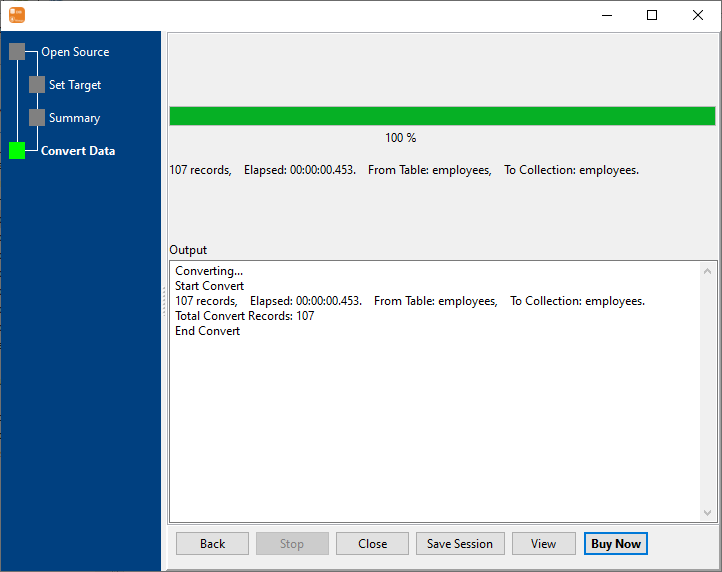
Because nothing is staged in a file, there is no intermediate copy to expire and no disk to fill. The same saved task can also seed a new environment in one run, which is what makes it worth setting up properly the first time.
What it will not do
- It is not change data capture. There is no log reader and no triggers - the collection is as current as the last run. Between runs, the two sides differ.
- It does not delete by default. A row removed from the table does not remove a document unless the write mode says so; choose the mode deliberately.
- It needs a key to update on. Update mode matches existing documents on the column you nominate - without a reliable one, rows will be inserted instead.
- Scheduling is the operating system's job. DBToMongo runs the task; Task Scheduler or cron decides when, and handles retries.
Related
The mode: table to collection, from a query: query to collection. A one-off move instead: migrate a database, combine split tables. Running headless: command line, sessions.