MariaDB to MongoDB - Copy Data Without Programming via CLI (Command Line Interface)
Sometimes you need to copy MariaDB data to MongoDB, you can use Withdata DBToMongo as MariaDB to MongoDB Copier (Converter / Transferor).
"MariaDB to MongoDB" tool - DBToMongo
Works GREAT on Windows, Mac and Linux.
Support Windows, Linux, and macOS.
Support all MongoDB deployment types: standalone, replica set, sharded cluster, and MongoDB Atlas.
Can run in GUI mode, Step by Step, just a few mouse clicks.
- Query to Collection - Copy data from MariaDB query to MongoDB collection
- 1 to 1 - Copy data from MariaDB table to MongoDB collection
- n to 1 - Copy data from multiple MariaDB tables to 1 MongoDB collection
- n to n - Batch copy data from MariaDB tables to MongoDB collections
Can run in CLI (Command Line Interface), for Scheduled Tasks and Streams, for Automation.
Download Withdata DBToMongo
Copy MariaDB data to MongoDB in GUI
Start Withdata DBToMongo.
Login to MariaDB.

Login to MongoDB.

Query Results to Collection
Click "Convert From Query" at task dialog.
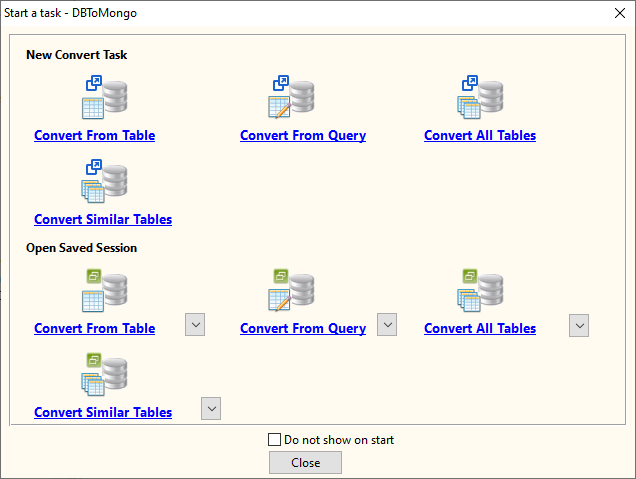
then show the wizard.
1. Enter source MariaDB query.
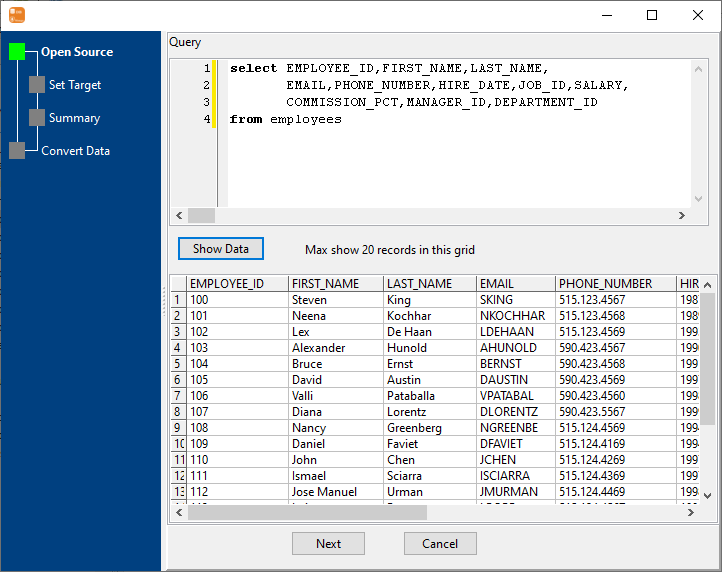
2. Choose destination MongoDB collection and config fields.

3. Set rows options.

4. Export MariaDB query results to MongoDB collection.

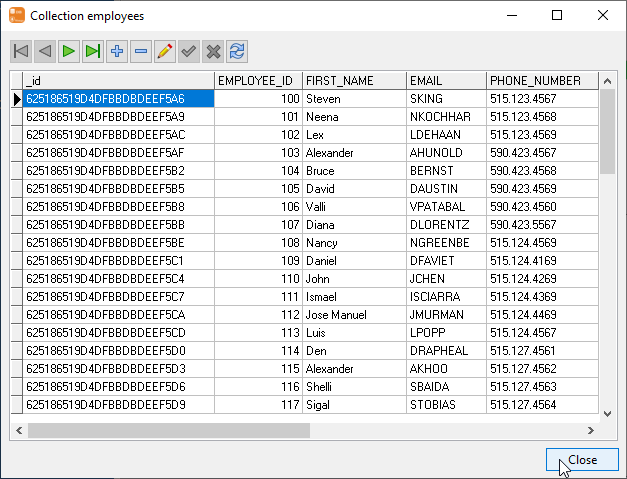
Click "View", See MongoDB collection data.

1 Table to 1 Collection
Click "Convert From Table" at task dialog.
then show the wizard.
1. Choose source MariaDB table.

2. Choose destination MongoDB collection and config fields.
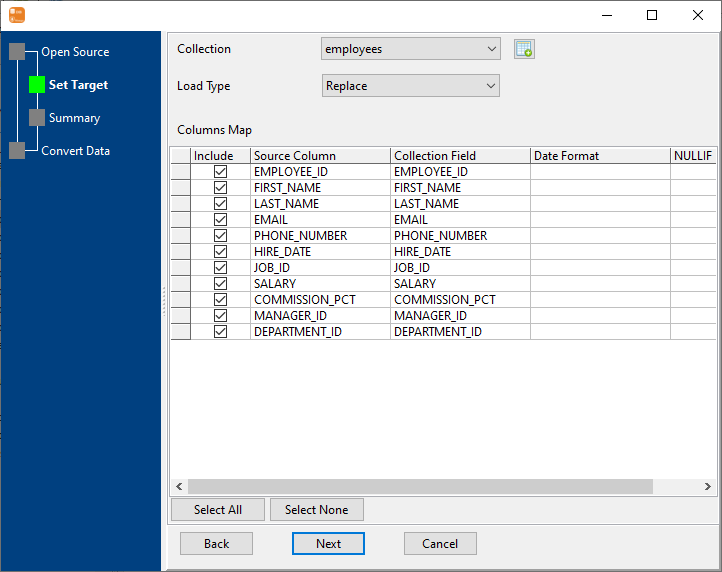
3. Set rows options.

4. Copy MariaDB table data to MongoDB collection.

Click "View", See MongoDB collection data.
N Tables to 1 Collection
Click "Convert Similar Tables" at task dialog.
then show the wizard.
1. Select source MariaDB tables.

2. Choose a destination MongoDB collection and config fields.
3. Set rows options.

4. Copy data from MariaDB to MongoDB.

Click "View", See MongoDB collection data.
N Tables to N Collections
Click "Convert All Tables" at task dialog.
then show the wizard.
1. Select source tables.

2. Target collections, choice "Import Type".
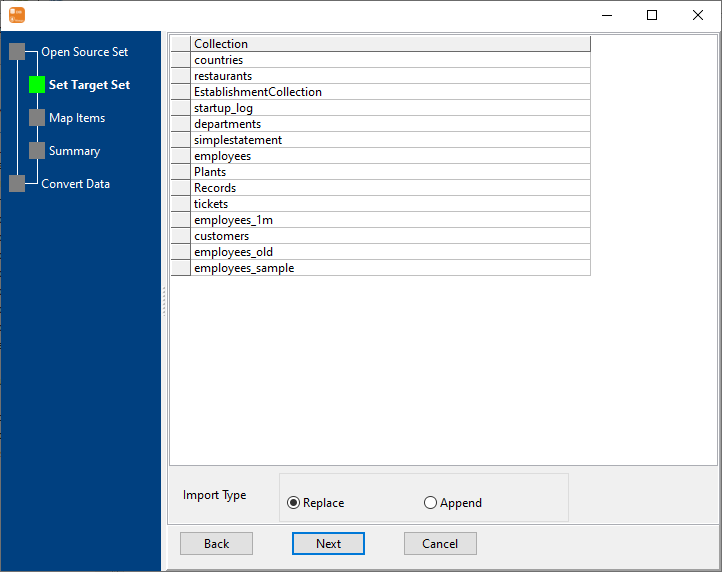
3. Map MariaDB tables to MongoDB collections.

4. Summary.

5. Batch copy MariaDB data to MongoDB.

Click "View", See MongoDB collection data.
Repeat "MariaDB to MongoDB" in CLI
After coping MariaDB data to MongoDB in GUI, and Saving "MariaDB to MongoDB" session, then you can:
FAQ
How long does it take to copy MariaDB data to MongoDB?
Is it safe to copy MariaDB data to MongoDB using DBToMongo?
Can I batch copy data from MariaDB tables to MongoDB collections?
Download Withdata DBToMongo