Want to import Lighttpd logs into Azure?
Try Withdata FileToDB, a Lighttpd logs to Azure converter, via GUI or Command-line, for Windows, MacOS, and Linux, Easy and Fast.

Import Lighttpd logs into Azure
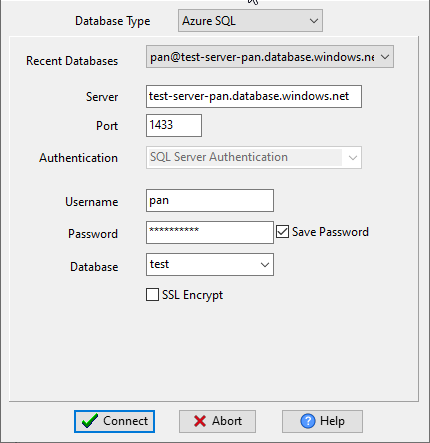
Choose Azure and logon.
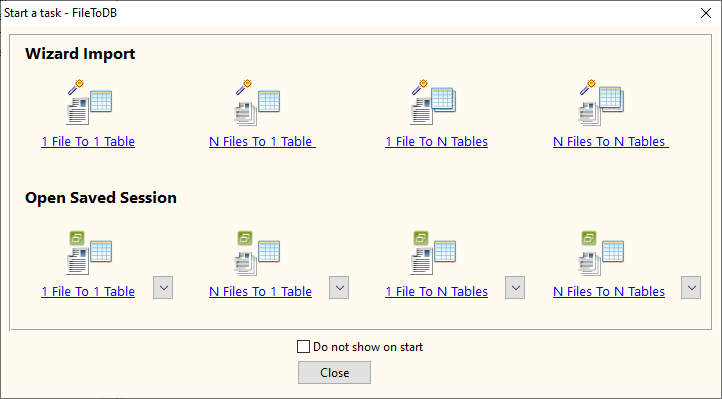
Click “Wizard – 1 File To 1 Table” at task dialog.
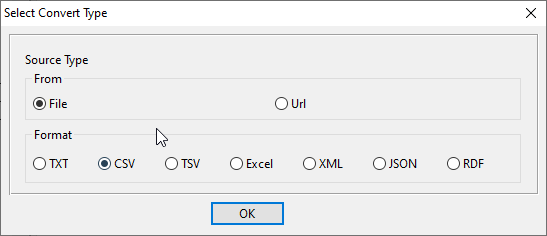
Select the “TXT” file type.
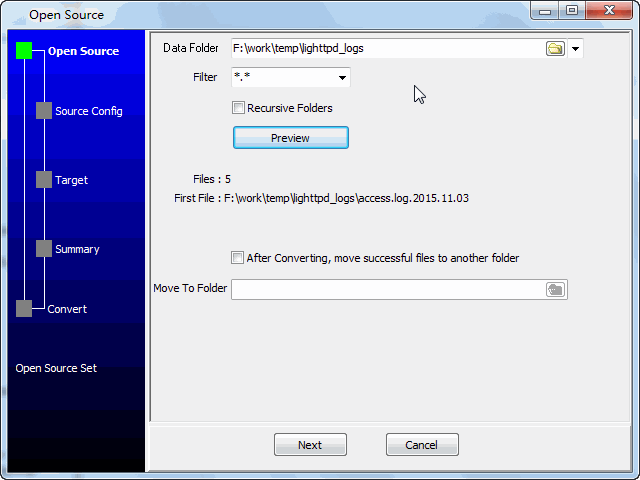
then show the wizard.
1. Select a folder that constains Lighttpd log files.
2. Config log file options.
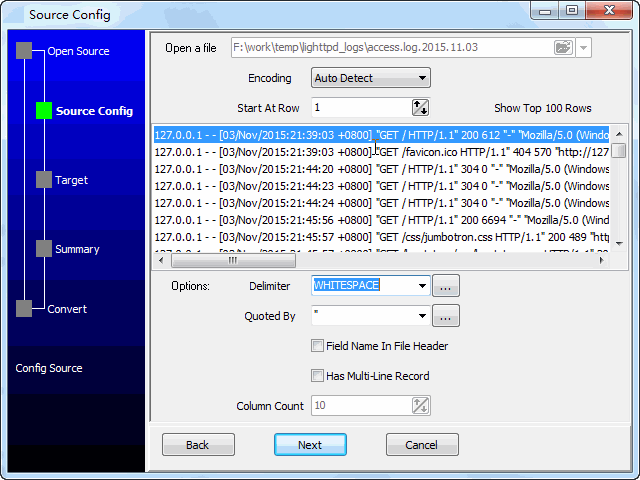
3. Select a table and config fields.

4. Preview data.
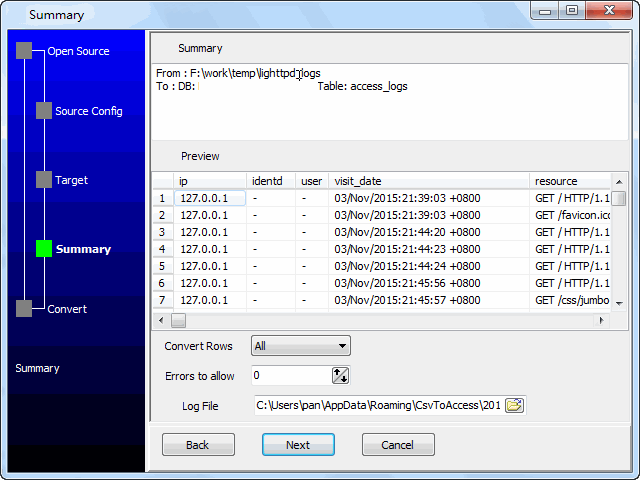
5. Import.
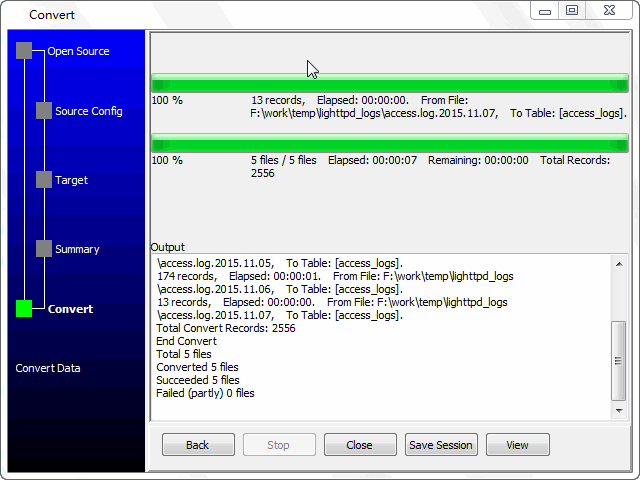
View table data.

You can schedule and automate this converting task by:
- Save session and create .bat (Windows) or .sh (Linux/macOS) file for “Log to Azure” conversion.
- Set scheduled task for “Log to Azure” conversion.
FAQ
More about Withdata FileToDB – logs to Azure converter
Download Withdata FileToDB
Convert your data online, free
Free in-browser converters for CSV, Excel, JSON, XML and SQL: Withdata Online Data Conversion. Large files, batch conversion or scheduling? See the offline desktop apps, or browse all data conversion tools.

