Want to import data from multiple Excel sheets to a single Redshift table at a time?
Try Withdata FileToDB, a desktop Excel to Redshift converter for Windows, MacOS, and Linux, Convert Excel to Redshift, Easy and Fast.
- Can run in GUI mode, Step by Step, just a few mouse clicks.
- Can run in Command line, for Scheduled Tasks and Streams.
- Import Excel to Redshift locally and privately, avoid uploading Excel file(s) to online services.
- Support Windows, Linux, and macOS.

Import data from multiple Excel sheets to a single Redshift table
Login to Redshift -> Choose Excel file -> Set Redshift table -> Import multiple Excel sheets to Redshift
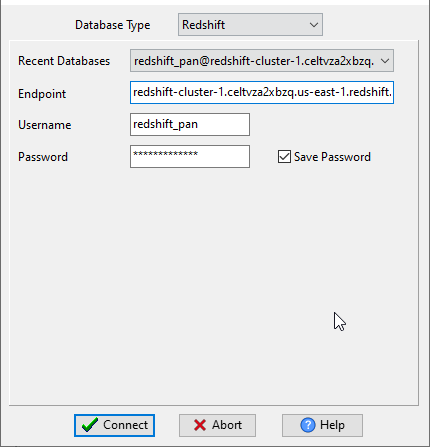
Choose Redshift and logon.
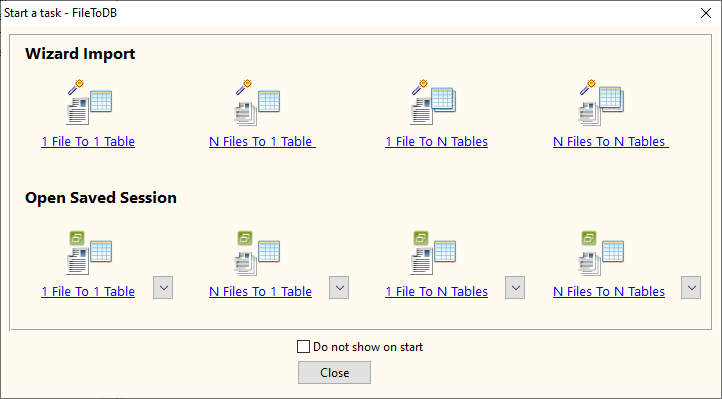
Click “Wizard – 1 File To 1 Table” at task dialog.
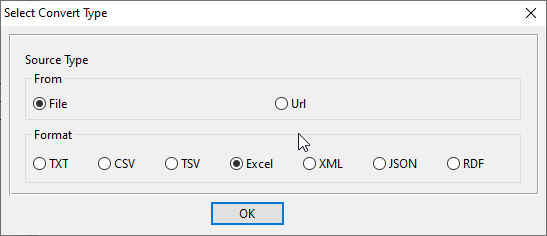
Select the “Excel” file type.
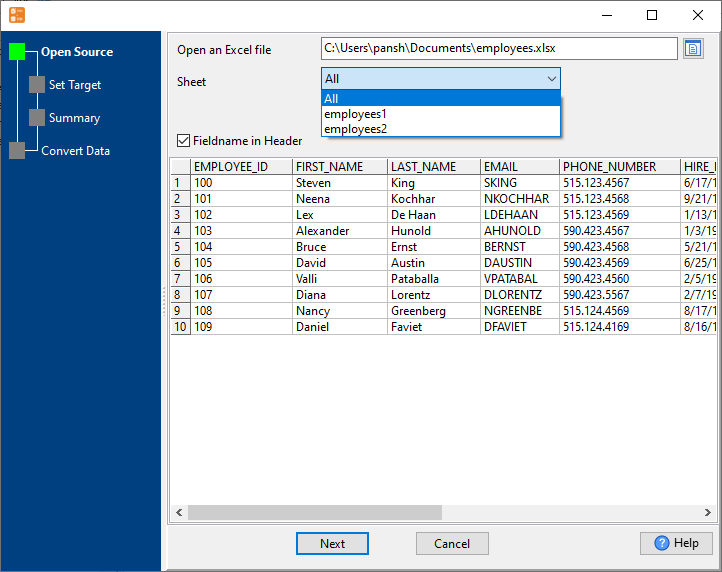
then show the wizard.
1. Open Excel file, set “Sheet” to “All”.
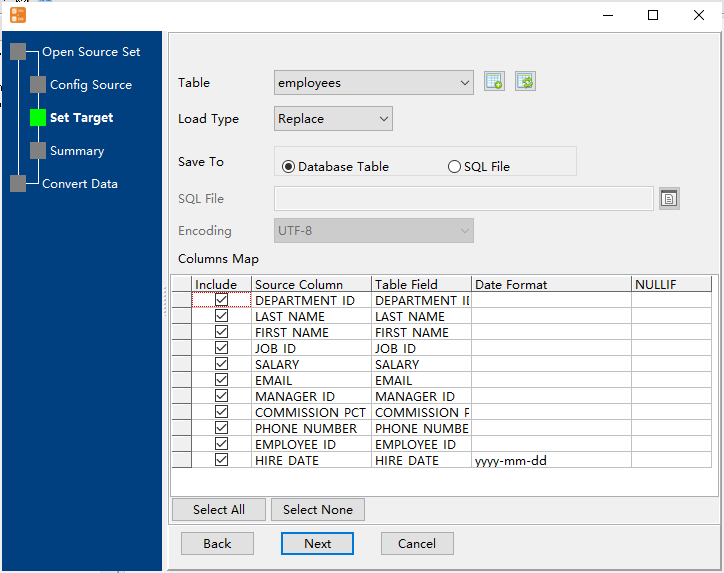
2. Select a Redshift table and config fields.
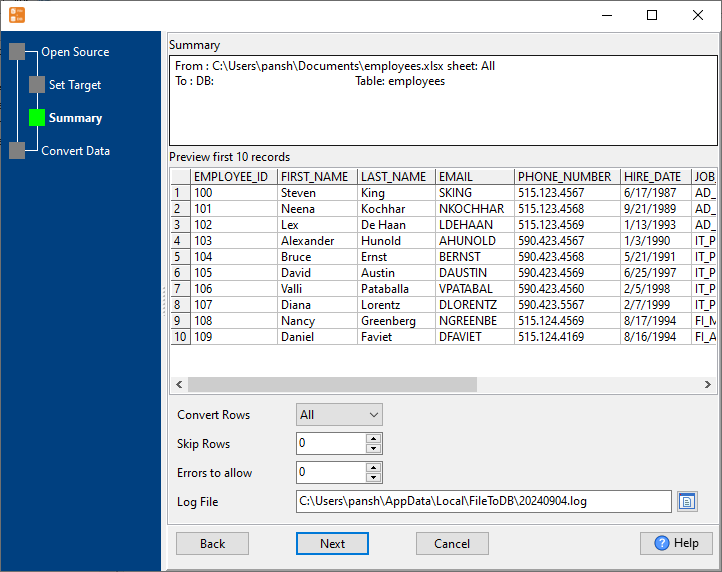
3. Preview data will be in Redshift table.
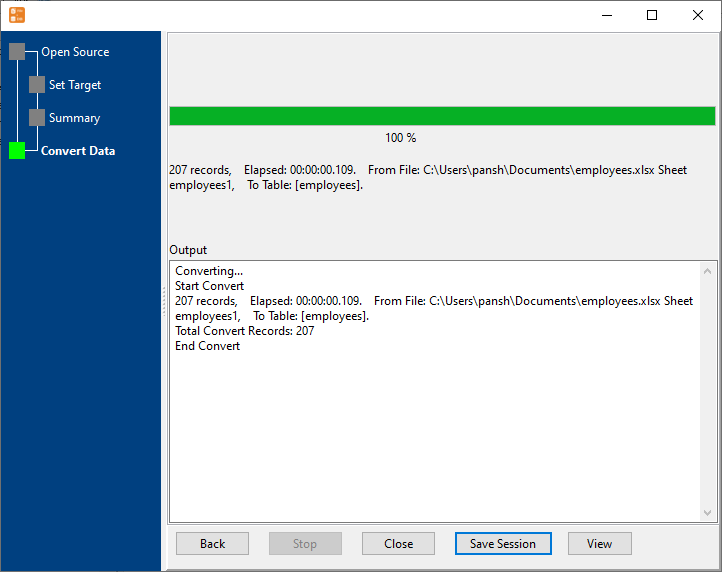
4. Import multiple Excel sheets to a single Redshift table.
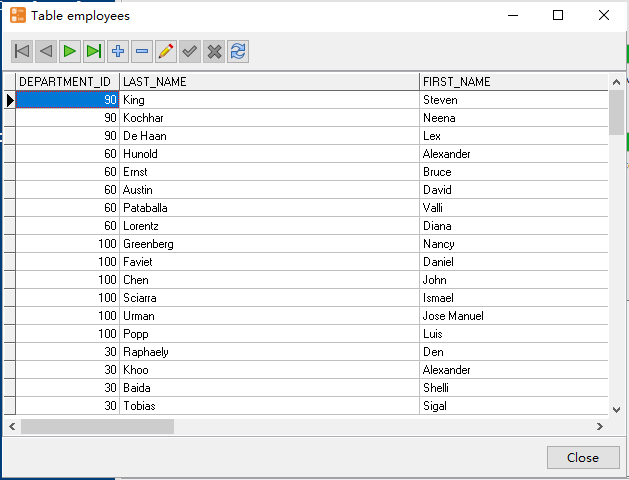
View imported data in Redshift table
More about Excel to Redshift converter
Download Withdata FileToDB
EXCEL → Redshift reference
Type mapping
| Value kind | in EXCEL | in Redshift |
|---|---|---|
| Int | 1234 (a real numeric cell) | integer |
| Bigint | 9007199254740993 (exact only while the cell stays text) | bigint |
| Decimal | 1234.56 (numeric cell, format controls the displayed decimals) | numeric(p,s) |
| Float | 1.234E+10 (numeric cell) | double precision |
| Text | text cell; leading zeros survive only if the column is text | varchar(n) |
| Long text | text cell; wraps inside the cell rather than the row | varchar(max) |
| Date | a serial number plus a date cell format | date |
| Datetime | a serial number plus a date-time cell format | timestamp |
| Binary | not representable as data | (none) |
| Boolean | TRUE / FALSE (a real boolean cell) | boolean |
| JSON | a text cell; the quotes are part of the value | super |
Dialect differences
EXCEL is a file format and Redshift is a database server, so the target has to be told the types the file never carried - the rows below are where the two sides diverge.
| Property | in EXCEL | in Redshift |
|---|---|---|
| port | — | 5439 |
| identifiers | Not applicable; a cell holds exactly one value | "double quotes" |
| row limit | — | LIMIT n |
| dates | Stored as a serial number; only the cell format makes it lo... | timestamp, date |
| long text | — | VARCHAR(MAX) |
| binary | Only as text or an embedded object, not as a data column | — |
| separator | Cells, not delimiters | — |
| encoding | UTF-8 internally, declared in the package | — |
| typing | Real cell types: text, number, date, boolean, error | — |
| shape | Multiple sheets, each a flat grid | Tables of rows and columns |
| ceiling | 1,048,576 rows x 16,384 columns per sheet; 255 sheets per w... | — |
Command line
| Side | Command |
|---|---|
| Redshift | UNLOAD to S3 |
| Redshift (load) | COPY from S3 |
No counterpart
- EXCEL values of kind Binary have nowhere to go in Redshift.
Convert your data online, free
Free in-browser converters for CSV, Excel, JSON, XML and SQL: Withdata Online Data Conversion. Large files, batch conversion or scheduling? See the offline desktop apps, or browse all data conversion tools.

