Want to import data from TXT (“|” pipe delimited text) file to MongoDB collection?
Try Withdata FileToMongo, a TXT to MongoDB converter for Windows, MacOS, and Linux, Import TXT to MongoDB, Easy and Fast.
- Can run in GUI mode, Step by Step, just a few mouse clicks.
- Can run in Command line, for Scheduled Tasks and Streams.
- Support all MongoDB deployment types: standalone, replica set, sharded cluster, and MongoDB Atlas.

Import TXT (“|” pipe delimited text) data To MongoDB
Login to MongoDB -> Choose TXT file -> Set MongoDB collection options -> Import TXT to MongoDB
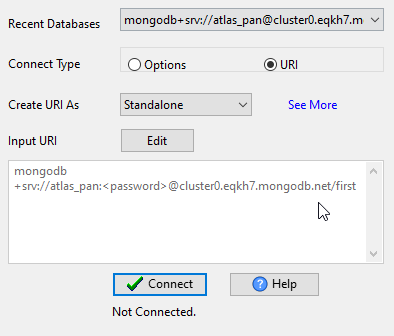
Start FileToMongo, connect to MongoDB.
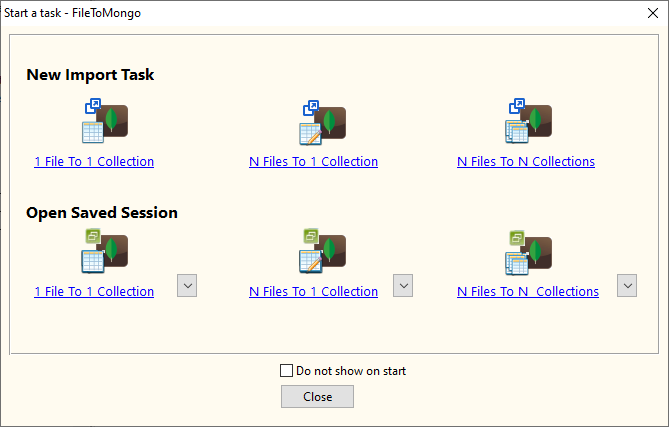
Click “1 File To 1 Collection” at task dialog.
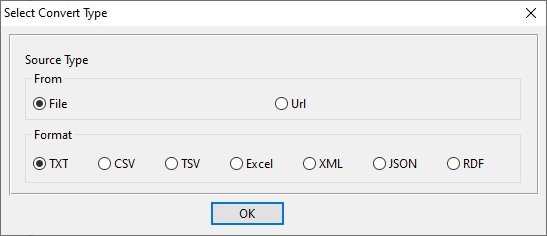
Select the “TXT” file type.
1. Open a TXT (“|” pipe delimited text) file.
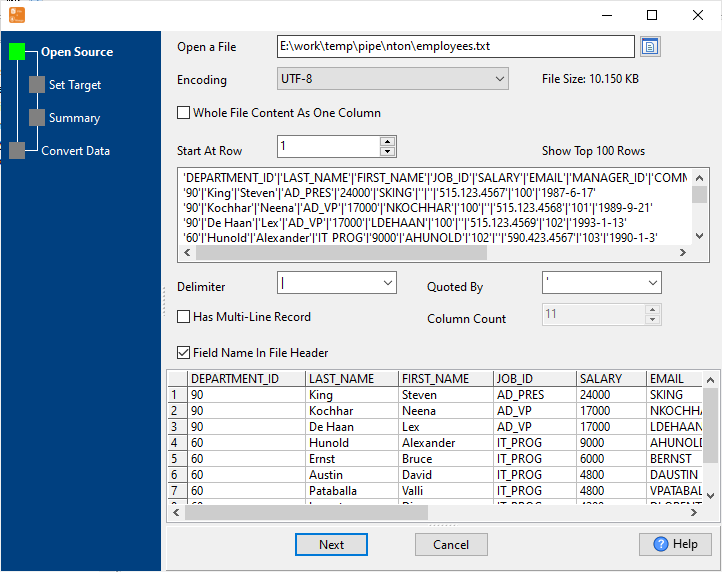
The source TXT (“|” pipe delimited text) file like this:
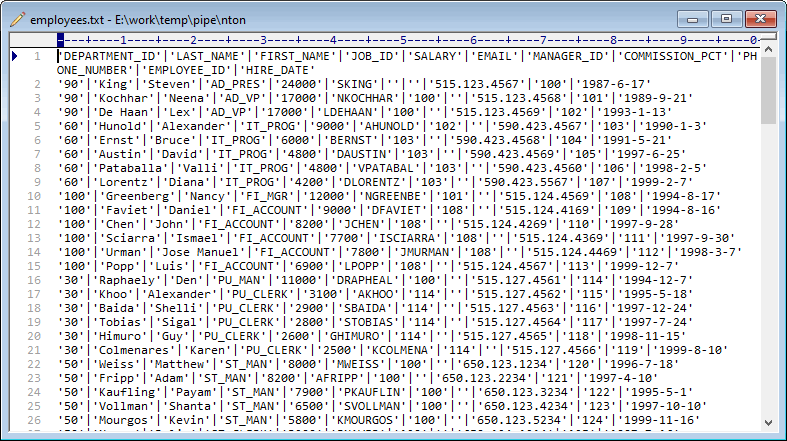
2. Set MongoDB collection options.
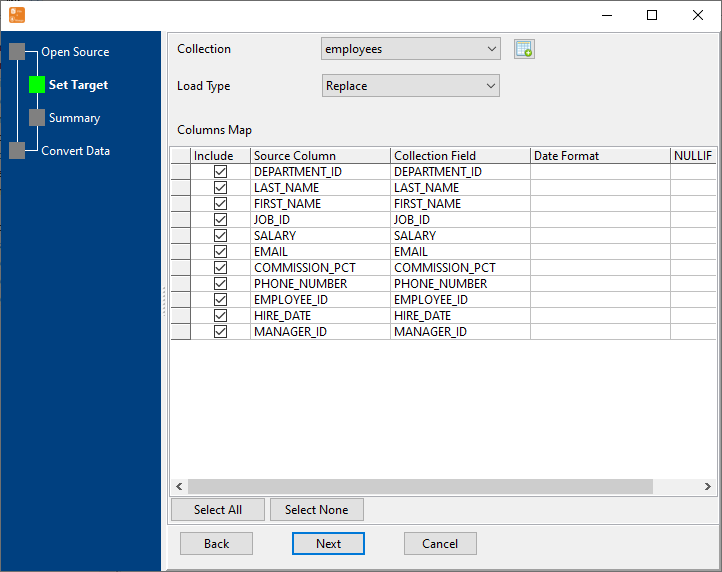
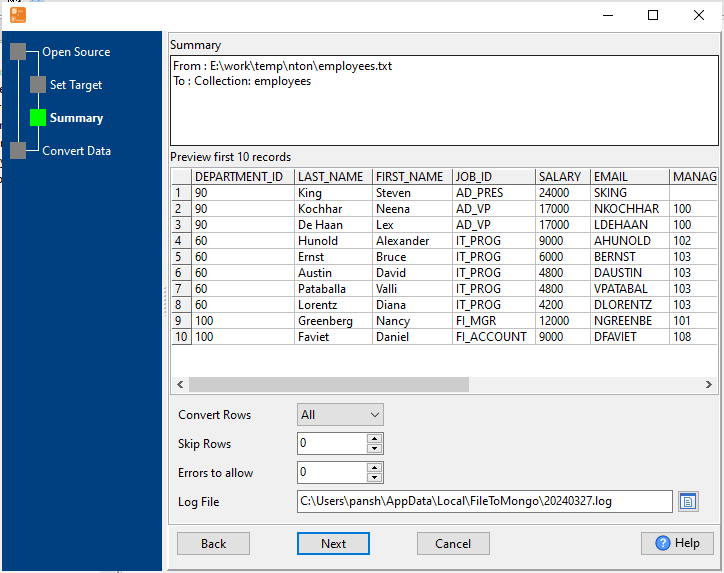
3. Preview data will be in MongoDB collection.
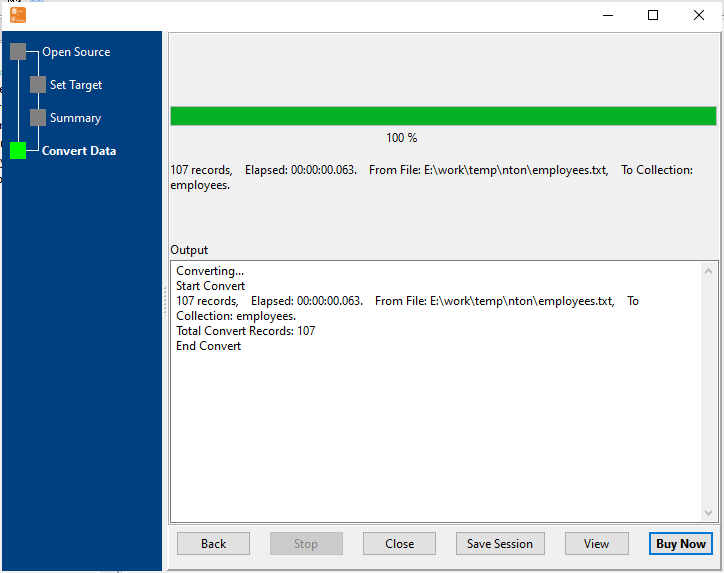
4. Import TXT (“|” pipe delimited text) data to MongoDB collection.
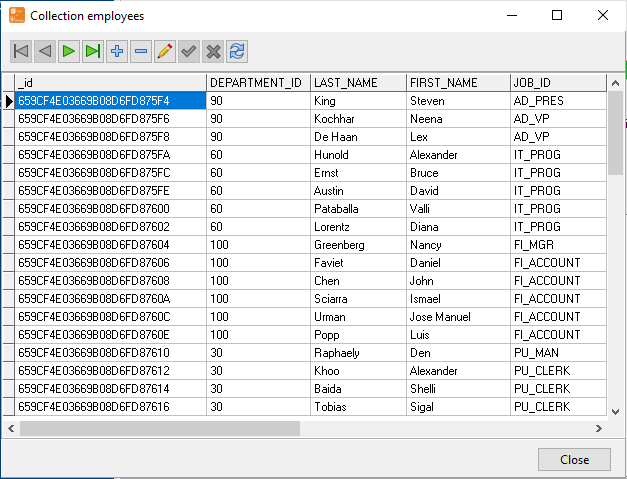
After importing, you can view imported data in MongoDB collection.
Import TXT (“|” pipe delimited text) to MongoDB in command line
Save “TXT to MongoDB” session, then you can:
- Convert TXT (“|” pipe delimited text) to MongoDB in Windows command line.
- Convert TXT (“|” pipe delimited text) to MongoDB in Linux command line.
- Convert TXT (“|” pipe delimited text) to MongoDB in macOS command line.
Set scheduled tasks for importing TXT (“|” pipe delimited text) to MongoDB
You can schedule and automate this “TXT to MongoDB” conversion task by:
- Save session and create .bat (Windows) or .sh (Linux/macOS) file for “TXT to MongoDB” conversion.
- Set scheduled task for “TXT to MongoDB” conversion.
FAQ
More about Withdata FileToMongo – TXT to MongoDB Converter
Download Withdata FileToMongo
See also:
- Import pipe delimited text files to 1 MongoDB collection
- Batch import pipe delimited text files to MongoDB collections

