ExcelDataTransformer » Use cases » Excel without Excel installed
Download ExcelDataTransformer Free Trial » Buy ExcelDataTransformer Now »
The situation
The merge has to happen where the files are: a Linux server that will never have Office on it, a build agent, a nightly job that consolidates the day's exports. Scripting it against Excel is not an option - there is no Excel, and installing one is a licence conversation, not a deployment step.
The same problem appears on a single desktop: the file has to be merged once, and the machine does not have Office installed at all.
What you do
- Install ExcelDataTransformer on the machine - Windows, Mac or Linux.
- Set up the merge or the split as a task, and save it.
- Run it from the command line, or put it on a schedule so it runs unattended.
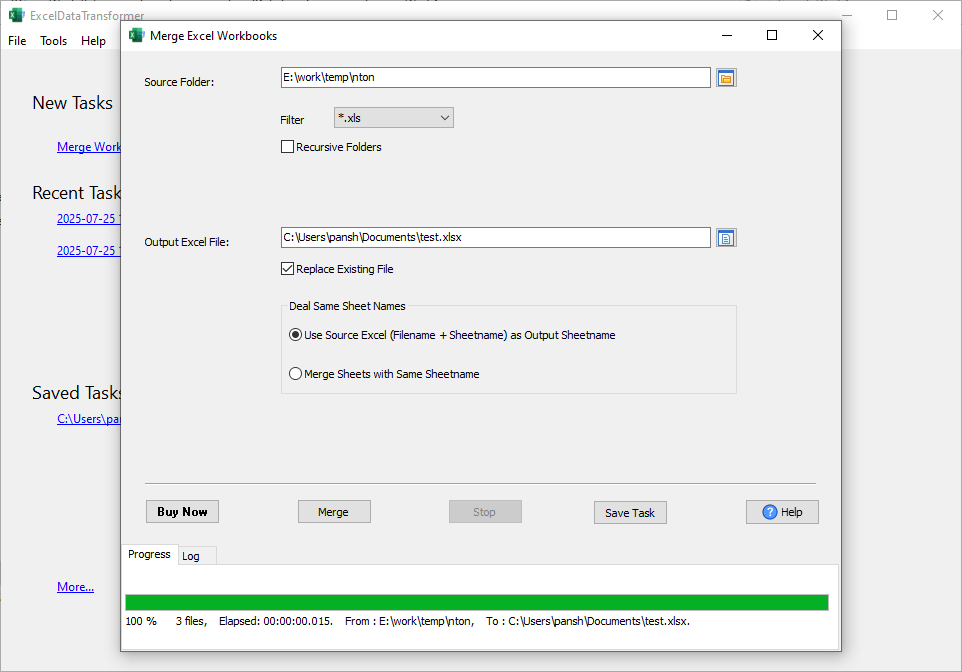
The workbooks are read and written by the tool itself - Microsoft Excel does not have to be installed, and there is no subscription to maintain. Nothing is uploaded: the files are processed where they already are, which is also why it is safe to run against a folder of customer data.
What it will not do
- It is not a spreadsheet engine. It reads and writes workbooks for merging and splitting; it does not recalculate formulas, render charts or produce a print layout - that is what Excel is for.
- It does not convert formats. Excel to Excel. For CSV, JSON or SQL output, use DataFileConverter.
- It does not schedule itself. It runs as a command, or a saved task; the cron entry, the Task Scheduler job or the CI step is yours to set up.
- It does not replace a database. For loading the merged result into a database, use FileToDB.
Related
Automation: command line, scheduled task, saved session. The jobs themselves: merge Excel workbooks, split an Excel workbook. Next steps: DataFileConverter, FileToDB.