pg-cmd » Use cases » Run AI-generated SQL
Download pg-cmd Free Trial » Buy pg-cmd Now »
The situation
Ask an assistant to clean up old test rows in PostgreSQL, reshape a table, or move data between two schemas, and you get a SQL script in a few seconds. Writing it was never the hard part. The hard part is where it has to run - a production or customer server where you cannot install a client, a step that has to run on a schedule, and a result somebody can check afterwards.
And SQL written from a description reads plausibly even when it is wrong, which is exactly why it should be run somewhere its effect is visible, not pasted into a production console by hand and hoped over.
What you do
- Copy the single executable onto the machine - no client, no DLLs, nothing to configure. See a server with nothing installed.
- Review the script first if you want to: connect and run
source script.sqlinteractively, with the results printed to the terminal. - Run it non-interactively:
pg-cmd dsn="user:pass@host:5432/db" task=source sqlfile=script.sql - Keep the output as a file and put the line in a shell script or a scheduled task. The same command works on Windows, Linux and macOS - see the same commands everywhere.
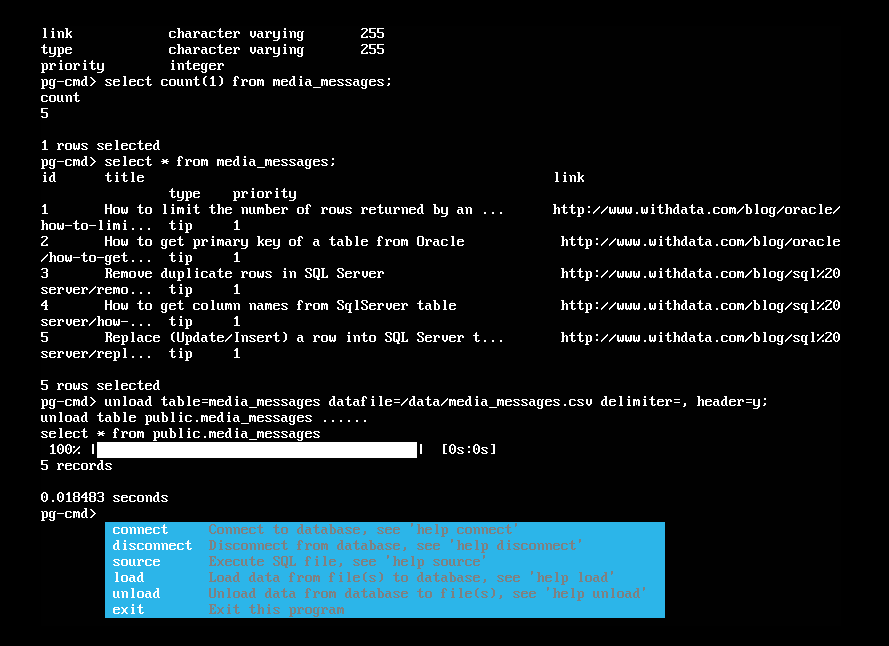
The result is text you can keep, so a change made by a generated script can be shown to somebody afterwards - which is what makes it auditable, and what a chat window cannot give you.
Why not just paste it into a client?
An assistant is good at writing the SQL; it cannot be responsible for running it against your database. That half needs a client that connects where a client cannot be installed, runs the script on demand, and leaves a result behind. That is the half pg-cmd provides - the script is still yours to read and own.
What it will not do
- It does not write or check the SQL for you. It runs what you give it - read it first, especially if a model wrote it. Nothing here validates that an
UPDATEhas theWHEREclause it should. - It does not back up what the script changes. Rollback, a snapshot or a dump before a risky change is your step.
- It is not a scheduler. pg-cmd runs the job when it is called; timing and retries belong to cron, Task Scheduler or your pipeline.
- It does not keep state between runs. Each invocation is a fresh connection and a fresh task.
- It does not hide credentials by itself. A password on a command line is visible in a process list; keep the script's permissions tight, or use an account whose exposure you accept.
Related
The script itself: run SQL scripts, execute a command. Non-interactive use: batch mode, shell scripts. On a server with nothing installed: portable copy. The same job, interactively: interactive mode.