SubtitleConverter » Use cases » Turn subtitles into a transcript
Download SubtitleConverter Free Trial » Buy SubtitleConverter Now
The situation
You have the subtitles, and what you actually need is the text: a transcript to search, to quote from, to paste into a document, or to feed into a summary. The cues, the numbering and the 00:00:01,000 --> 00:00:05,000 lines are all in the way.
It is also the first step of a bigger job - a translation, a set of show notes, a keyword list - and doing it by copying lines out of a subtitle editor is slow.
What you do
- Point SubtitleConverter at the subtitle file (or the folder of them).
- Choose TXT as the output, and pick the form you want: pure text with no timings, or text with a simplified timestamp in front of each line.
- Run it and open the result in any editor.
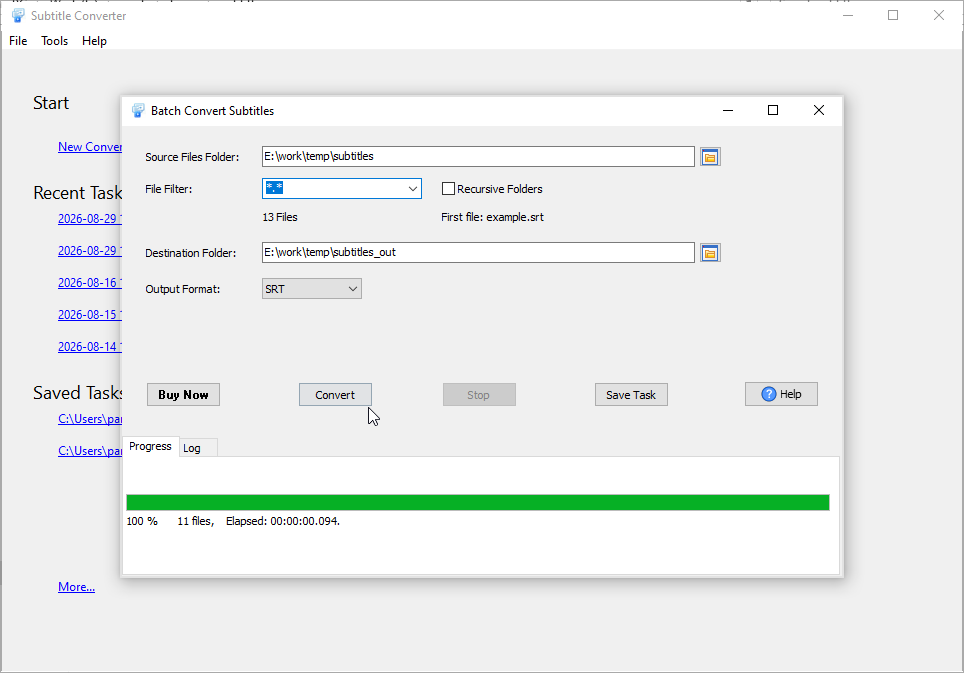
Line breaks and special characters are preserved, so the transcript reads like the captions did. The whole folder can be converted in one pass, which is what makes it practical for a series or a course rather than a single file.
What it will not do
- It does not summarise or rewrite. The words that come out are the words that were in the subtitles, in the same order.
- It does not identify speakers. Subtitles do not usually carry "who said this", so neither does a transcript made from them - unless the original text already had a name prefix.
- It does not produce a timestamped edit decision list. The optional timestamps are simplified for reading; they are not a broadcast-grade timecode format.
- It does not translate. The text is converted, not translated.
Related
Working on the text in a table instead: translate subtitles in a spreadsheet. Converting between subtitle formats: convert a subtitle file, batch convert subtitles.