Download free trialBuy TextMerger
How to remove duplicate lines while merging
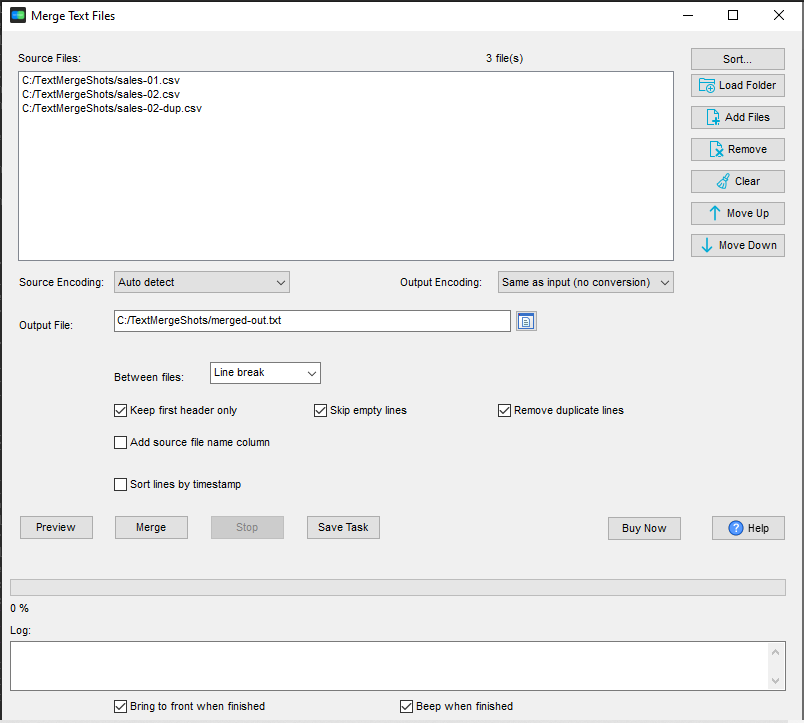
- Open TextMerger and click New Task.
- Add the files you want to merge.
- Tick Remove duplicate lines, and Skip empty lines if the files have blank rows between blocks.
- Click Merge - the filters run as the output is written, in one pass.
Two different kinds of duplicate
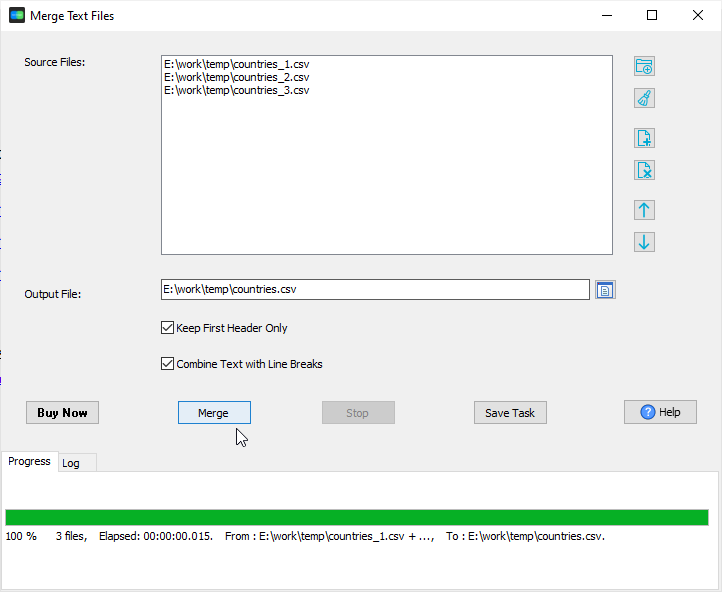
- Repeated header rows - every monthly CSV brings its own header. Tick Keep First Header Only and only the first file's header is kept.
- Repeated data rows - the same line appears in more than one file. Tick Remove duplicate lines and it is written once.
How the filters work
- They are line-based: a line is kept or dropped as it is copied, so there is no second pass over the output file.
- They work together with the source column and encoding conversion - if you add a source file name prefix, the prefix is part of the line that is compared.
- Blank lines (including whitespace-only lines) are removed by Skip empty lines.
- Command line:
--dedupeand--skip-empty.
The result
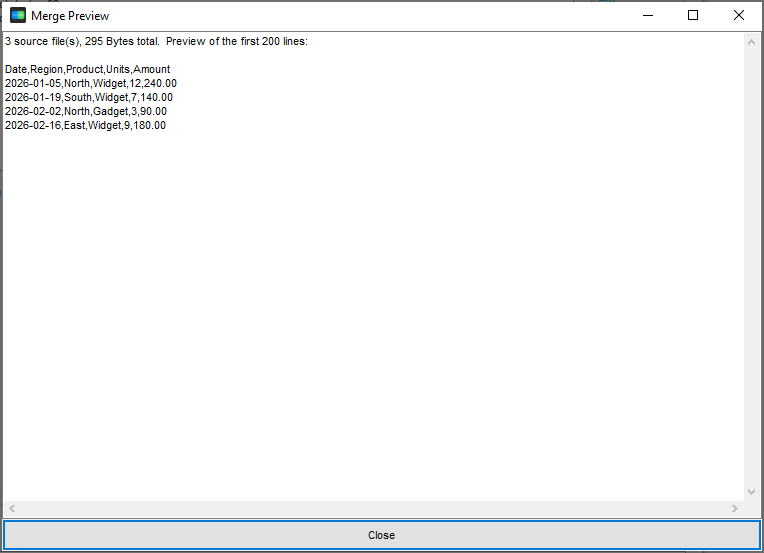
A January export, a February export and a re-run of February, merged with the filters on: the repeated header, the blank line and the duplicated February rows are gone, and what is left is one clean set of rows:
What it does not do
It compares whole lines - it is not a database de-duplication. Rows that mean the same thing but differ in spacing, case or column order are still different lines. If you need key-based de-duplication, load the merged file into a database and use that instead.
Related tools
Loading the merged, cleaned file into a database: FileToDB. Converting the format afterwards: DataFileConverter. Full reference: merging text files. Related use case: twelve monthly exports.