FileToMongo » Use cases » FileToMongo or mongoimport
Download FileToMongo Free Trial » Buy FileToMongo Now »
The situation
MongoDB ships with mongoimport, and it is a good tool: it handles JSON and CSV, it is scriptable, and it is already on the machine. So the honest question is not "which is better" but "at what point does the command line stop being the convenient answer".
Where the line is
- mongoimport is the better answer when the file is JSON or CSV, the import is one file, you are comfortable in a shell, and there is nothing to check before it runs.
- FileToMongo is the better answer when the file is Excel, XML, HTML, RDF, INI or SQL and would otherwise have to be converted first; when the field mapping should be seen before the import rather than discovered afterwards; when the load has to be update or upsert rather than insert-only, so a re-run refreshes documents instead of duplicating them; when the job is a whole folder, or many files into one collection; or when the person doing the work would rather have a screen than a shell.
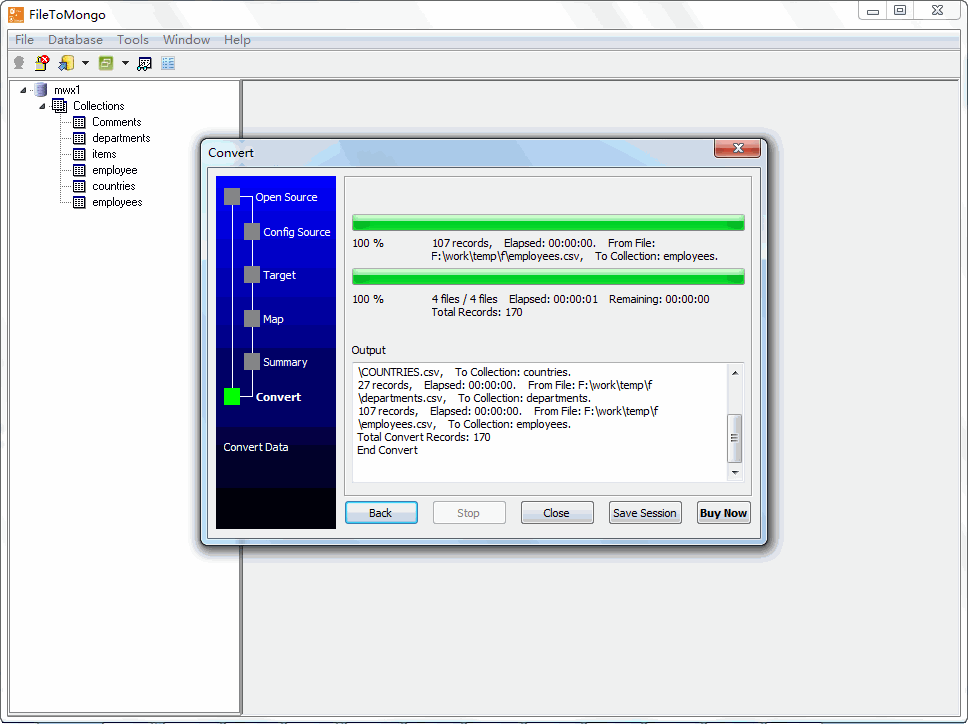
Both keep the data on your machine, and neither needs a cloud service in the middle. Choosing between them is about file formats, what has to be reviewed, and whether the task repeats - not about where the data goes.
What it will not do
- It does not replace a pipeline that already works. If a shell script with
mongoimportis doing the job reliably, there is nothing to fix. - It is not a MongoDB backup or a
mongorestorereplacement. It writes documents into collections; it does not restore a database image. - It does not validate the data against a schema. MongoDB-side validators are MongoDB's business - a document that violates them is rejected by the server, not predicted here.
- It is a licence, not a service. A scheduled import needs FileToMongo installed and licensed on the machine that runs the task.
Related
The import itself: load a spreadsheet, file to collection. Folders: one collection per file, many files into one collection. Repeating it: sessions, command line. The other direction: MongoToFile.