LevelDataStudio » Use cases by role » Test data and seeding
Download LevelDataStudio Free Trial » Buy LevelDataStudio Now »
The situation
A development or test environment needs a repeatable set of keys. The seed data belongs in a file that can be reviewed and kept in the repository - not typed into a shell, and not locked inside a binary store that nobody can diff.
What you do
- Export selected keys (click to toggle a key on or off) to txt, csv, json or xml, in a folder you choose.
- Import that folder into another store, choosing the same format. The seed data travels as a file.
- Both directions report how many keys were written, so the result is checked rather than assumed.
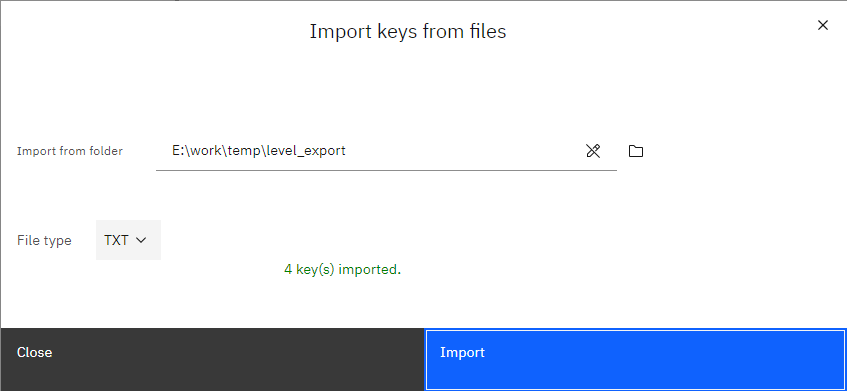
A fresh database starts empty: if the folder is empty, opening it creates the store, and the import fills it. That gives each machine its own store, built from the same reviewable file in one step.
What it will not do
- No progress bar yet. Import and export report a final total, not a running percentage.
- Only txt, csv, json and xml. There is no SQL, Excel or Parquet export, and no compressed output.
- No automatic backup before a write. Keep the exported file - that is your copy.
Related
The operations: export keys to files, import keys from files, load keys into LevelDB, create a LevelDB database. Other roles: use cases by role.