LevelDataStudio » Use cases » Who uses a LevelDB viewer
Download LevelDataStudio Free Trial » Buy LevelDataStudio Now »
LevelDB is embedded everywhere - inside applications, browsers and games - but it was never meant to be read by a person. The people below all run into the same wall: something wrote a LevelDB, and they need to see what is in it. What differs is what they do next.
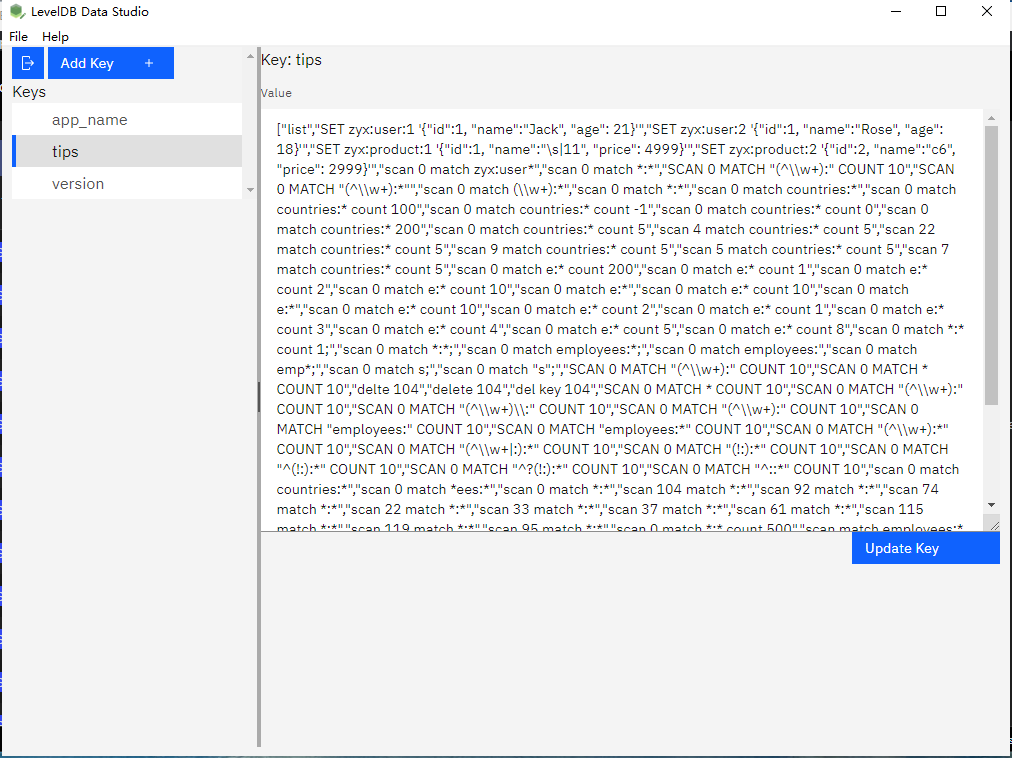
Backend and app developers
A service or a desktop app keeps its state in an embedded store. You need to check one key, correct one value, or load a batch of test data - without writing a program for it. Read values as text, JSON, HEX or image, and edit from a form.
Read more: a LevelDB viewer for developers »
Electron and Chromium developers, and power users
You want to know what an Electron application, Chrome or Edge actually stores on disk. Developer Tools will not show the database files; this opens them, groups Local and Session Storage by site, and shows IndexedDB as a tree.
Read more: reading Chromium Local Storage and IndexedDB »
Digital forensics and incident response
The store may be running, the data is evidence, and the values are encoded or compressed. It opens read-only without taking the lock, and a decode chain unwraps Base64, data-URL, gzip, zlib, snappy, hex and URL - with a HEX view for the raw bytes.
Read more: read-only LevelDB analysis »
Game modding
World saves, inventories and player data live in LevelDB stores. A general editor is enough when a dedicated one does not exist: browse, search, read a value as JSON, HEX or an image, and edit it.
Read more: opening a game save LevelDB »
Data recovery and troubleshooting
A store will not open because the comparer does not match or the file is locked. The comparer is detected automatically, a copy is opened when the original cannot be, and whatever can be read is exported before anything riskier is tried.
Read more: recovering data from a LevelDB database »
Test data and seeding
A test environment needs a repeatable set of keys, kept in a file that can be reviewed. Export selected keys to txt, csv, json or xml, and import them into another store; both directions report how many keys were written.
Read more: seeding test data into LevelDB »
What the tool does, in one screen
- Open safely - read-only by default, comparer detected automatically, a copy opened when the original is locked.
- Decode the value - Auto, Text, JSON, HEX and Image views, plus a decode chain for Base64, data-URL, gzip, zlib, snappy, hex and URL.
- Recognise Chromium stores - Local Storage and Session Storage grouped by origin, IndexedDB shown as a tree.
- Edit - add, change and delete keys; Chromium values keep their version byte.
- Move data - import and export in txt, csv, json or xml.
- Search - by key, and across all values.
- Desktop, not a web page - System, Light and Dark themes, English and Chinese, high-DPI aware.
Native, not a web page in a wrapper
Level Data Studio is written in Go and draws its own native interface - there is no embedded browser, and no WebView to install. On a typical machine it starts in well under a second and settles at well under a hundred megabytes of memory, which is the difference between a tool you open on a whim and one you keep closed.
What it does not do yet
This page describes what the tool does today. It does not repair a corrupt store, it does not make an automatic backup before a write, it shows an IndexedDB value as raw bytes rather than decoding its structured clone, and very large stores are loaded in one pass rather than streamed. Import and export report a total rather than a progress bar. These are on the list for later versions, not in this one.
Download LevelDataStudio Free Trial » Buy LevelDataStudio Now »
Related
Starting out: open or create a LevelDB. The main operations: look inside a database, fix one key by hand, export keys for analysis, load keys into LevelDB, create a LevelDB database.