Powerful offline LevelDB manager for Windows, macOS, and Linux. No subscriptions, no hidden fees, 100% local processing for viewing, editing, importing and exporting LevelDB databases.
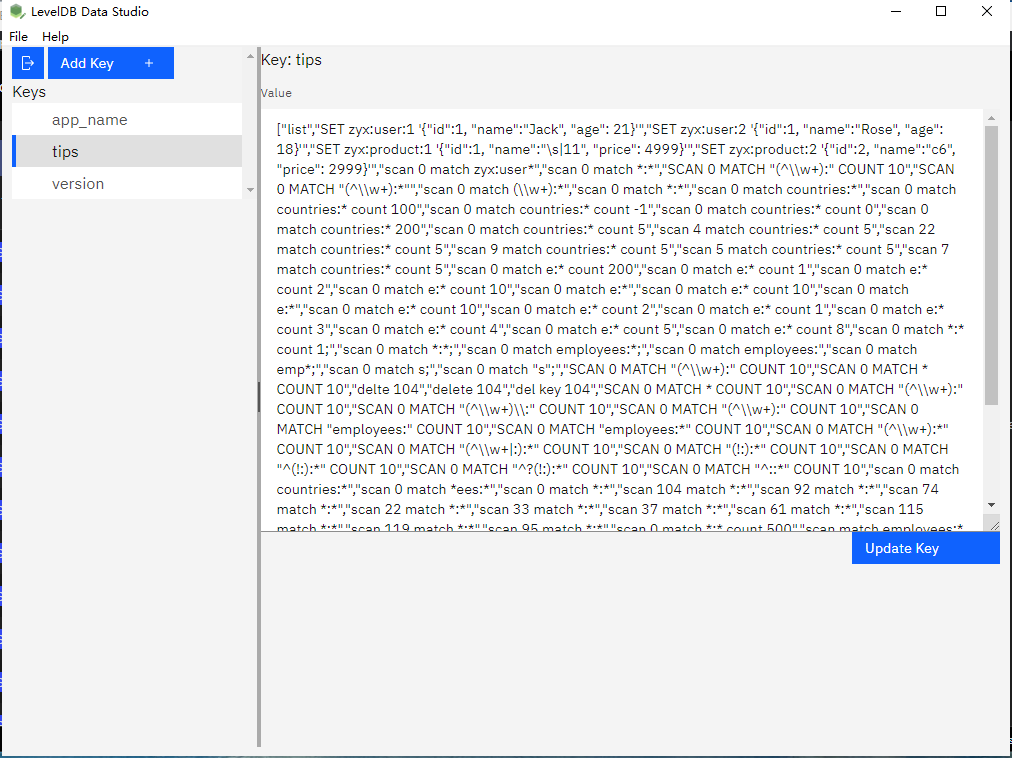
Powerful offline LevelDB manager for Windows, macOS, and Linux. No subscriptions, no hidden fees, 100% local processing for viewing, editing, importing and exporting LevelDB databases.
All-in-one LevelDB management tool with powerful features for developers and DB administrators
Intuitively browse and view LevelDB key-value pairs with advanced filtering
Edit, add, delete or modify LevelDB entries with ease
Works seamlessly on all major operating systems
Import LevelDB data from multiple popular formats
Export LevelDB data to multiple popular formats
Manage your LevelDB databases in just 3 simple steps
Import data from file to LevelDB, or Export LevelDB data to your preferred format
An embedded store, a profile, a cache - opened directly as a tree of keys, with values shown as text, JSON, HEX or image, depending on the bytes.
A setting holds an old value, a key is corrupt, an application will not start. Change it, add a key, delete one - no program written just for the correction.
The whole database or a range of keys, out to JSON, CSV, TSV, Excel, XML, SQL or TXT - for a backup, a diff, or a report somebody can read.
Seed a development store or restore an export from JSON, CSV or XML, without writing a bulk-load program for every store.
Create a LevelDB for a library or a test, fill it from a screen, and keep the seed data as a reviewable file in the repository.
The basic operations: open / create LevelDB, edit a LevelDB key, export keys to files, import keys from files.
Six roles, one problem: something wrote a LevelDB, and it has to be read
Check a key, fix one value, or seed test data in an embedded store - without writing a program for it.
See what Chrome, Edge and Electron store on disk: Local Storage grouped by site, IndexedDB as a tree.
Read a running store without taking the lock, and unwrap encoded values layer by layer.
Open the LevelDB behind a save - world, inventory and player data - as JSON, HEX or an image.
When a store will not open, detect the comparer, open a copy, and export what can still be read.
Keep seed data as a reviewable CSV, JSON, XML or TXT file and load it into a store in one import.
Answers to common questions about Level Data Studio
Ready to Manage LevelDB Effortlessly?
Download LevelDataStudio Free Trial