RedisDataStudio » Use cases » Refresh Redis from the database
Download RedisDataStudio Free Trial » Buy RedisDataStudio Now »
The situation
A table in MySQL, Oracle, SQL Server or PostgreSQL is the source of truth for something the application reads from Redis on every request: a price list, a feature matrix, tenant settings, an allow-list. The database is updated by an admin screen, and Redis is - in theory - refreshed to match.
In practice the refresh is a script that runs when somebody remembers, or a manual export and import that happens "after the release". When it does not happen, the application serves yesterday's answers and nothing looks broken.
What you do
- Set the import up once: connect to the database and to Redis, choose the table (or a query), and map the columns onto keys, namespaces and fields.
- Save it as a session and run it once by hand to check the result in Redis.
- Run the session from the command line and give that command to Task Scheduler or cron - as often as the data changes.
- Read the log after each run: it reports what was read and what was written, so a failure is visible instead of silent.
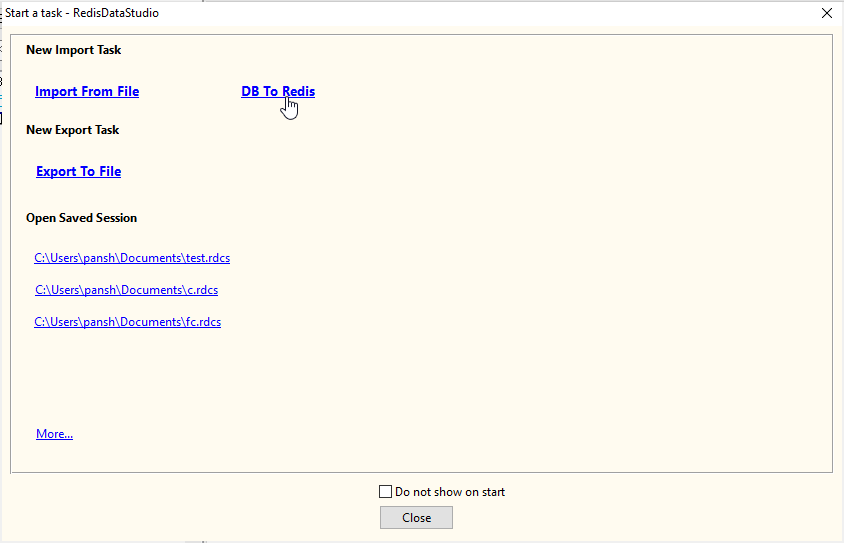
The same saved task can seed a new environment in one run, which is usually the moment the setup pays for itself: staging gets the same reference data as production without anybody copying keys by hand. The connection to Redis can use a password and SSL, and all of it runs from the machine you run it on.
What it will not do
- It is not replication or change data capture. There is no trigger on the table and no log reading. Redis holds what the last run wrote, and between runs the two sides can differ.
- It does not expire or delete keys that disappeared from the table. A row removed from the database does not remove the key unless the mode you chose does that - decide deliberately.
- It does not alert anyone. A failed run shows up in the exit code and the log; hooking that into monitoring is a separate step.
- Scheduling is the operating system's job. RedisDataStudio runs the task when called and needs to be installed and licensed on the machine that does.
Related
Loading from files instead: CSV or Excel into a namespace. Seeing what landed: browse the keys. Fixing one by hand: fix one wrong value. Running headless: command line, sessions.