Download free trialBuy TextMerger
How to merge log files by timestamp
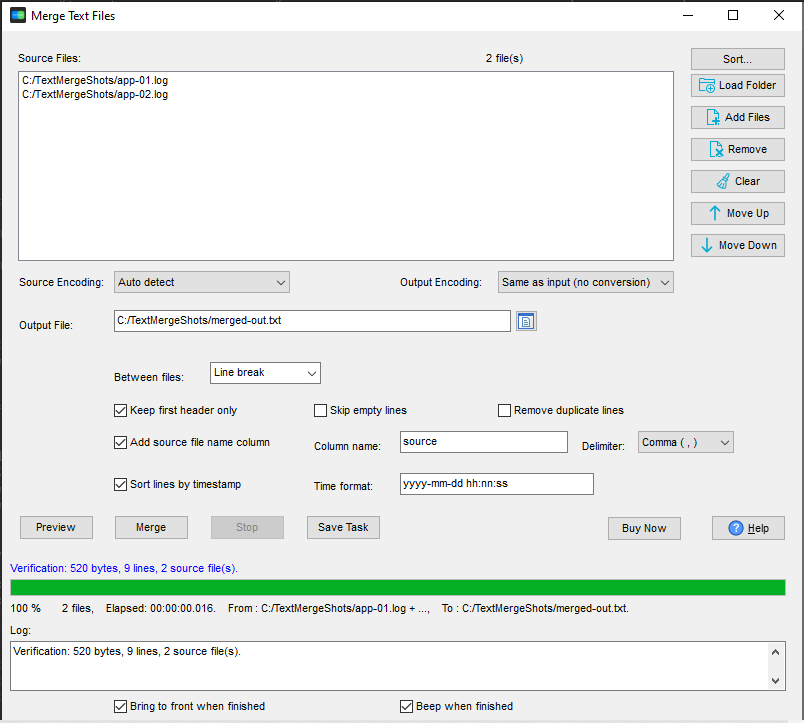
- Open TextMerger and click New Task.
- Add the log files, or Add Folder... on a folder of rotations.
- Tick Sort lines by timestamp and set the Time format if your logs use a format other than the default.
- Optionally tick Add source file name column so each line still says which host it came from.
- Click Merge - the output is the combined entries in chronological order.
How the timestamp sort works
- TextMerger reads a timestamp at the start of each line, using the format you choose.
- Lines that continue an entry - stack traces, wrapped messages - have no timestamp of their own and inherit the previous line's time, so they stay attached to their entry.
- The sort is stable: lines with the same timestamp keep their original order.
- It works alongside the other merge options, including the source column and the line filters.
- Command line:
--sort-by-time[=FORMAT].
The result
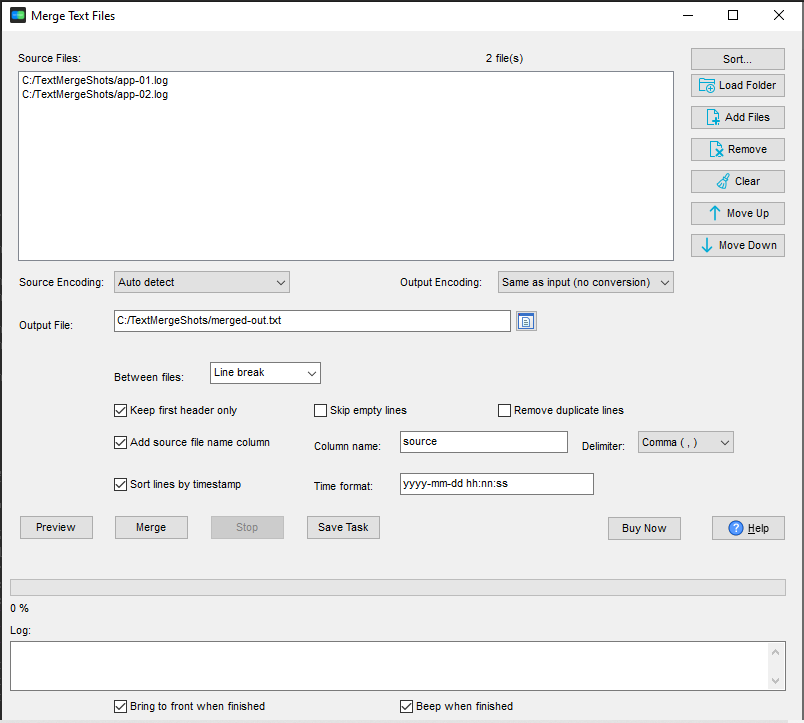
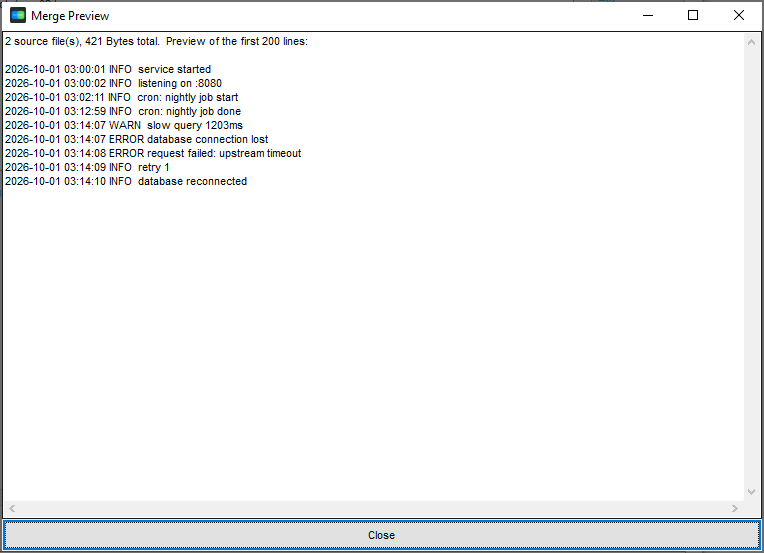
Two logs covering the same period come out as one timeline - every entry in the order it happened, whoever logged it. The preview shows the merged file before it is written:
Cleaning up as you go
Once the logs are in one timeline, Skip empty lines and Remove duplicate lines tidy the result while it is written. See removing duplicate lines while merging. Sending the result somewhere? Write the output as .gz or .zip and it is compressed as it is written.
What it does not do
It does not parse or reformat log entries. If your format is unusual, set the time format explicitly. Note that sorting by time reads the whole set of lines into memory, so for extremely large logs merge them in batches.
Related tools
Opening a very large merged log instead of merging it: BigTextFileViewer. Splitting a huge log again: BigTextFileSplitter. Full reference: merging text files. Related use case: a month of logs.